14
STATUS ICONS
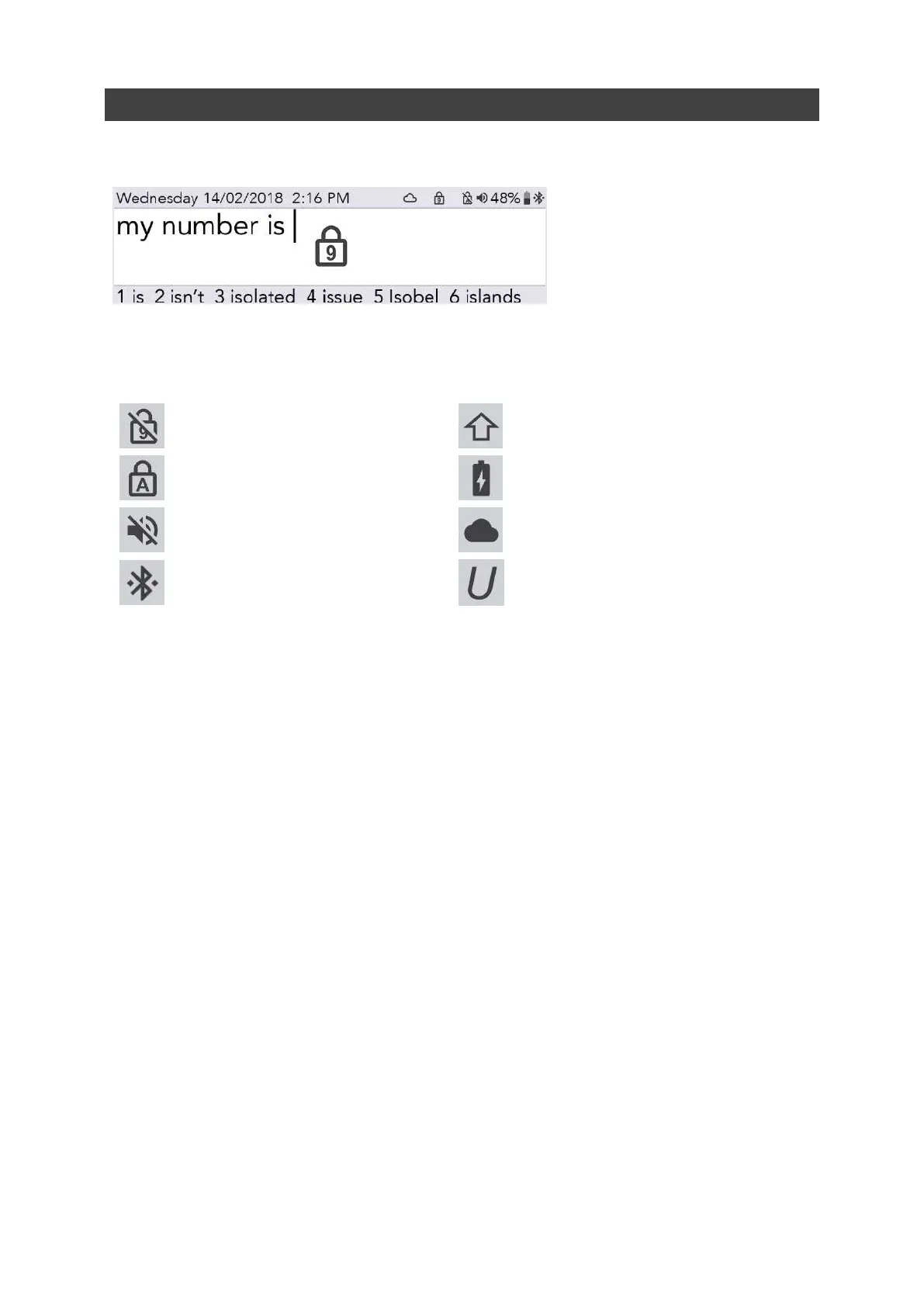
When you switch certain features on and off (such as Number Lock), a large image of the icon will
appear in the centre of your screen for a few seconds to confirm the action:
The icons in the top right corner of your screen always indicate the current status:
Number Lock on/off
Shift
Caps Lock on/off
Battery status
Sound on/ off (mute)
Internet connection
(see Remote Updates for details)
Bluetooth Status (See Mobile Phone
for details)
Union Key on/off
www.sentient-healthcare.ie



 To Next Page