5
WHAT’S IN THE BOX
Please check everything is included when you open the box:
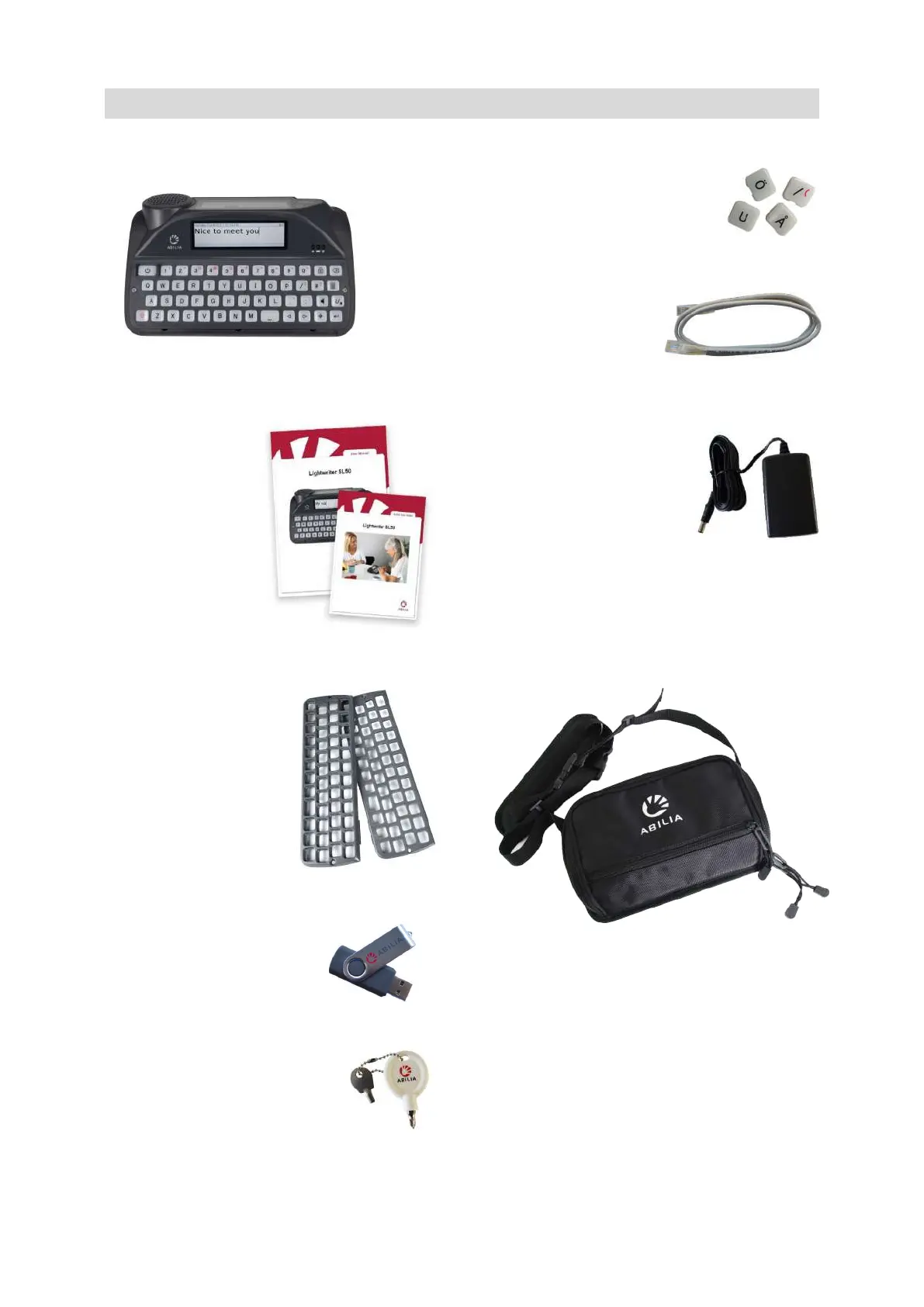
Lightwriter SL50 –
User Manual & Quick Start Guide – to help
you to get started with your Lightwriter.
QUICK TIP – You
can find the latest
versions of the
User Manual on
our website
www.abilia.com.
Keyguard set – Your
Lightwriter is supplied
with extra keyguards,
which can raise the
area around your keys
to different heights to
help you type
accurately. See Your
Keyboard for
information.
Memory stick – This
contains the full User
Manual. Also see Importing
and Exporting Data.
Toolkit – Your toolkit contains a
keychain, screwdriver and
keyguard release tool. You will
need these to remove or
change your keyguard.
Spare Keys – Which you may
need if you want to change the
language of your Lightwriter
(contents vary).
Ethernet cable – This
allows you to update
your Lightwriter
software via a standard
ethernet port (internet connection required).
Charger – this is to charge
your Lightwriter’s battery.
You should charge your
Lightwriter for 3-4 hours to
get a full day’s use. The best
time to do this is overnight.
In-use bag – designed to make your Lightwriter
easy to carry, and you’ll still be able to use it
without removing it from the bag. See Fitting
Your In-Use Bag.
www.sentient-healthcare.ie



 To Next Page