50
IMPORTING ACAPELA VOICES
Your Lightwriter comes pre-installed with a selection of male and female voices. It is also possible to
upload an alternative Acapela voice using a USB memory stick. This could be a purchased voice, or
even a banked voice if you have one prepared.
IMPORT THE VOICE FILE
To import the new voice, copy the entire voice folder (for example, “hqm-ref-British-Graham-22khz”)
from your computer to your USB memory stick.
Insert your USB stick into the port in your Lightwriter.
Go to Shift-Menu > Voice > Import New Voice. Your Lightwriter will read the USB, and then show a
list of all files that are compatible for importing.
Highlight your chosen file using the Left and Right Arrow keys and press Enter to import.
USE YOUR NEW VOICE
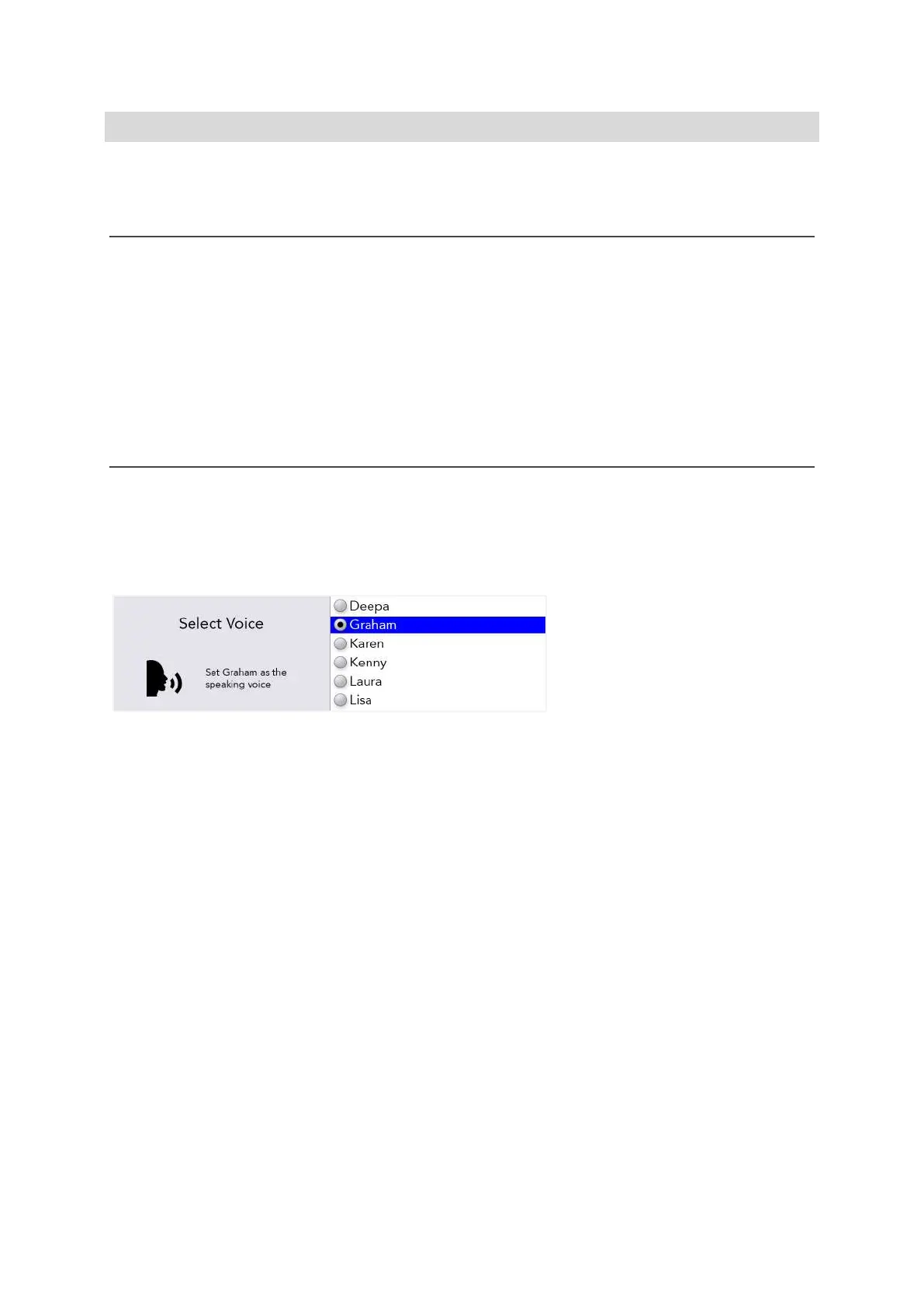
Once the folder has uploaded, go to Shift-Menu > Voice > Select Voice.
Your new voice will appear in the list. Use the Left and Right Arrow keys to highlight your chosen
voice, and press Enter to select it.
QUICK TIP – It is recommended that you use a voice that is designed to be used with your chosen
language, so that words are pronounced correctly.
www.sentient-healthcare.ie



 To Next Page