EasyManua.ls Logo

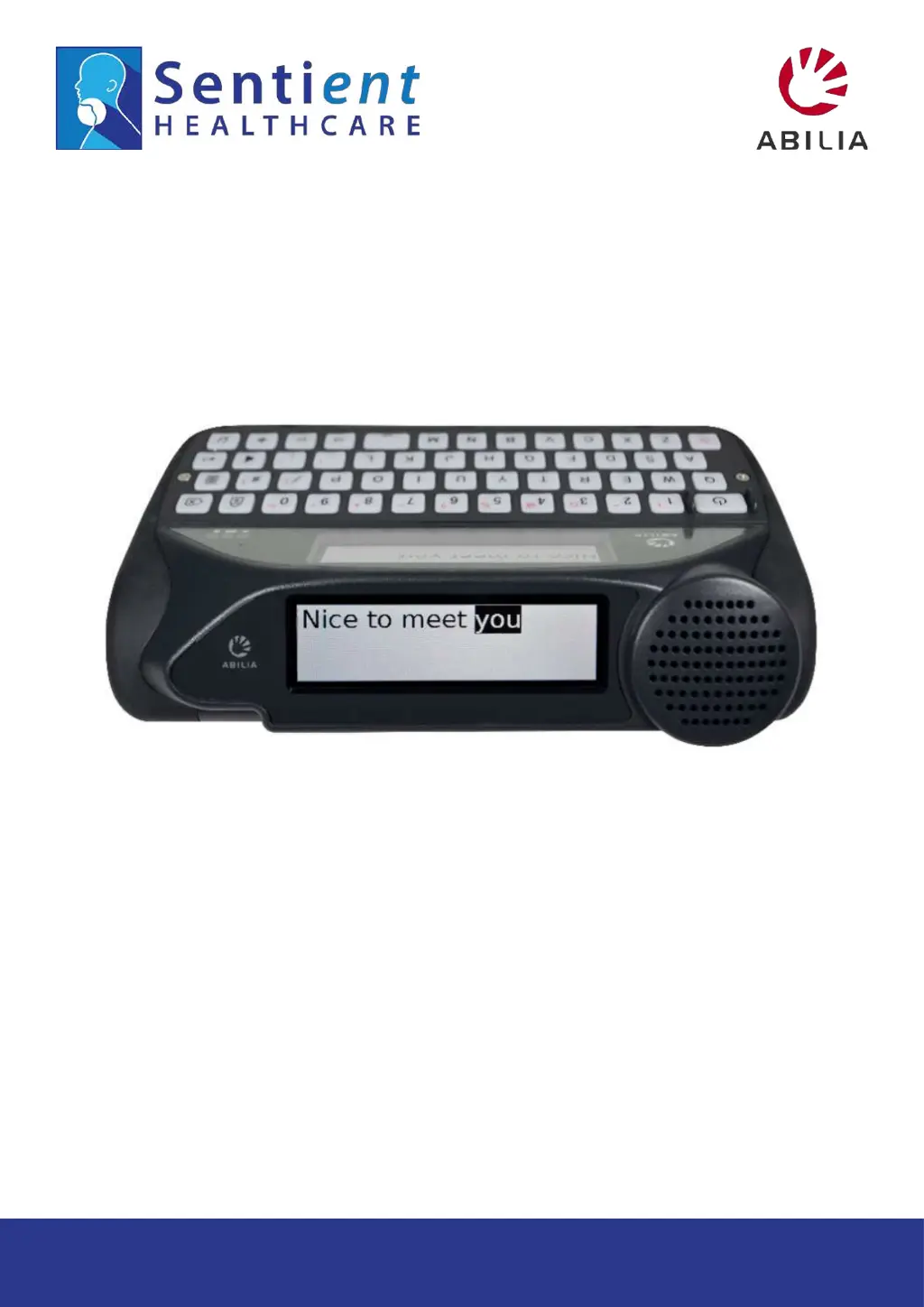
Abilia Lightwriter SL50 - User Manual

Abilia Lightwriter SL50
56 pages
Print Icon
To Next Page IconTo Next Page
Loading...
1
www.sentient-healthcare.ie
+353 1 832 6509
!"#"$%$&"'$(#)*
+++,-./0./123.4513647.,8.
1
+++,-./0./123.4513647.,8.
98:31+781.7$;9#)$
<-.7$=4/>45

Other manuals for Abilia Lightwriter SL50

Questions and Answers

  • E
    Elizabeth TurnerAug 2, 2025
    Why does the Abilia Medical Equipment Lightwriter battery drain so fast?
    • L
      lisalesterAug 2, 2025
      If your Abilia Medical Equipment Lightwriter's battery drains faster than normal, even when not in use, it might be because Bluetooth is enabled. To resolve this, deactivate Bluetooth connectivity when you don’t need it. Go to Shift-Menu > Mobile Phone > Bluetooth Activation > Bluetooth Off.
  • B
    Benjamin CastroAug 8, 2025
    What to do if Abilia Medical Equipment Lightwriter will not speak?
    • M
      Mary WolfeAug 8, 2025
      If your Abilia Medical Equipment Lightwriter will not speak, the Speech Volume might be too quiet. Try increasing the Speech Volume in Settings. Alternatively, Mute may be on; turn it off by pressing the Sound key.
  • L
    luisfritzAug 13, 2025
    How to fix a frozen Abilia Medical Equipment Lightwriter?
    • B
      Bradley ThompsonAug 13, 2025
      If your Abilia Medical Equipment Lightwriter is frozen or unresponsive, it might be due to a system error. Hold down the Power button for 10 seconds until the display turns off and then flashes back on. This should resolve the issue.
  • K
    kclarkAug 17, 2025
    What to do if something was spilled on Abilia Medical Equipment Lightwriter?
    • L
      Luke RamseyAug 17, 2025
      If something has been spilt onto your Abilia Medical Equipment Lightwriter, immediately turn it off by pressing Shift then Power. Turn the Lightwriter upside down with the keys facing down, and place it on a towel to absorb any liquid. Mop up as much of the spill as possible and allow the Lightwriter to dry out. If the spill is sticky or messy, refer to the Cleaning your Keyboard section.
  • W
    wilkinsjesseAug 22, 2025
    Why Abilia Medical Equipment Lightwriter battery is not charging?
    • R
      Robert CisnerosAug 22, 2025
      If your Abilia Medical Equipment Lightwriter battery is not charging when the charger is plugged in, first check that the mains socket is working. If the socket is functional, the charger may be faulty.
  • K
    Kathryn ThomasAug 27, 2025
    How to adjust key press duration on Abilia Medical Equipment Lightwriter?
    • G
      gbrewerAug 27, 2025
      If keys on your Abilia Medical Equipment Lightwriter always need to be held down for a long time before they work, the Minimum Key Press setting might be too long. Shorten the time for Minimum Key Press in the Settings activity.

Summary

Introduction and Basic Operation

The Talk Screen

Overview of the primary communication interface and main screen display.

Introduction to Typing and Talking

Explains how typing text on the device results in speech output.

Key Features and Customization

Understanding the Keyboard Keys

Detailed explanation of the function and usage of various keys on the Lightwriter keyboard.

Fast Phrases for Quick Communication

Saving and using pre-written text snippets for rapid communication.

Connectivity and Advanced Input

Mobile Phone Connectivity

Connecting and utilizing the Lightwriter with a mobile phone via Bluetooth.

Scanning for Text Input

Using switches or other methods for text input via scanning.

Access Methods Overview

Overview of available input methods, including different scanning techniques.

Settings and Maintenance

Troubleshooting and Support

General Troubleshooting Guide

Guide to resolving common operational problems like freezing, power issues, or unresponsiveness.

General Problems and Solutions

Solutions for common issues such as device freezing, lack of display, or battery problems.

Abilia Lightwriter SL50 Specifications

General IconGeneral
TypeSpeech generating device
ManufacturerAbilia
ConnectivityBluetooth, USB
Symbol SupportYes
Text-to-SpeechYes
Battery Life8 hours continuous use
Input MethodTouchscreen
Dimensions3cm
LanguagesMultiple languages
AccessoriesCarrying case

Related product manuals