43
DISPLAY
These settings help you change how the individual screens are shown on the two Lightwriter displays.
Main Display
This is the main user display that you view when using your Lightwriter.
Setting Description Values User Level
Show Clock Show or hide the date and time
Time only, Time & Date, Date
Advanced
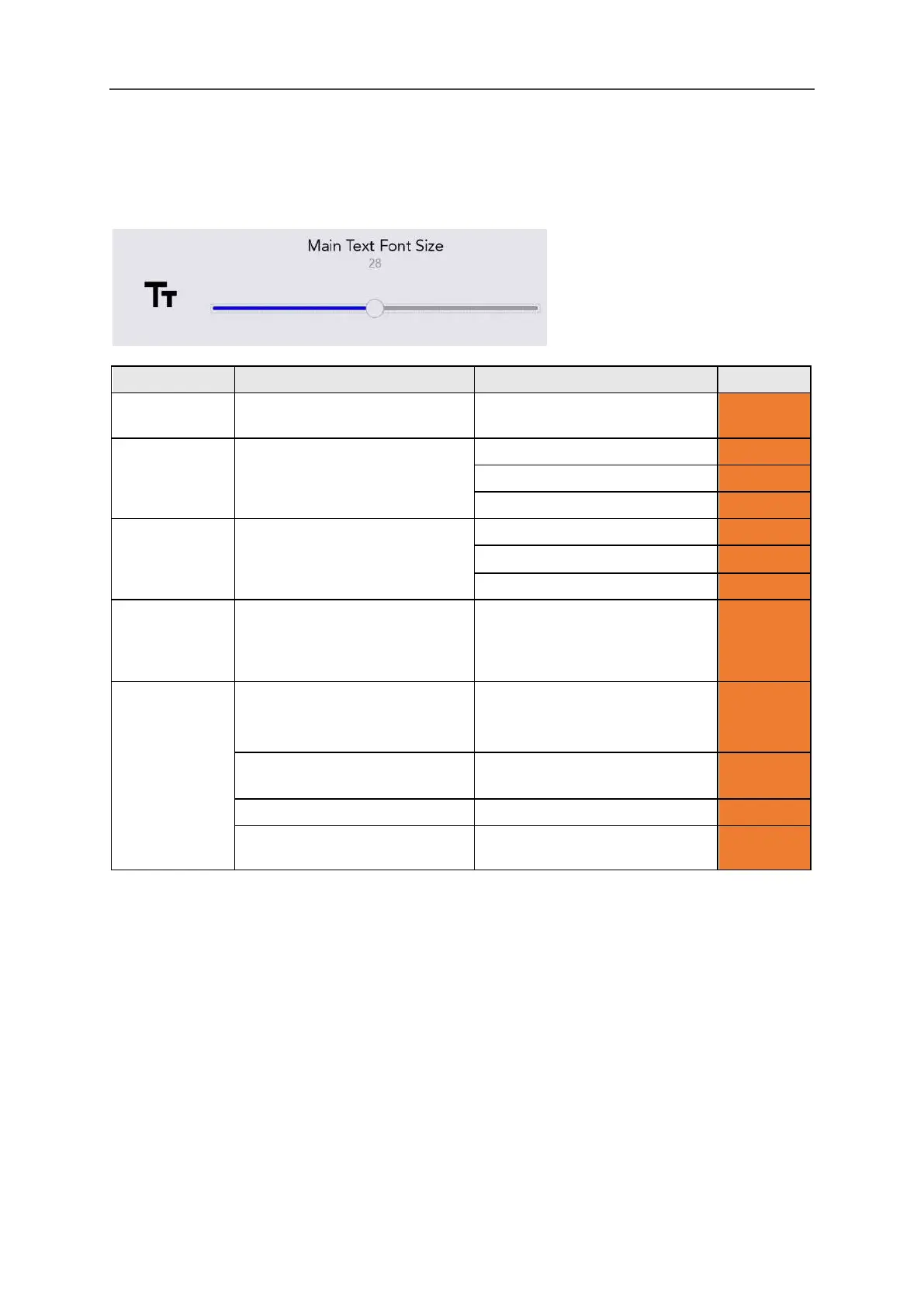
Font Sizes Set the sizes for typed words,
predictions and icons.
Prediction font: 5-22 (16)
Menu Font
Sizes
Set the sizes for the menu
names, items and help texts.
Menu Timeout Set the time the user sees the
current menu screen before it
reverts to the previous menu
5s, 15s, 30s, 1 min, 2 min, 5 min Advanced
Backlight
Settings
Set the Main Display backlight
for bright, normal or dim
environments.
Backlight Mode: On, Off,
Automatic
Advanced
Bright Environment
Threshold: 1-100 (20)
Advanced
Normal Environment
Dim Environment
Threshold: 1-100 (10)
Advanced
www.sentient-healthcare.ie



 To Next Page