44
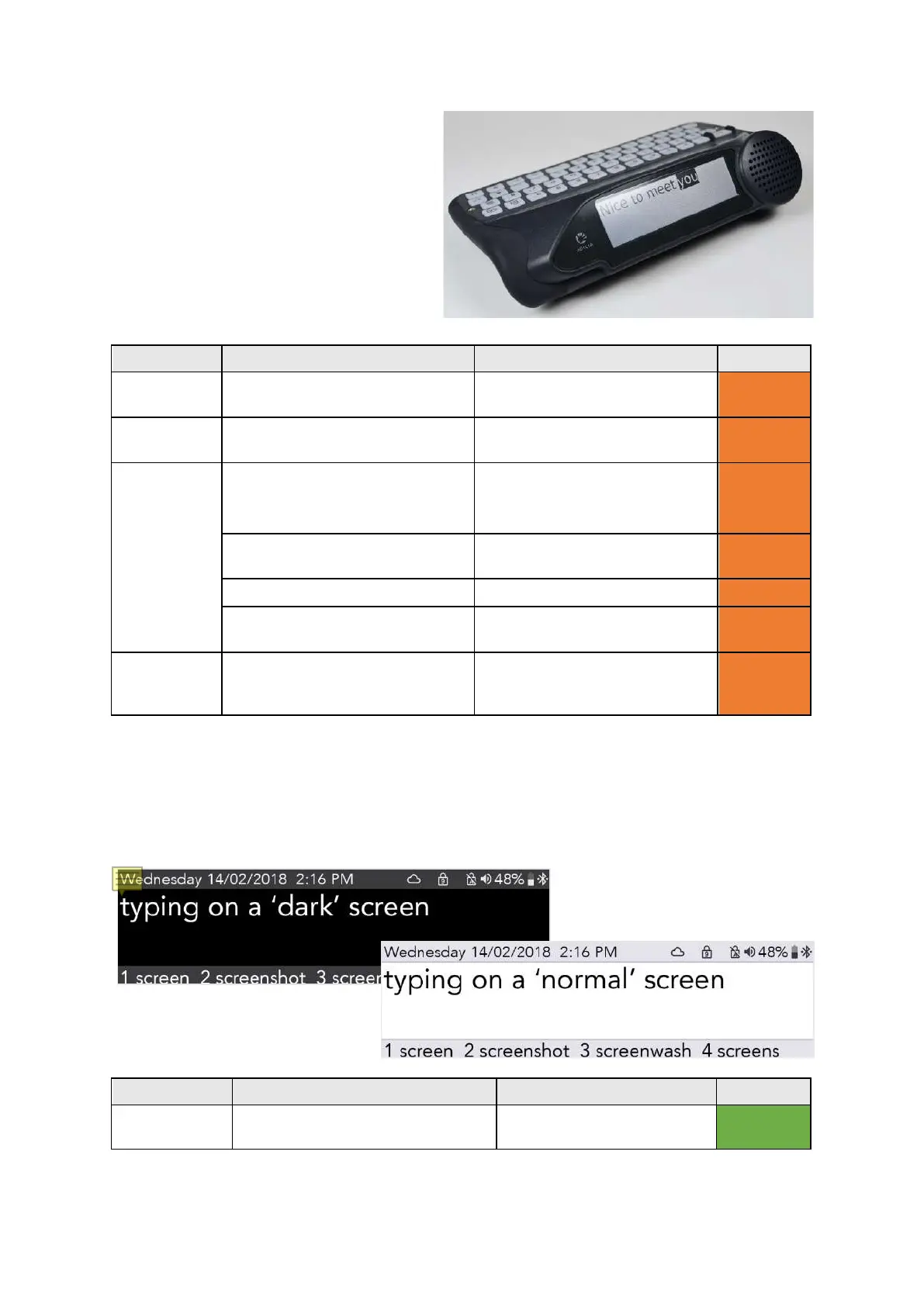
Companion Display
This is the display that your conversation
partner views. You can change the size and
brightness of text to fit more on the screen, or
to make it easier for your companion to read
your typed speech.
Timeout Set the time that the Companion
Display stays lit after speaking.
5s, 15s, 30s, 1 min, 2 min, 5 min Advanced
Font Size Set the font size for the
1-100 (96) Advanced
Backlight
Settings
Set the Companion Display
backlight for bright, normal or
dim environments.
Backlight Mode: On, Off,
Automatic
Advanced
Bright Environment Threshold: 1-100 (20)
Advanced
Normal Environment
Dim Environment
Threshold: 1-100 (10)
Advanced
Usage mode Set what the Companion display
shows as you type.
Show each section, Show each
word, Show each letter, Show
Advanced
Colour Scheme
You may find it easier to have a different colour screen to read your display more comfortably.
Setting Description Values User Level
Colour
Select a Light or Dark colour
Bright, Dark User Menu
www.sentient-healthcare.ie



 To Next Page