36
REMOTE UPDATES
It is important to keep your Lightwriter software up to date to keep it running smoothly and securely.
Updates can contain important bug fixes, security upgrades and improved features.
You can update your software any time you like, providing that you have an internet connection.
1. Use the ethernet cable supplied. Plug one end into your Lightwriter and the other end into an
ethernet port on your router.
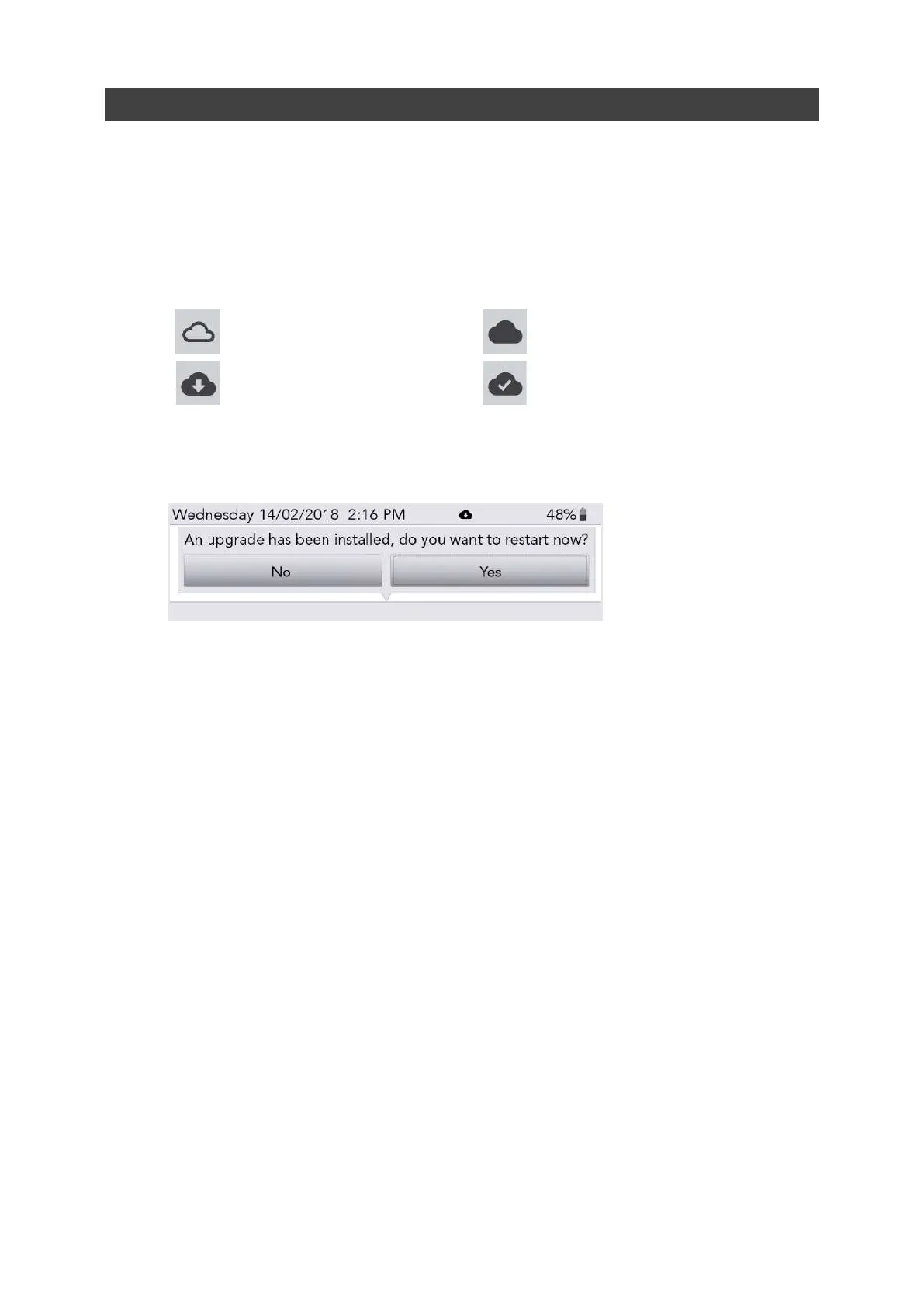
2. The cloud icon will display the status of your Lightwriter as follows:
No internet connection
Connected to internet, no activity
Downloading updates
Download completed
3. After downloading, if updates are ready, your Lightwriter will ask you whether you’d like to
restart ‘No’ or ‘Yes’. If you select ‘No, the downloads will install after you next restart the
machine:
4. Once downloaded, you can disconnect your ethernet cable and continue using your
Lightwriter as normal.
www.sentient-healthcare.ie



 To Next Page