15
MENUS
Additional functions and settings are accessible through the Menus.
See Settings for further information on how to change your Lightwriter setup and preferences.
USER MENU
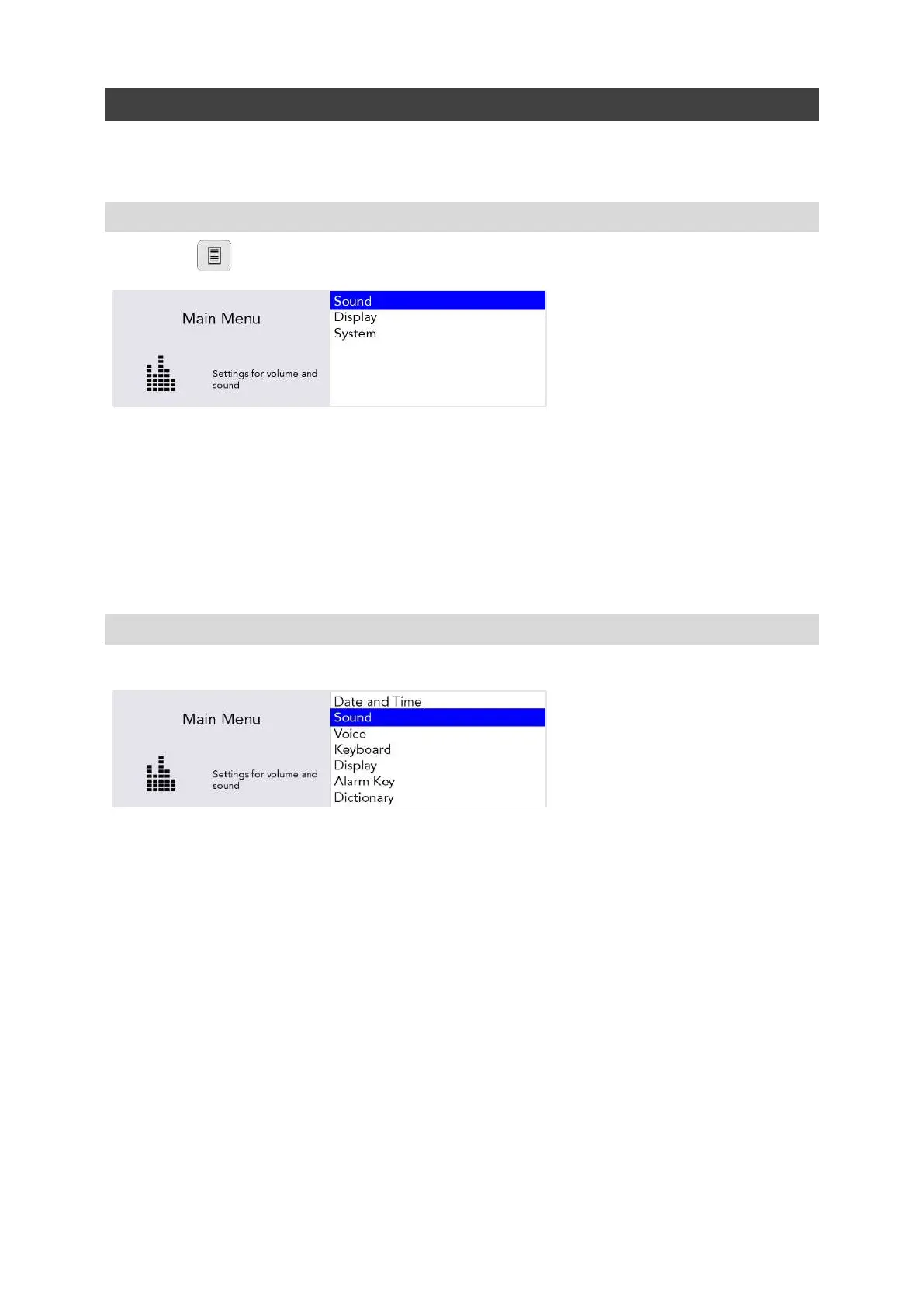
Press Menu to see the User Menu screen:
The menu is displayed on the right-hand side of the screen. A brief description of the currently
highlighted menu option is displayed in the left-hand screen.
Use the Left and Right Arrow keys to explore the menu options. Press Enter to select an option.
Press Power to bring you back to the previous screen.
After a short time, if no keys are pressed, the menu will ‘time out’ and return you to the previous
screen.
ADVANCED USER MENU
Press Shift-Menu to see the Advanced User Menu screen:
QUICK TIP - Depending on how your Lightwriter has been set up, you may see more or less options in
your Menu screen.
www.sentient-healthcare.ie



 To Next Page