37
SETTINGS
There are several settings which let you personalise your Lightwriter.
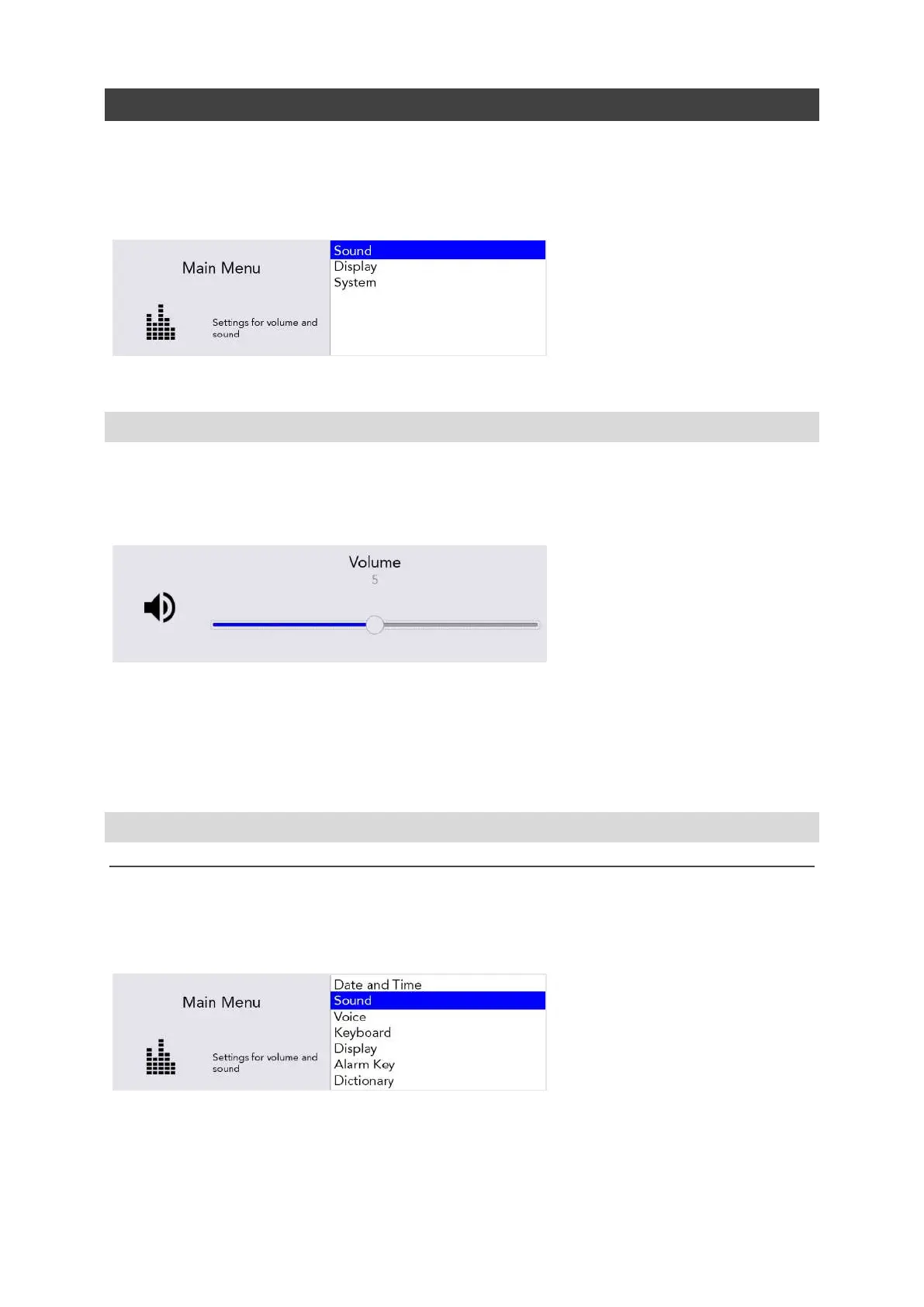
To make it easier, only the simple settings appear in the User Menu.
Press the Menu key to view the User Menu.
NAVIGATING THROUGH SETTINGS
Use the Left and Right Arrow keys to explore the menu options. Press Enter to select a menu option.
Use the Arrow keys to adjust values such as Volume up and down, then press Enter to save your
choice.
You can press Power to cancel or to bring you back to the previous screen.
After a short time, if no keys are pressed, the menu will ‘time out’ and return you to the previous
screen automatically.
ADVANCED SETTINGS
ADVANCED USER MENU
You can find the more detailed Settings in the Advanced User Menu.
Press Shift-Menu to view the Advanced User Menu.
You will notice that many more options appear in the Advanced Menu list.
www.sentient-healthcare.ie



 To Next Page