22
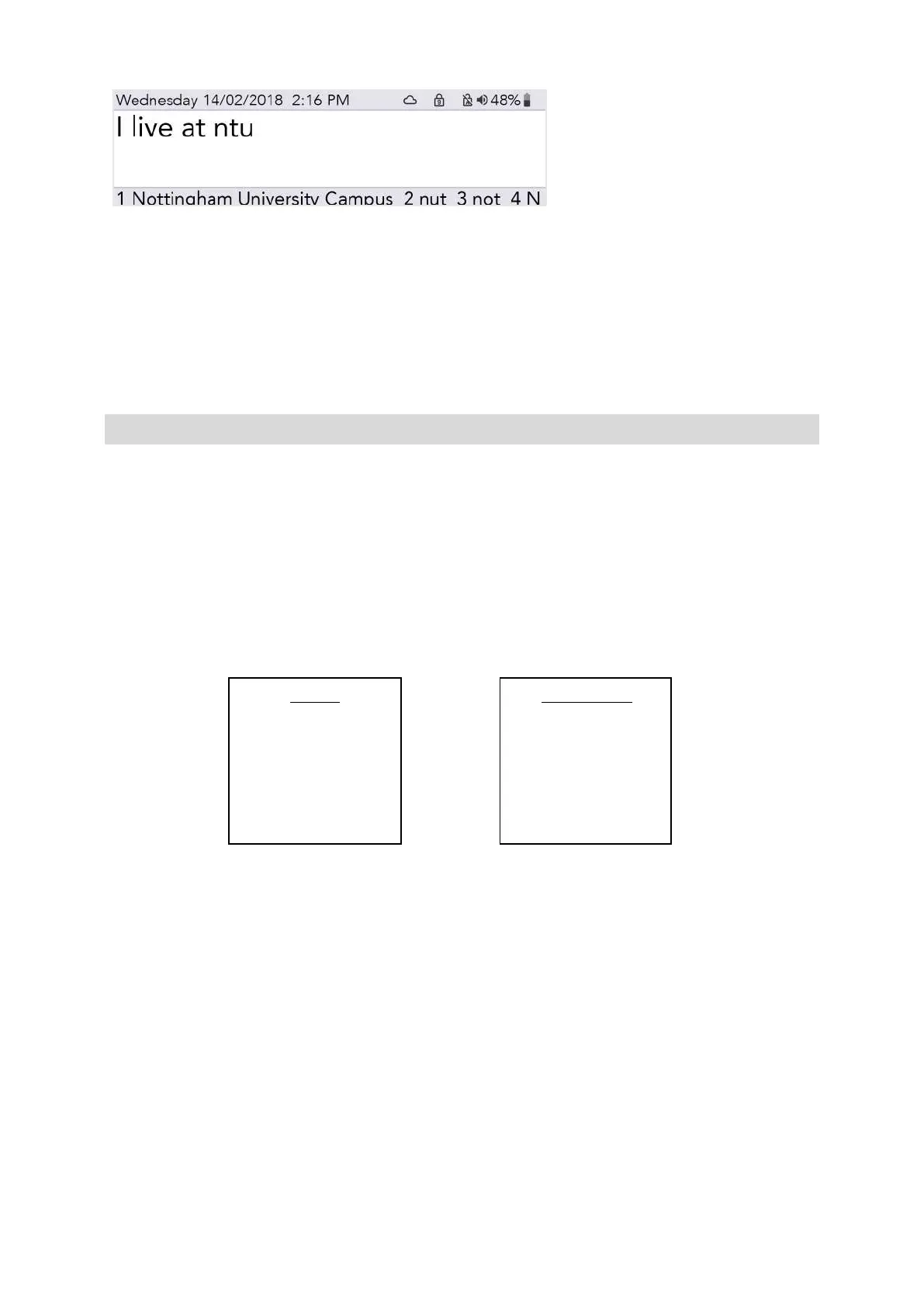
Simply press the corresponding Number key as you would do to select a regular Prediction.
QUICK TIP – Try to avoid making your abbreviation the same as the start of a word. For example, if
your abbreviation was not, your abbreviation may push out other important Predictions that you need
to type such as notice, nothing, notes, etc.
VOCAL ‘SMILEYS’
Acapela voices are usually recorded with some extra vocal sounds and exclamations.
Whilst in the Talk screen, simply type the text (see suggestions below), then press Enter and your
Lightwriter will do the rest.
They can be very helpful sounds, and it would be a very good idea to store your favourites in your
Fast Phrases.
Sound effects always start and end with a ‘#’ symbol. Exclamations are always followed by an ‘!’.
Here are some common examples to try out on your Lightwriter (these are case sensitive):
#YAWN02# Ouch!
#MMM01# Haha!
Please note that these are all recorded voices, so will change depending on your chosen Lightwriter
voice.
Visit http://www.acapela-group.com/voice-smileys/ for a full list of sounds and exclamations.
QUICK TIP – Make sure Number Lock is switched on if you would like to type a number!
www.sentient-healthcare.ie



 To Next Page