45
Suspend Timeout
During Suspend Mode the Lightwriter turns the displays off and goes into a lower power
consumption mode to preserve battery life. You can press Power to wake the Lightwriter from
Suspend Mode.
Suspend Timeout Set the time the Lightwriter is idle
before it goes into Suspend Mode.
15s, 30s, 1 min, 2 min,
Advanced
ALARM KEY
Set up an alarm using the Union key. This is useful in an emergency or when you need someone’s
attention.
Alarm Key Usage How many seconds you hold the alarm
key before the alarm is triggered.
Off, 1-5 seconds Advanced
Alarm Type What type of alarm is to be used.
Ding-Dong x2,
Advanced
Alarm Volume Set the volume of the alarm.
DICTIONARY
Here you can view and modify dictionary entries. You can control what predictions you see, and how
certain words are pronounced.
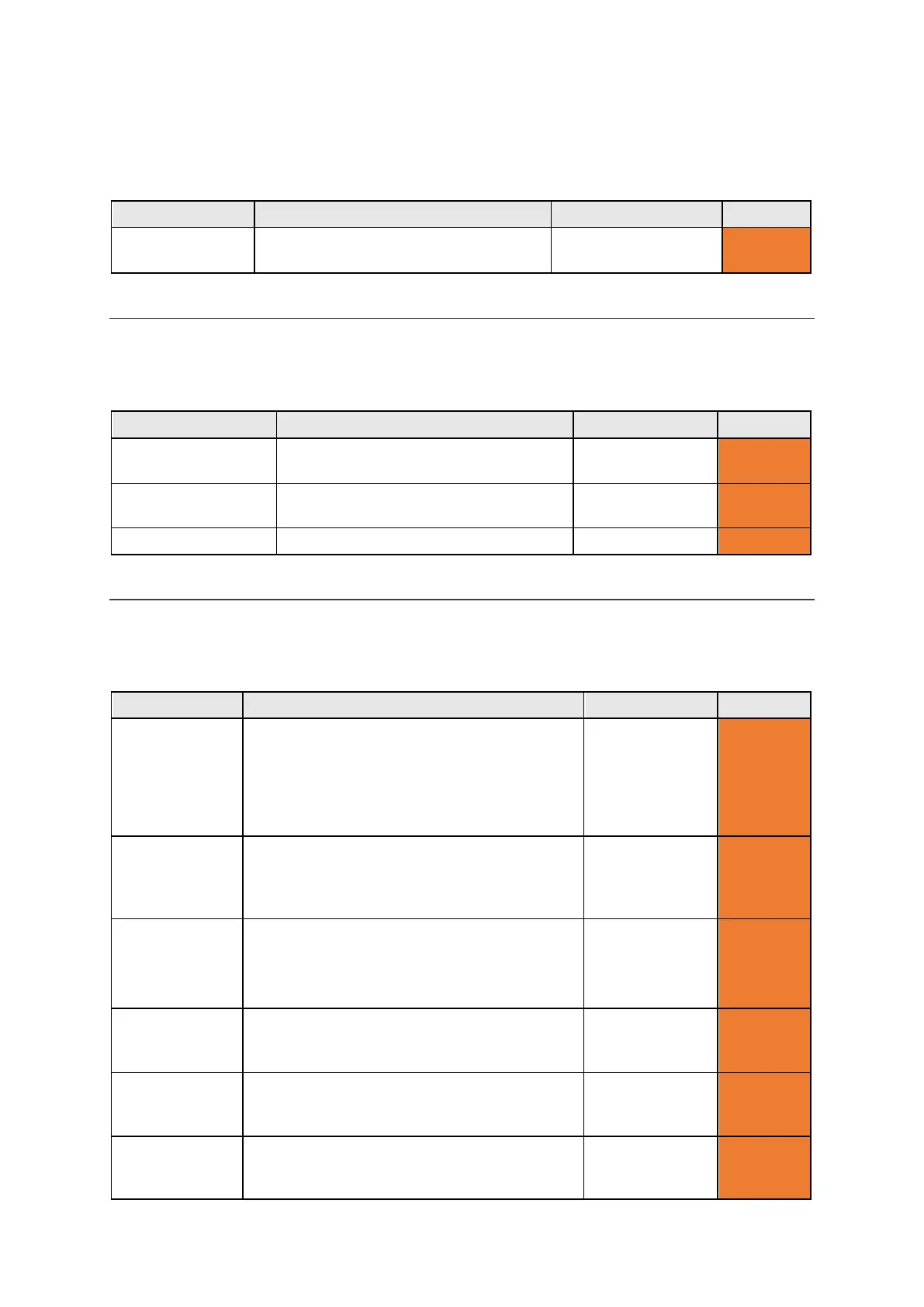
Setting Description Values User Level
User Dictionary The User Dictionary is your custom dictionary.
Here you can set up ‘auto learning’. This is the
amount of times you can type the same word
before the Lightwriter saves it to your
dictionary. You can also browse and edit words
Auto learn level
1-100 (5)
Advanced
Speech
Exceptions
Change the way certain words are
pronounced. You can browse and edit words
in your Exceptions list. See Speech Exceptions
-
Advanced
Predictive Text Configure how predictive text behaves as you
type, and where it looks first for word
predictions.
Enable: On, Off
Dictionary order:
User, English
Advanced
Notes Import and use large bodies of text which can
be read out as speeches for more advanced
communication. See Notes for details.
-
Fast Phrases Configure and store ‘fast phrases’ which can
be loaded straight to the Talk Screen for faster
communication. See Fast Phrases for details.
- Advanced
Abbreviations Configure ‘Abbreviation Expansions’ which
appear in your Predictions bar. See
Abbreviations for details.
-
www.sentient-healthcare.ie



 To Next Page