40
SOUND
Here you can set up the volumes, sound effects and announcements for all functions of your
Lightwriter.
QUICK TIP – You can adjust the volume up and down from any screen: press and hold Sound
combined with Left and Right Arrow keys to change the volume level.
Volume
Set the master volume level.
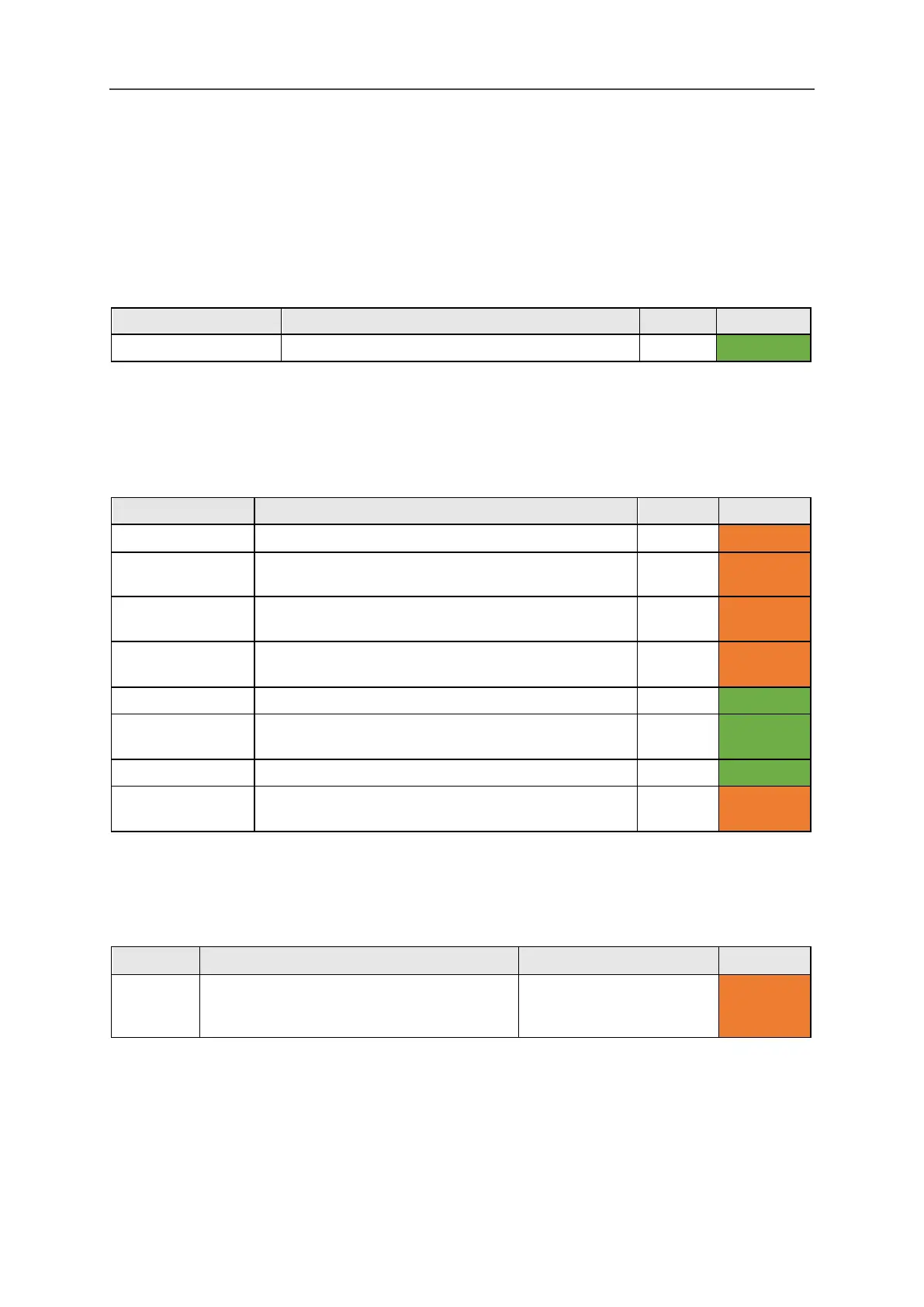
Mixer
Here you can adjust the relative volumes for different sounds such as headphones, key press,
speakers, announcements, scanning and alerts.
Headphone Gain Adjust the volume of your headphones.
Internal
Adjust the volume of your internal microphone.
1-10 (5)
Advanced
Bluetooth In Adjust the incoming volume of Bluetooth phone call
(ie. make the incoming caller’s voice sound louder).
1-10 (5) Advanced
Bluetooth Out Adjust the outgoing volume of Bluetooth phone call
(ie. make your voice sound louder to the caller).
1-10 (5) Advanced
Adjust the volume of your Speech voice.
Announce
Adjust the volume of the Announcement voice
(ie. the voice that the Lightwriter uses to talk to you).
1-10 (5) User Menu
Adjust the volume of the key press sounds.
Scan Click / Tone
Adjust the volume of the scanning sounds.
1-10 (5)
Advanced
Scan Sounds
Here you can set the sound used to indicate scanning progress
Setting Description Values User Level
Scan
Sounds
Choose the sound made for every scan
‘step’ (Selecting ‘Announce’ will speak the
letter/number on the key).
Announce, Beep, Click,
Ascending tones,
Advanced
www.sentient-healthcare.ie



 To Next Page