41
Keyboard Sounds
Here you can set the sound made by the keyboard when keys are pressed.
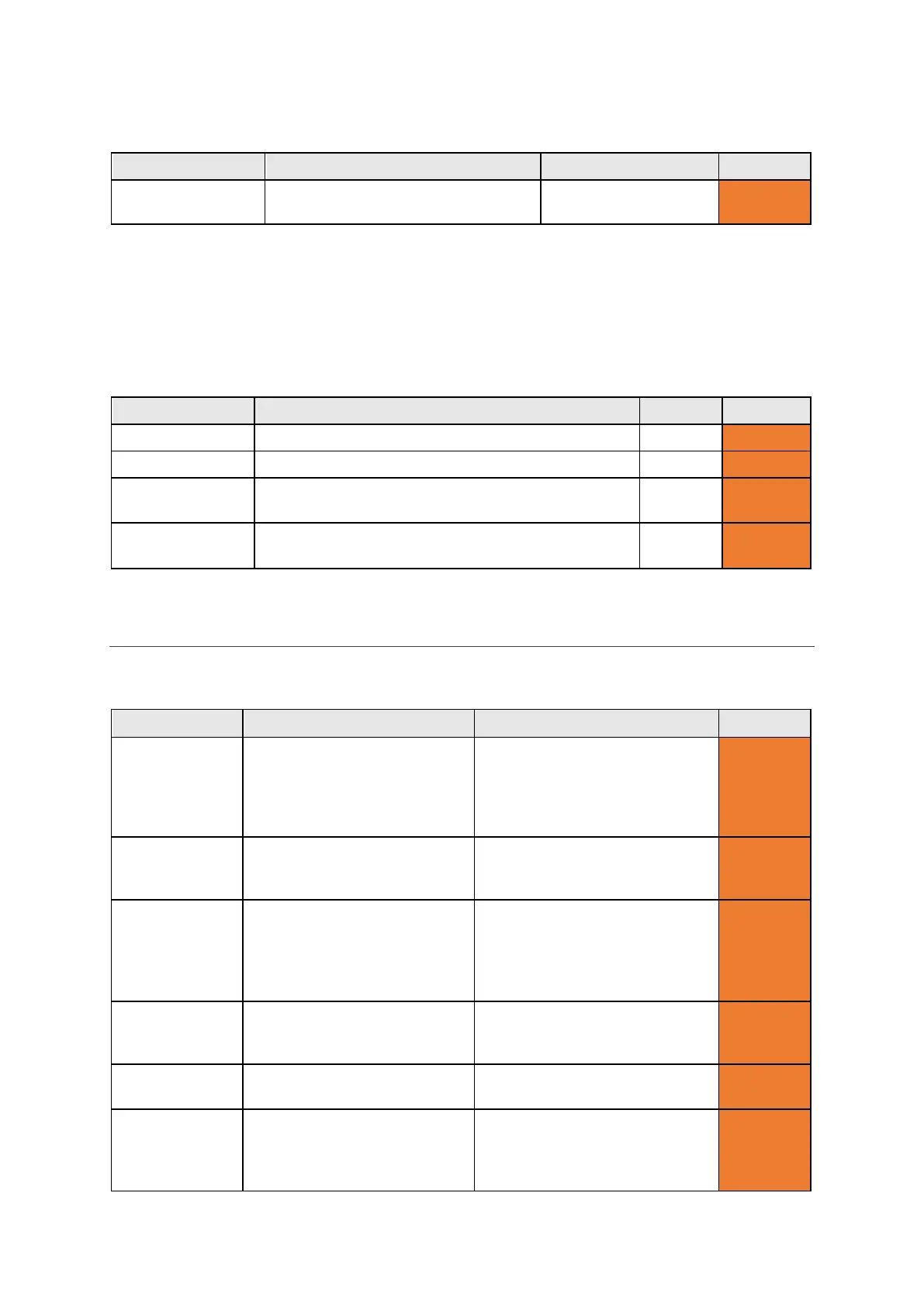
Setting Description Values User Level
Keyboard Sounds Choose the sound made for every
Announce, Beep,
Advanced
Announcements
Here you can turn the announcement voice on or off for menus, typed sentences, words and letters.
Announcements are the ‘voice’ of the Lightwriter when it speaks to you, which is usually different than
the voice you use when you speak through your Lightwriter. Announcements can be very helpful if the
user cannot see/read the menus, or keyboard very well.
Announce each letter as it is typed on the keyboard.
Announce each word as it is typed on the keyboard.
Announce
Announce each sentence as it is typed on the
On, Off Advanced
Announce Menus Announce menu names, descriptions and selections
On, Off Advanced
VOICE
Change the voice of your Lightwriter to suit your personality and preference.
Setting Description Values User Level
Select Voice Set the voice used when the
Lightwriter speaks your typed
words.
Deepa, Graham, Karen, Kenny,
Laura, Lisa, Lucy, Micah, Nelly,
Nizareng, Peter, Rachel, Rhona,
Rod, Ryan, Saul, Sharon,
Sharona, Tracy, Tyler, Will
Advanced
Speech Speed Set the speed of the speech
when the Lightwriter is
30-200 (100) Advanced
Announcement
Voice
Set the voice used by the
Lightwriter to announce menus
and words out loud to you.
Deepa, Graham, Karen, Kenny,
Laura, Lisa, Lucy, Micah, Nelly,
Nizareng, Peter, Rachel, Rhona,
Rod, Ryan, Saul, Sharon,
Sharona, Tracy, Tyler, Will
Advanced
Announcement
Speech Speed
Set the speed of the speech
when the Lightwriter is
30-200 (100) Advanced
Import New
Load an alternative voice from
- Advanced
Speech
Exceptions
Instruct the Lightwriter how to
pronounce certain words.
See Speech Exceptions for
- Advanced
www.sentient-healthcare.ie



 To Next Page