13
UNION KEY (ALARM) -
This is a ‘sticky key’ which is useful if you are unable to hold down more than one key at a time.
After pressing Union, the following key pressed is considered ‘held down’, until after you press the
next key. To cancel the Union key, press Power or wait a few seconds for it to timeout.
The Union Key can also be used to find shortcuts to additional letters and symbols, for example, press
to type ‘Æ’.
You can also set this up as an Alarm Key in Shift-Menu > Alarm Key > Alarm Key Usage. This is
useful when you need someone’s attention.
Once set up, you can press and hold the Union key to sound the built-in alarm bell.
SYMBOLS AND THE SYMBOL KEY –
Some useful symbols are printed on certain keys in red. Anything printed in red can be typed by
pressing Shift followed by your chosen key. Punctuation used at the end of a sentence, such as . ?
and ! will automatically be followed by a space.
Currency symbol:
For your local currency (for example £) press Shift then 3 (
¤
).
Press and hold Shift, while repeatedly pressing 3 to scroll through further currency symbols.
Symbol key:
To type letters with accents and diacritics - Press the Symbol key and then press the relevant Letter
key several times until your desired letter appears. For example, press Symbol then repeatedly press
‘E’ to scroll through e, è, é, ê, ë. Simply stop on your chosen letter and continue to type as normal.
Symbol Picker:
To find further symbols, punctuation and accents (for example !, ?, $) - Press Shift followed by the
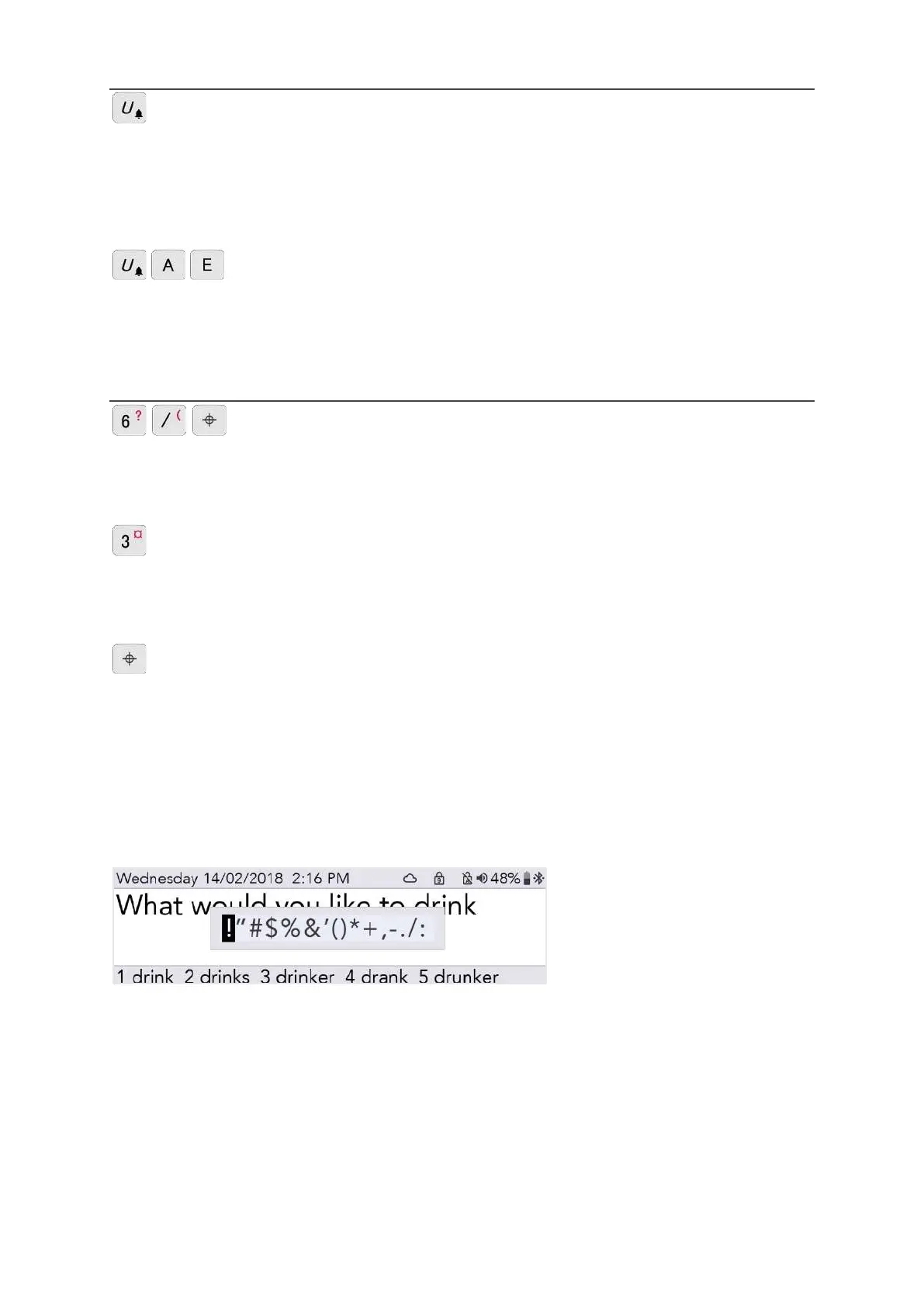
Symbol key. Here you will find the Symbol Picker:
Whilst in the Symbol Picker, press the Symbol key several times to scroll through further pages of
symbols.
Use the Left and Right Arrow keys to select, then press Enter to type your selected symbol.
To cancel the Symbol Picker, either wait for it to close automatically, or press Power.
www.sentient-healthcare.ie



 To Next Page