27
REPLY TO A TEXT MESSAGE
After you have read your text message, you may want to reply straight away.
Press Enter to select ‘Reply’. You will then see a screen with the phone number already inserted. Use
the keyboard to type your message, and press Enter to send.
SEND A NEW TEXT MESSAGE
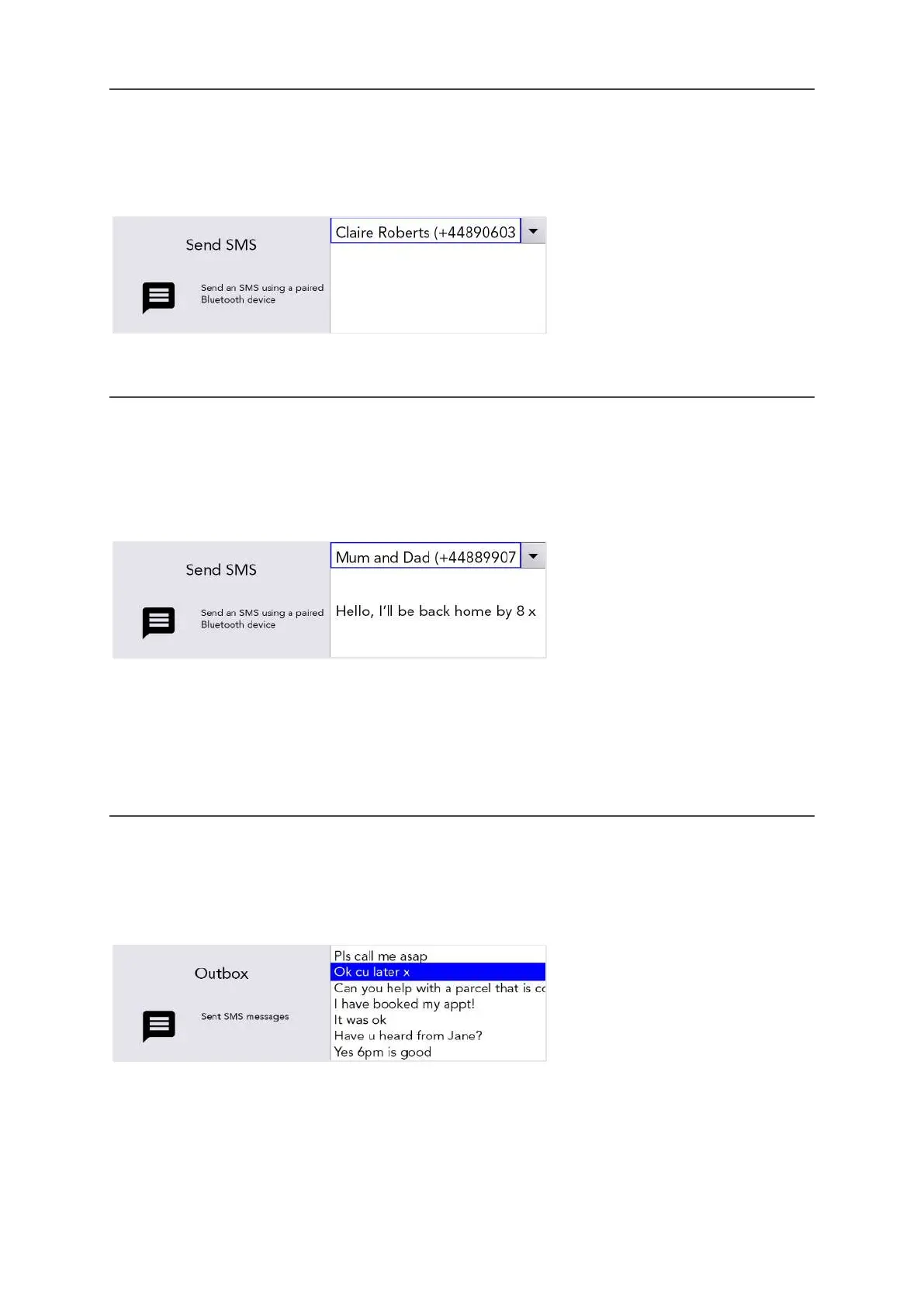
To send a text message, simply go to Shift-Menu > Mobile Phone > Send SMS.
Start typing a name to browse your phone book (or type in a new number from scratch).
Press Enter to confirm the contact and then type your message in the box below.
Press Enter to send the text message.
QUICK TIP - If you move your Lightwriter in and out of range of the Phone during sending a message,
connection will be lost and the message may fail to send.
OUTBOX
To find your recently sent text messages Shift-Menu > Mobile Phone > Outbox
Here you can scroll through your recently received text messages. Use Left and Right Arrow keys to
highlight, and press Enter to select the one you’d like to read.
www.sentient-healthcare.ie



 To Next Page