19
EDITING YOUR NOTE (OR MAKING A NEW NOTE)
To edit (or make a new) note on your Lightwriter, go to Shift-Menu > Dictionaries > Notes >
Browse.
Highlight your chosen file to edit (or select New) and press Enter.
> Edit Name: Use a name for your Note to help you remember what it contains. Use letters and
numbers only (avoid special characters or punctuation).
> Edit Description (optional): If you need to include further information about your Note, type it
here.
> Usage mode: In order to have a more natural conversation, you can determine how your Note will
be read out by your Lightwriter. You can manage the speech by breaking it into parts - the speech will
stop, then you can press Enter to continue speaking (more details below).
• Word by Word - speech is broken by each word.
• Sentence by Sentence - speech is broken by full stops, question marks and exclamation
marks.
• Section - speech is broken by each new line of text.
• Entire note - speech will be read entirely from start to finish (with natural pauses for
punctuation).
> Edit Note: Type out the speech that you want to save. Make sure you include punctuation such as
commas so that it makes sense when spoken aloud.
SPEAKING WITH NOTES
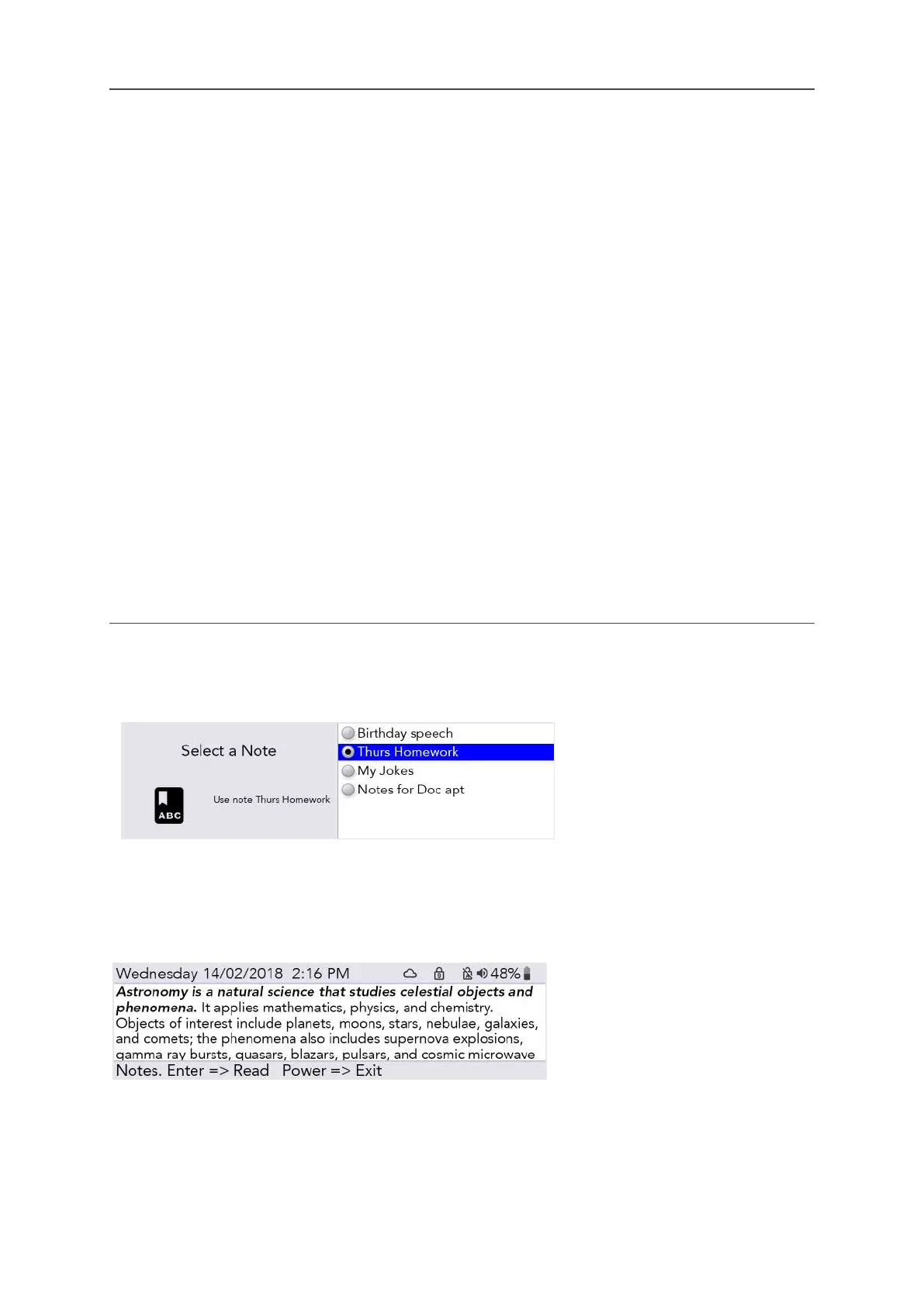
Go to Shift-Menu > Dictionaries > Notes > Select. Highlight the Note you would like to use in a
speech and press Enter.
QUICK TIP - Before using your
Note, you may want to set up the
Usage Mode, see Editing your
Note.
You are now ready to use your selected Note whenever you like. From the Talk Screen press Shift-
Space and your speech will load onto the screen.
Depending on your chosen Usage Mode, the first part of your speech will be in bold italic:
Press Enter, and your Lightwriter will speak the first part and then stop. The second part of your
speech will now be in bold italic:
www.sentient-healthcare.ie



 To Next Page