66
b) Unlocking
Therearetwopossiblewaysofunlocking:
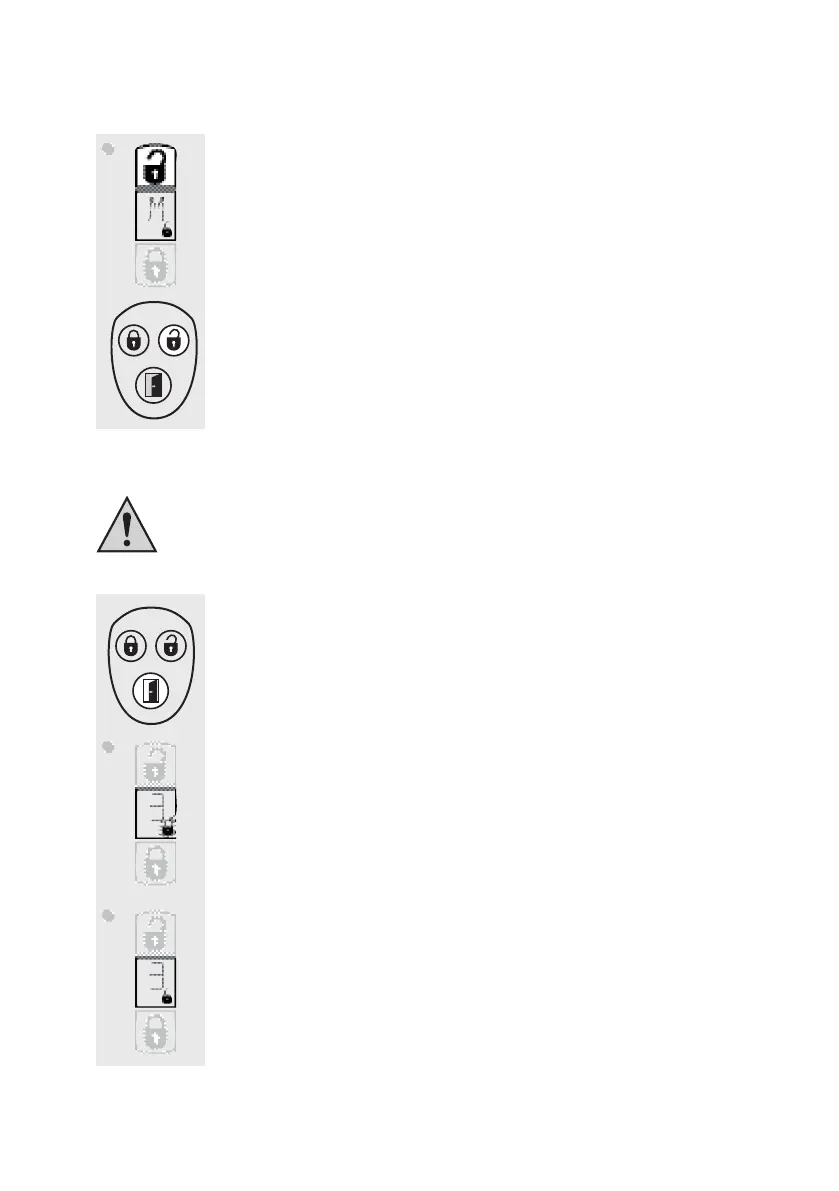
• Pressthe”Unlock”buttononthedoorlockactuator(upperbutton).An”M”is
fadedintothedisplay.
• Pressthebutton”Unlock”(rightupperbutton)ontheradioremotecontrolfor
aboutonesecond.Theradiotowersymbolappearsinthedisplaybrieyand
thememoryslotnumberoftheradioremotecontrolusedisfadedin.
Twoshortaudiosignalssoundaftertheprocedurehasbeencompleted.
c) Opening door
Thisfeatureisonlypossibleifthepre-tensionofthedoorsealsissufcienttopress
thedoorupalittleafterthedoorlockactuatorhasdrawnintheopenercatch.
• Pressthebutton”Opendoor”ontheradioremotecontrolforaboutonesec-
ond.
• IntheLCdisplaythesymbol”Unlock”ashesandthedoorlockactuator
drawintheopenercatch.
• Throughthepre-tensionofthedoorseals,thedoorwillopenalittle.
• Thentheactuatorismovedagainintotheneutralpositionandthesymbol
”Unlock”willstopashing.


 To Next Page