144
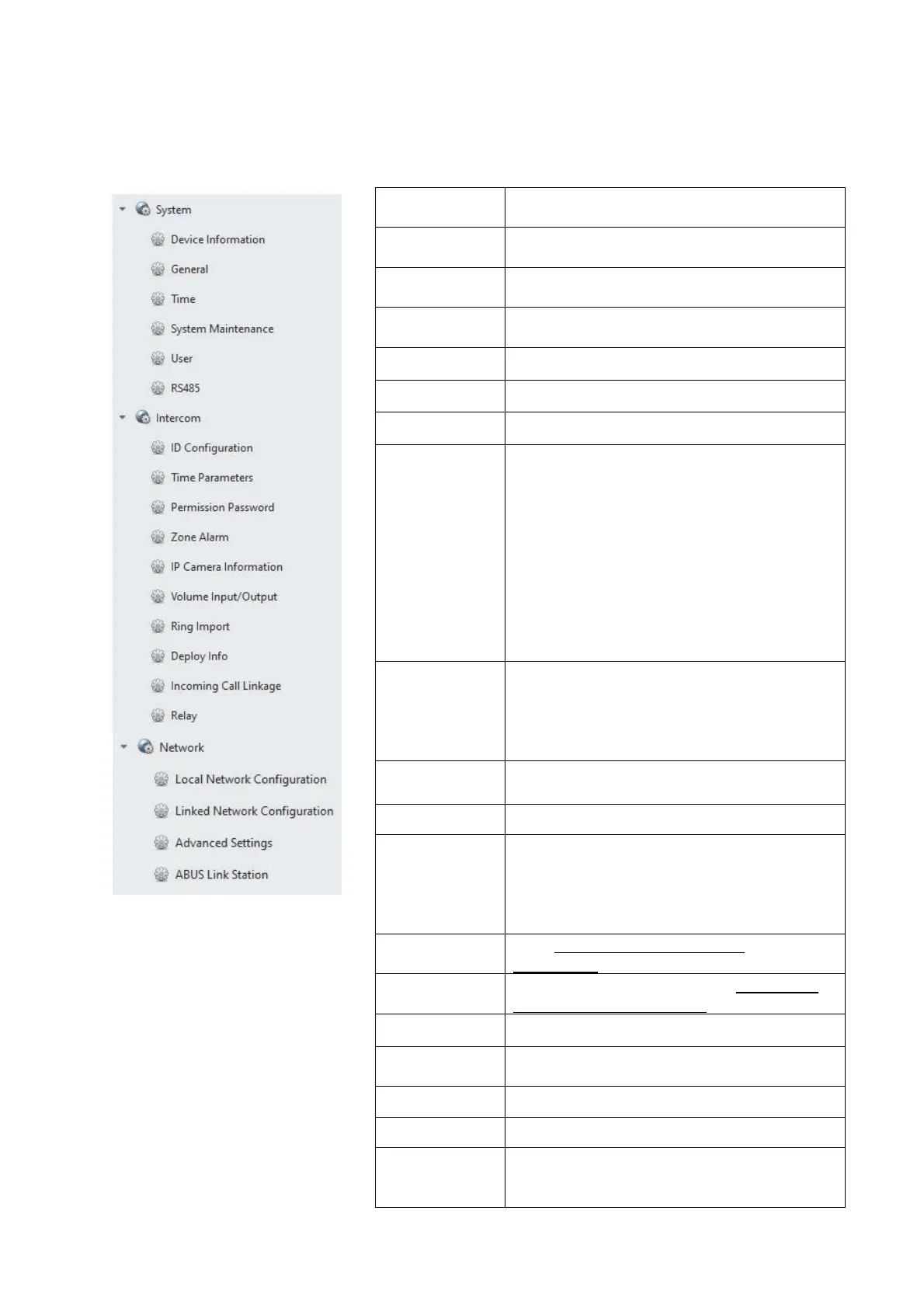
Remote configuration “Monitor TVHS20200, TVHS20210”:
Device
Information
Information such as “firmware”, “serial
numbe
” etc.
General Device name and device ID (not relevant
for door intercom system)
Time Settings for date/time, summer time and
NTP serve
Maintenance Maintenance menu for firmware update,
set factory settings and restart device
User Not used
RS485 Not used
“Intercom” section
ID
Configuration
Selection of apartment numbers in “Indoor
station” mode (main monitor)
In “Station Extension” mode (extension
monitors), the number of the extension
monitor is configured.
Note: The “main monitor” or "extension
monitor” mode is typically selected and the
numbers assigned through the menu on
the respective monitors. (e.g.: In setup
process via installation wizard)
Time
Parameters
Settings for call duration, live image
display time, call forwarding delay, ring
tone duration.
Note: These settings can also be changed
directly in the monito
’s menu.
Permission
Password
Is not used in the monitor’s remote
configuration.
Zone Alarm Not used
IP camera
information
Add ABUS network cameras. (See
compatibility list) Up to 16 ABUS network
cameras can be added and watched live.
(Camera cannot be played back or
configured directly from the door station)
Volume Input/
Output
(See Installation and operating
information)
Ring Import Manage own ring tones (See Installation
and operating information)
Deploy Info Not used
Incoming Call
Linkage
Not used
Relay
Not used
“Network” section
Local NetCfg Monitor IP address. (IP address, subnet
mask, standard gateway)



 To Next Page