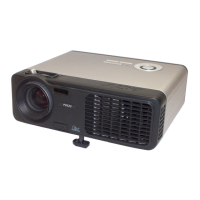
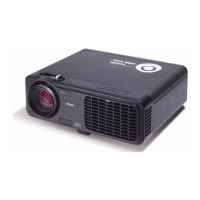
PH530
5-1
Condential
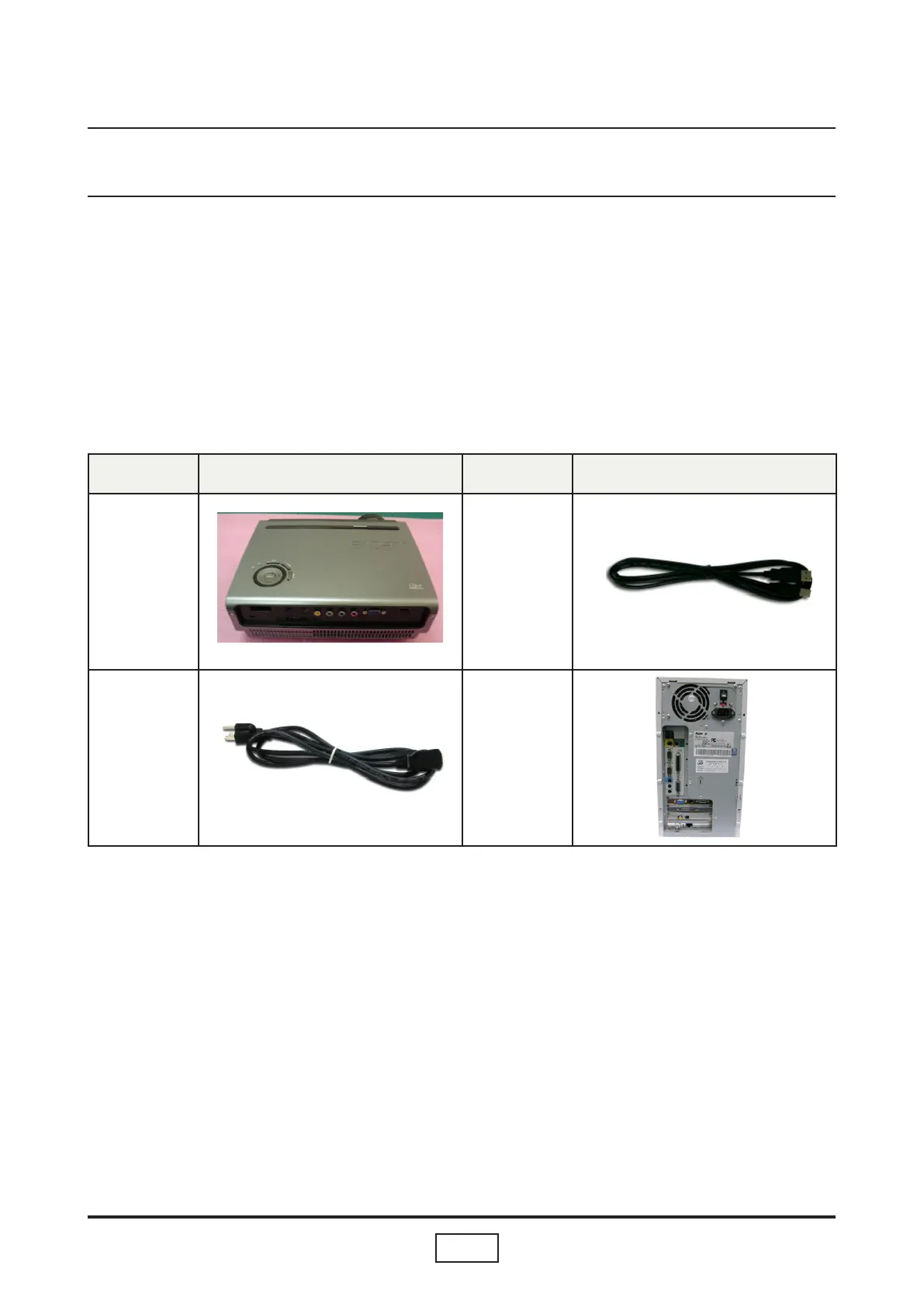
Item Photo Item Photo
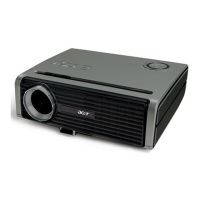
Projector
(PH530)
USB Cable
Power Cord
PC or Lap-
top
Equipment Needed
Software : (DDP 3020- USB)
- DLP Composer (Version 6.0)
- Firmware (PH530 *.img)
- Library les
Hardware :
Firmware Upgrade Mode:
Before doing rmware upgrade, please get into rmware mode rst. How to get in rmware
mode:Hold on ”Menu” and “Power“ button then plug in power cord.”Menu” and “Power“
button must be held until Temp and Lamp LED light up.
Chapter 5
Firmware Upgrade Procedure


 To Next Page