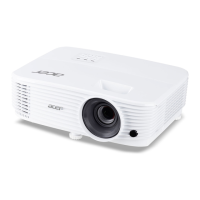
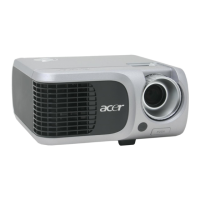
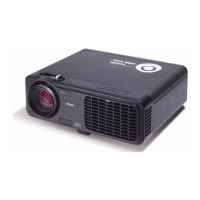
No Step Specication Procedure Photo
1
Frequency
and Track-
ing
Eliminate visual
wavy noise by
Rsync, Frequen-
cy or Tracking
selection.
- Test Signal :
1280x720@60Hz
- Test Pattern : General-1
- check and see if image
sharpness and focus
are well-performed.
- If not, re-adjust by the
following steps:
(1) Select “Frequency”
function to adjust
the total pixel number
of pixel clock in one
line period.
(2) Then, select
“Tracking” function
and use right or left
arrow key to adjust
the vgalue to
minimize video icker.
2
Boundary Horz. And Vert.
position of
video should be
adjustable to
be the screen
frame.
- Test Signal :
1280x720@60Hz
- Test Pattern : General
- Adjust Resync or
H. Position / V. Position
to the inner of the screen.
4-4 Inspection Procedure
4-3 Test Condition
- Circumstance Brightness : Dark room less than 2.0 lux.
- Inspection Distance : 1.8m~2.5m for functional inspection
- Screen Size : 60 inches diagonal (wide)
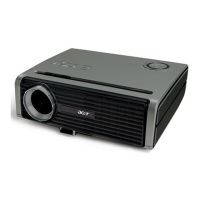
- After repairing each PH530, the unit should be burn-in (Refer to the table below).
Symptom Burn-in Time
Normal Repair 2 Hours
NFF 4 Hours
Auto Shutdown 6 Hours


 To Next Page