NVR 3.0 User’s Manual
26
Pop-up Event Playback
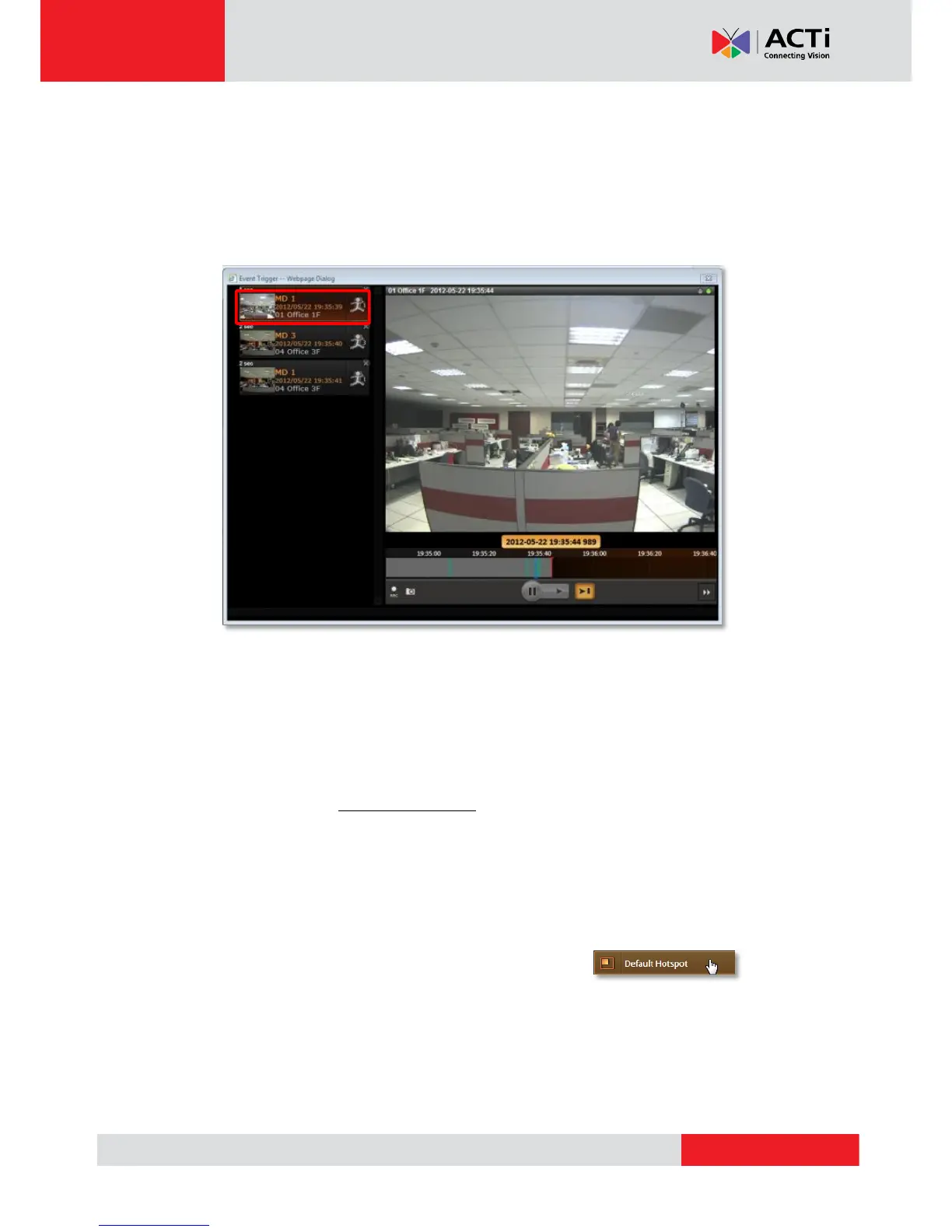
Sometimes the instant event playback window would automatically pop-up to notify you of
events detected on certain camera sites. As the events in certain sensitive spots will have
higher priority than other channels, your System Administrator would apply this “Pop-up Event
Window” function to these cameras. In this way, these critical events will be pushed into your
sight actively.
On the left of the window may list a series of motions detected within the same period. You
may double-click on any entry to see its live view or playback the event. This window would
automatically disappear after a while, and you may still look these events up in the Event
panel.
Hot-Spot Window
In your Live View screen, the upper left window may sometimes display a device video instead
of the original channel. This is because the events detected in certain sensitive spots will have
higher priority than other channels. Whichever View you are watching, the events detected by
those cameras will be temporarily displayed in this window to catch your attention.
You can set any other channel on your live view screen to be the default hotspot channel.
Right-click on the desired channel and select “Default Hotspot”



 To Next Page