NVR 3.0 User’s Manual
39
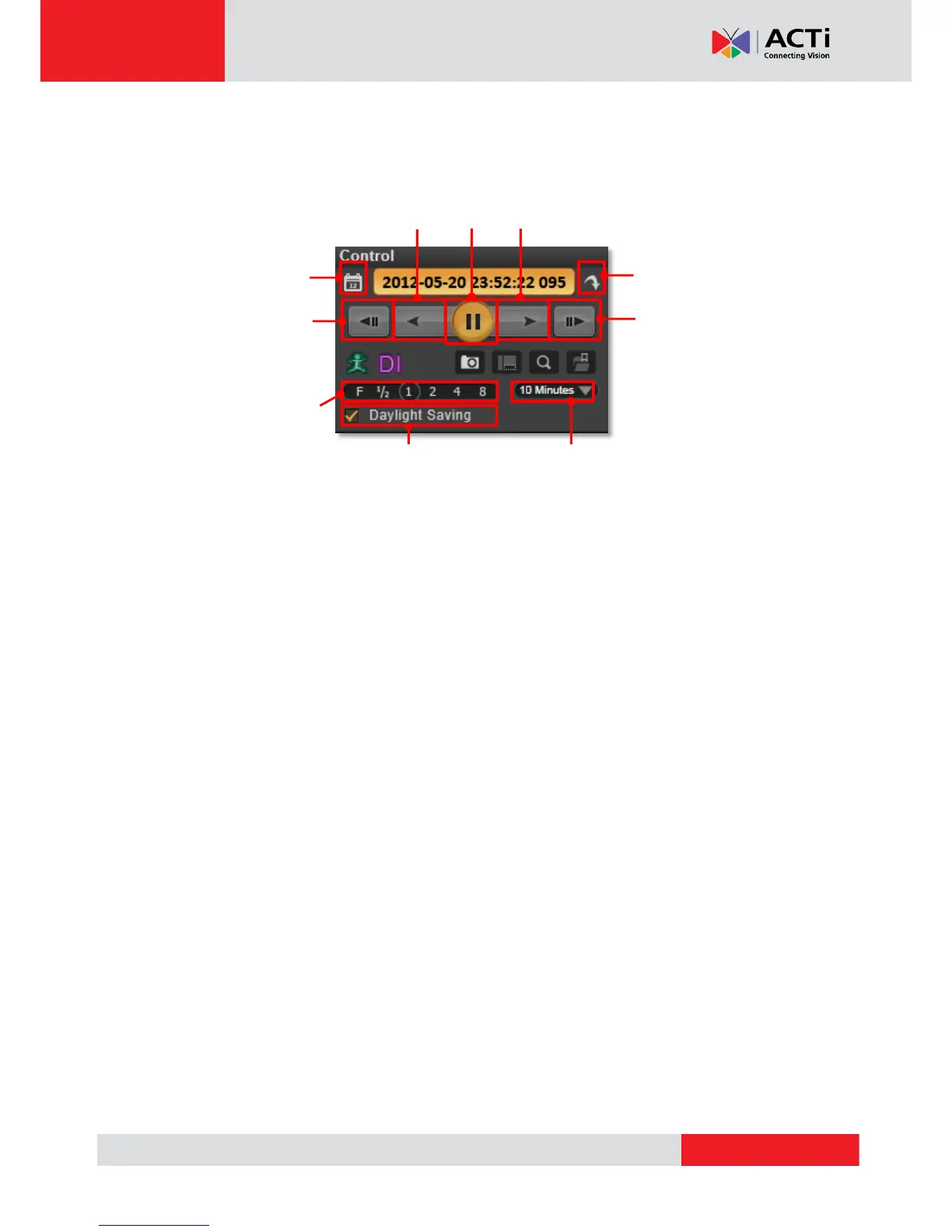
do a reverse / forward play, or pause the video to spot your desired view. For non-continuous
recording types such as DI, Event or Manual recording, you may use the “Previous
Recording” or “Next Recording” buttons to jump to the part directly.
Turn On Daylight Saving Time Function
NVR Server will detect and display your client computer local time on Live View and Playback
screen. Once you apply Daylight Saving Time rule on your computer, NVR server will
automatically enable this function on Control panel. You may disable this function to view
playback according to Coordinated Universal Time.



 To Next Page