NVR 3.0 User’s Manual
41
Explore Fisheye View
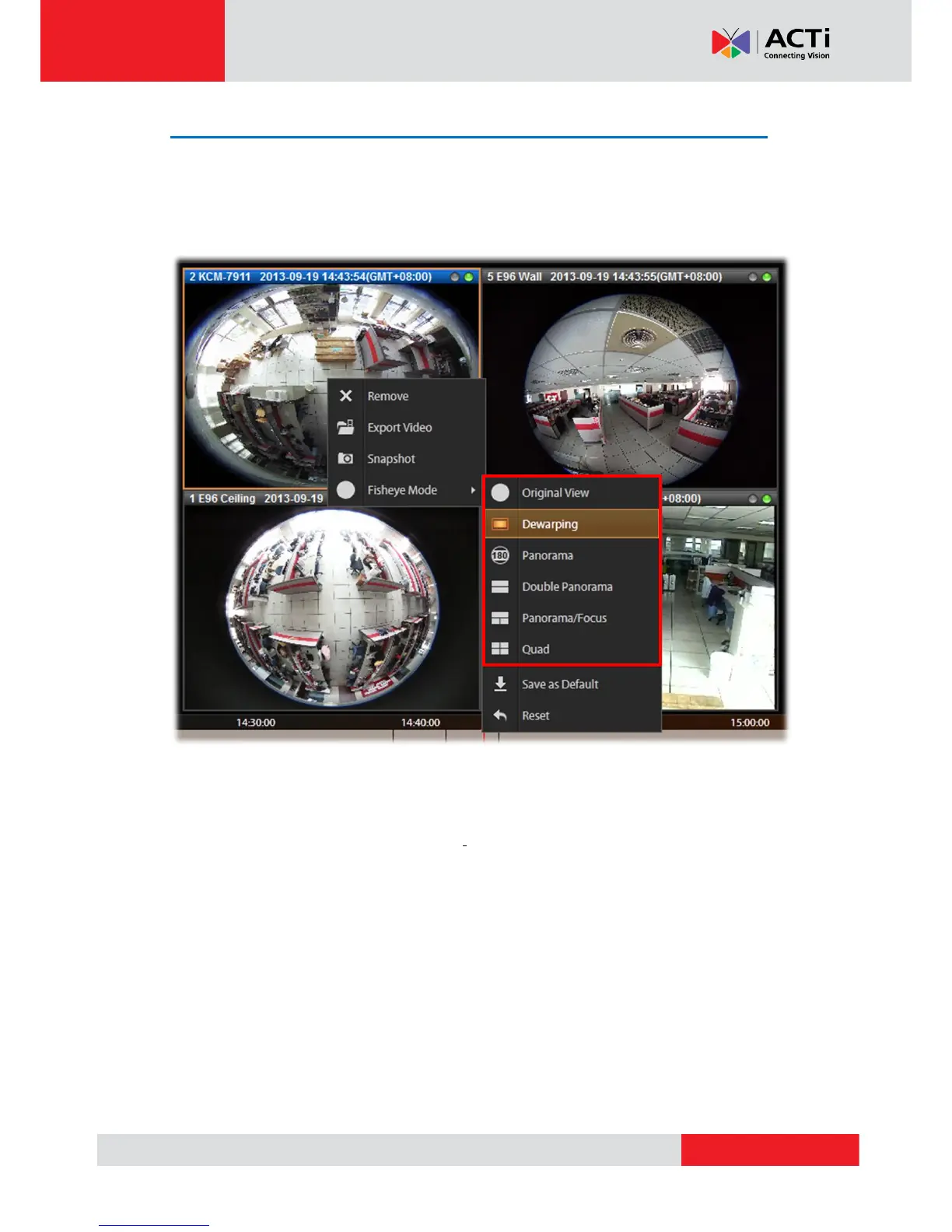
You may change to the desired fisheye view mode on Playback screen. Select a fisheye
camera channel, right-click to bring up the channel menu Fisheye Mode select one view
mode.
In a view mode where ePTZ operation is available (e.g. Quad mode), you may explore the
region of interest using mouse or PTZ Panel at will. For ePTZ operation instructions, please
refer to Navigate a Fisheye Camera Channel on page 33.



 To Next Page