NVR 3.0 User’s Manual
34
PTZ Operation
Select a fisheye mode; click the entire channel or a region of interest to navigate this view
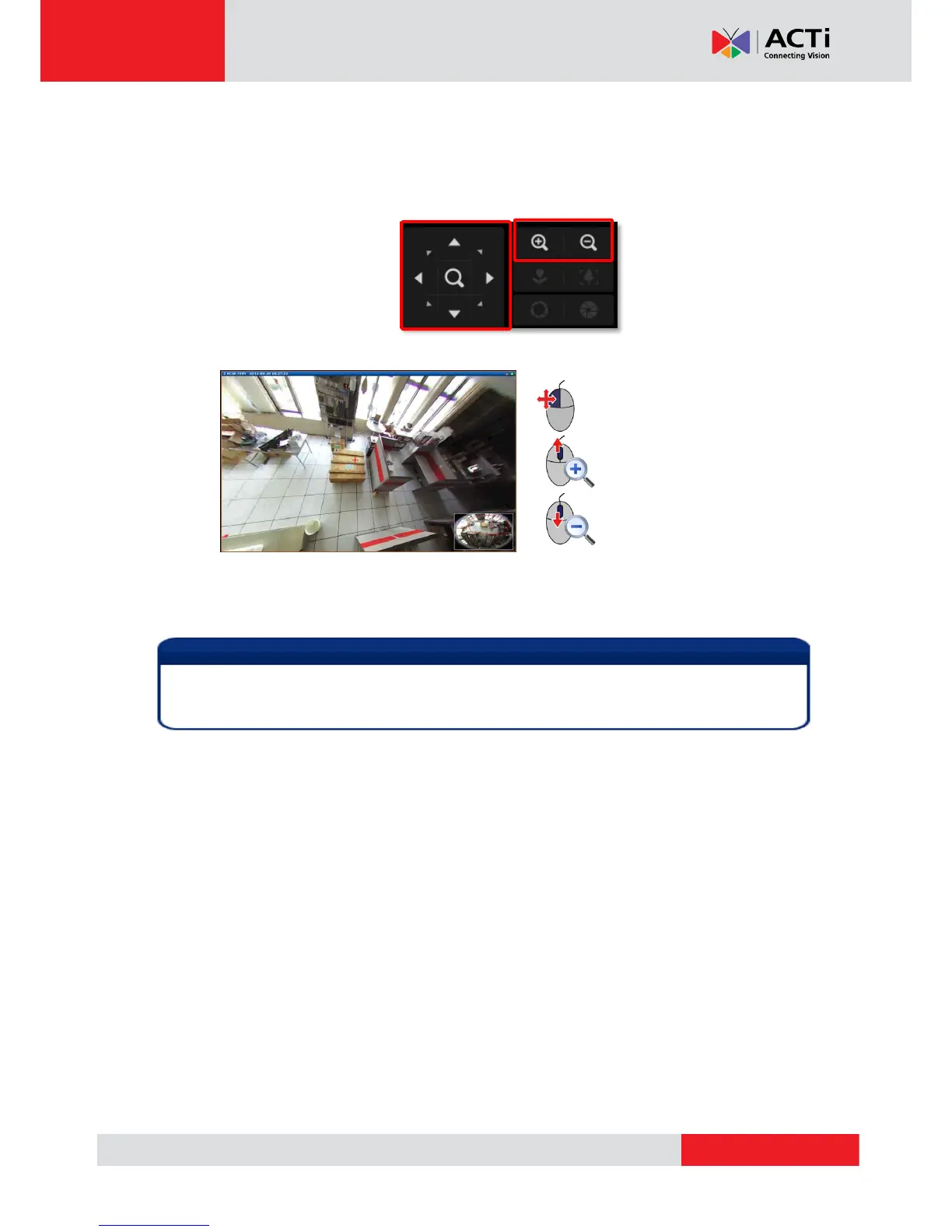
Use PTZ Panel controls to operate PTZ movements:
Click the mouse anywhere on the view to pan/tilt, scroll the mouse wheel to zoom in/out.
To reset the PTZ navigation area back to default viewing angle, right-click to bring up
channel menu, and then click “Reset”.
By changing a the fisheye modes to the following five modes : Dewarping, Panorama, Double
Panorama, Panorama/Focus and Quad, the live stream of this channel will
PTZ Controls on PTZ Panel
Once a channel is changed to any of the following fisheye modes: Dewarping, Panorama,
Double Panorama, Panorama/Focus or Quad, the resolution of this live stream will become
1920x1080, so will the resolution of the snapshot.



 To Next Page