NVR 3.0 User’s Manual
44
Take a Snapshot of the Playback View
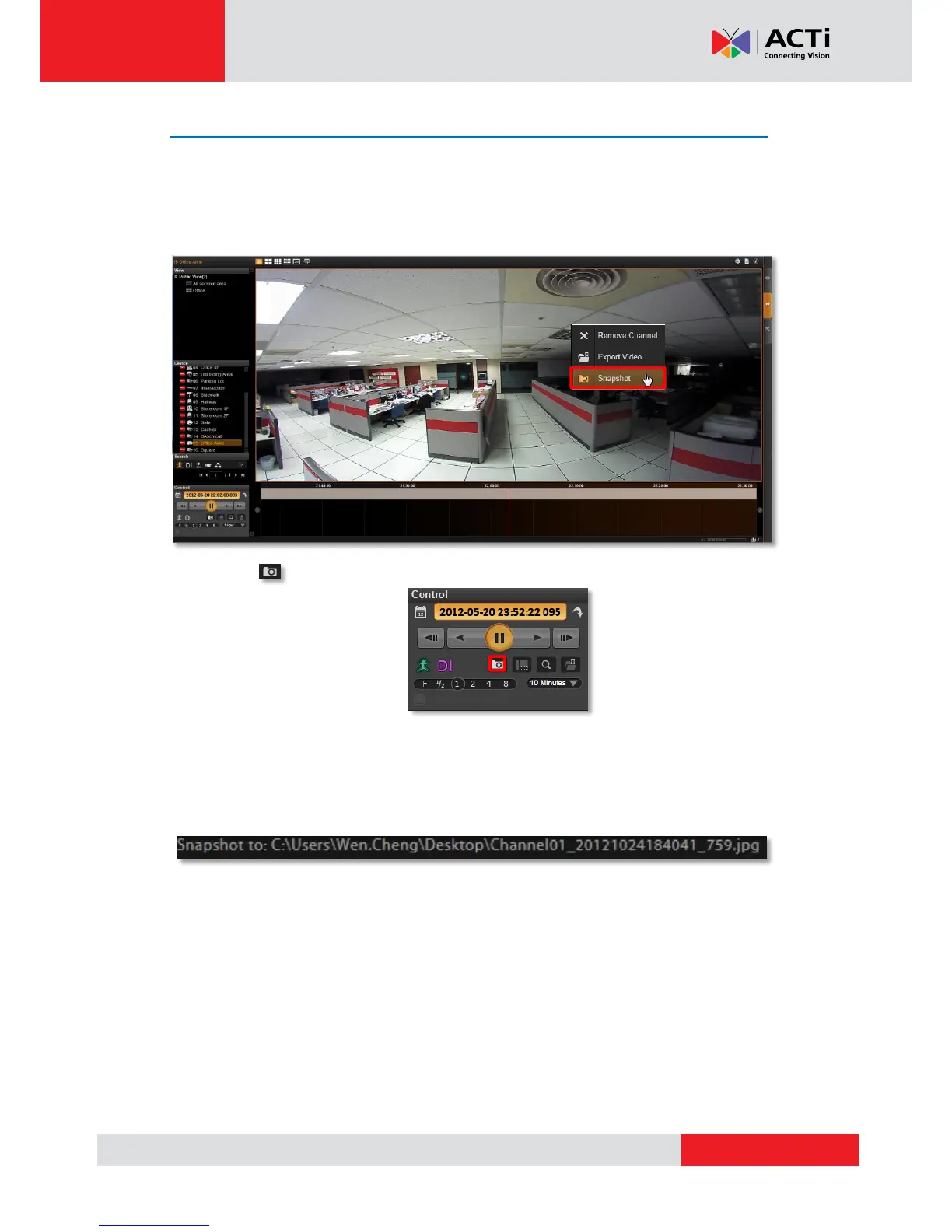
You may save the snapshot of focused channel to NVR server computer during playback.
1. Focus on a channel, right-click the mouse to bring up quick menu, and then click
“Snapshot”.
2. Click the on Control panel to take a snapshot of the focused channel.
You may take a snapshot on a channel live image on Live view screen. The snapshot will be
saved to default folder on your client computer as .jpg format (The system default location is
Windows Desktop). You may find the location path on the bottom of NVR window after taking
a snapshot.



 To Next Page