108
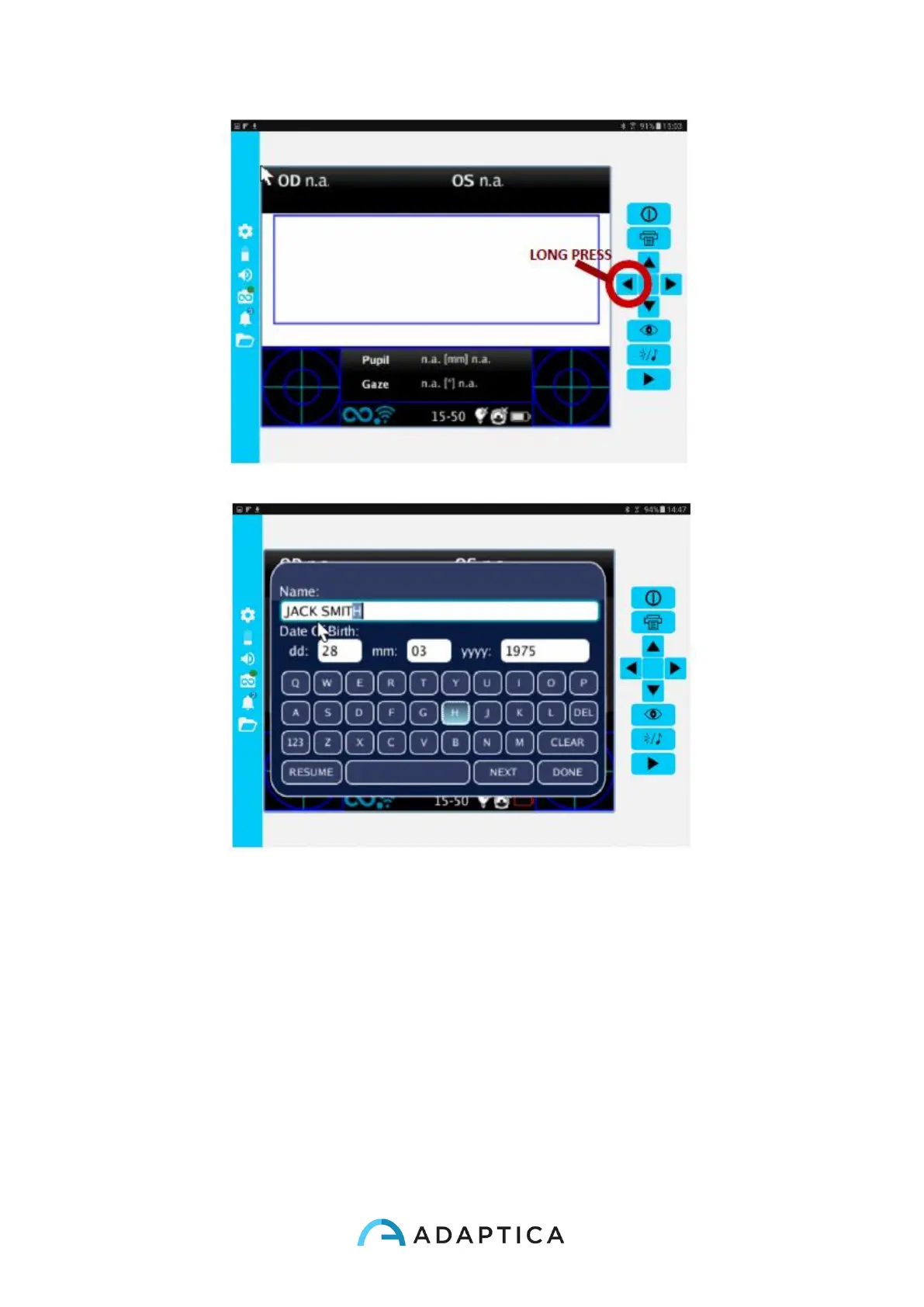
On the left side of the 2WIN App there are all the status icons and settings of the App.
Note that the icon representing the 2WIN must contain a GREEN dot. If this is not present
even if the 2WIN and tablet are connected and paired correctly, please tap on the 2WIN
icon. This will make a refresh of the connection.
How to transfer 2WIN measurement to the 2WIN App
Follow these instructions:
1. Start the measurement using the START button
2. Long press PRINT button to save your data. A PDF report is created.
3. Short press DOWN button to import the report into your tablet.



 To Next Page