140
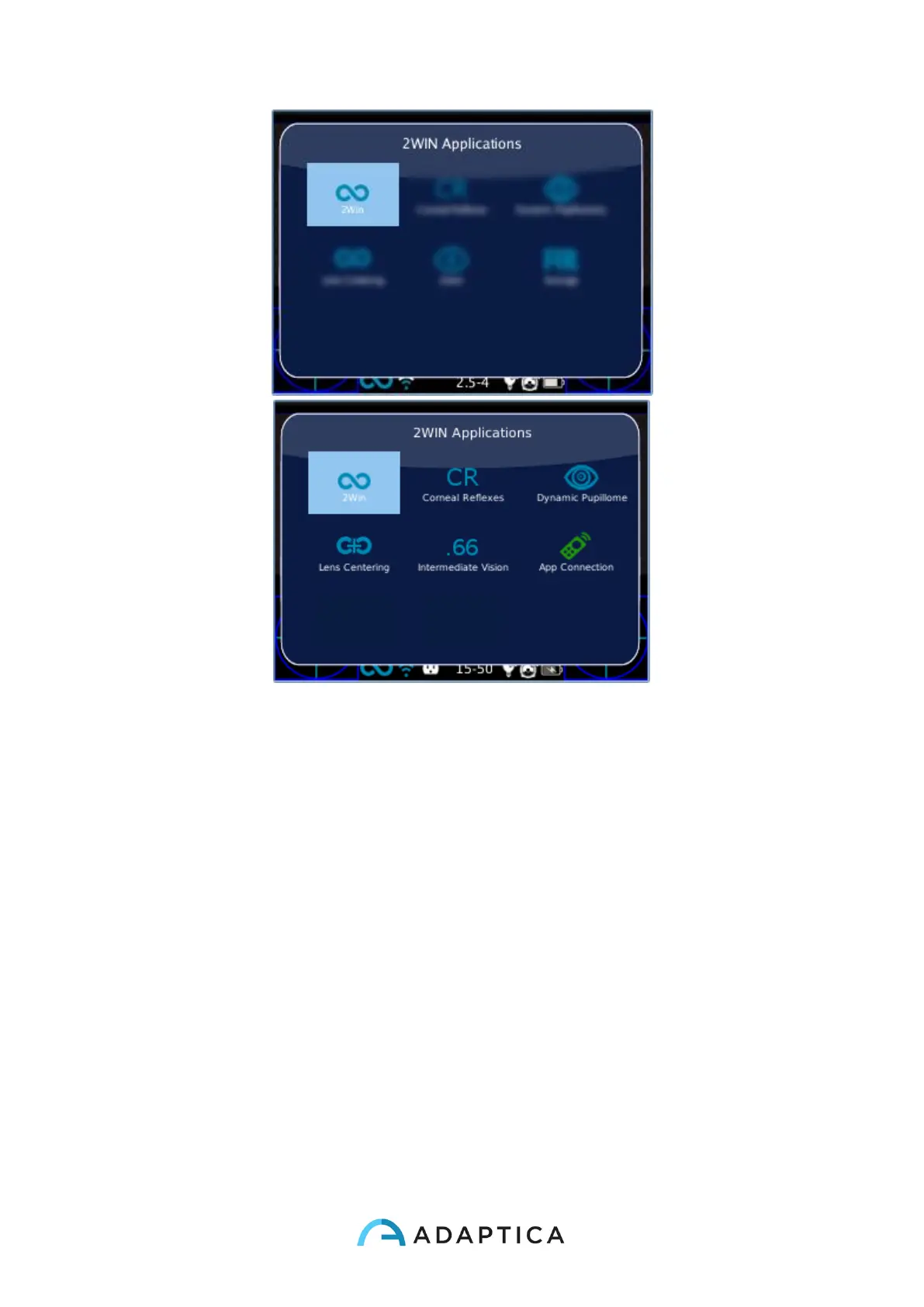
There are two sets of icons: regular ones and green ones. The latter are options of the
2WIN that, if enable, permit to the instrument to add some special functionality. E.g. the
App Connection icon (green icon) means that in that particular 2WIN is enabled the
communication with a controlling APP in an external Android Tablet/Smartphone.
It is possible to navigate and to see all installed Applications into the device. By clicking with
the cross BUTTON on the Application icon, this Application will be the principal one in Main
Display and it will be set first in Auxiliary Windows automatically.
If close to a specific icon in the 2WIN Application window a *-symbol is present, this condition
means that in the instrument is not installed that particular Application or enable that specific
(green) feature. In the next figure an example of this situation.



 To Next Page