141
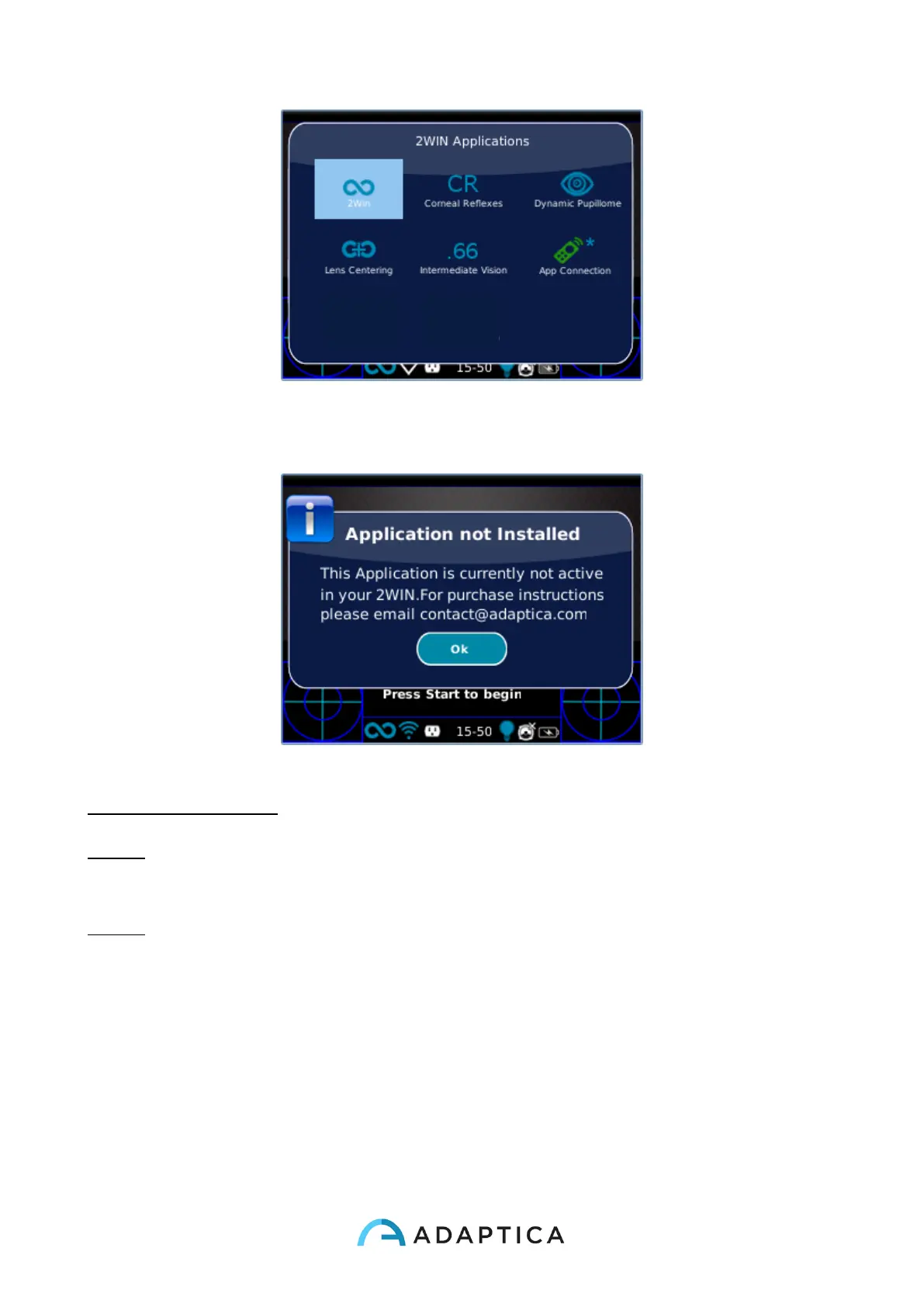
If the user tries to activate a specific 2WIN App that have the *-symbol, the 2WIN shows a
warning message like the next figure.
The message suggests the user to send an email to the contact address of Adaptica:
contact@adaptica.com in order to purchase the specific Application.
NOTE: To change Application settings navigate the menu to Menu>Functions>2WIN
Applications and select the item that you want to set into the submenu related to your
Application.
NOTE: When an Application generates a notification, the notification centre shows a P like
icon to show that the notification comes from Applications.
Modes selection in 2WIN BT APP
To switch between different acquisition modes in 2WIN BT APP tap on the Application icon
on the home page of the Application:



 To Next Page