162
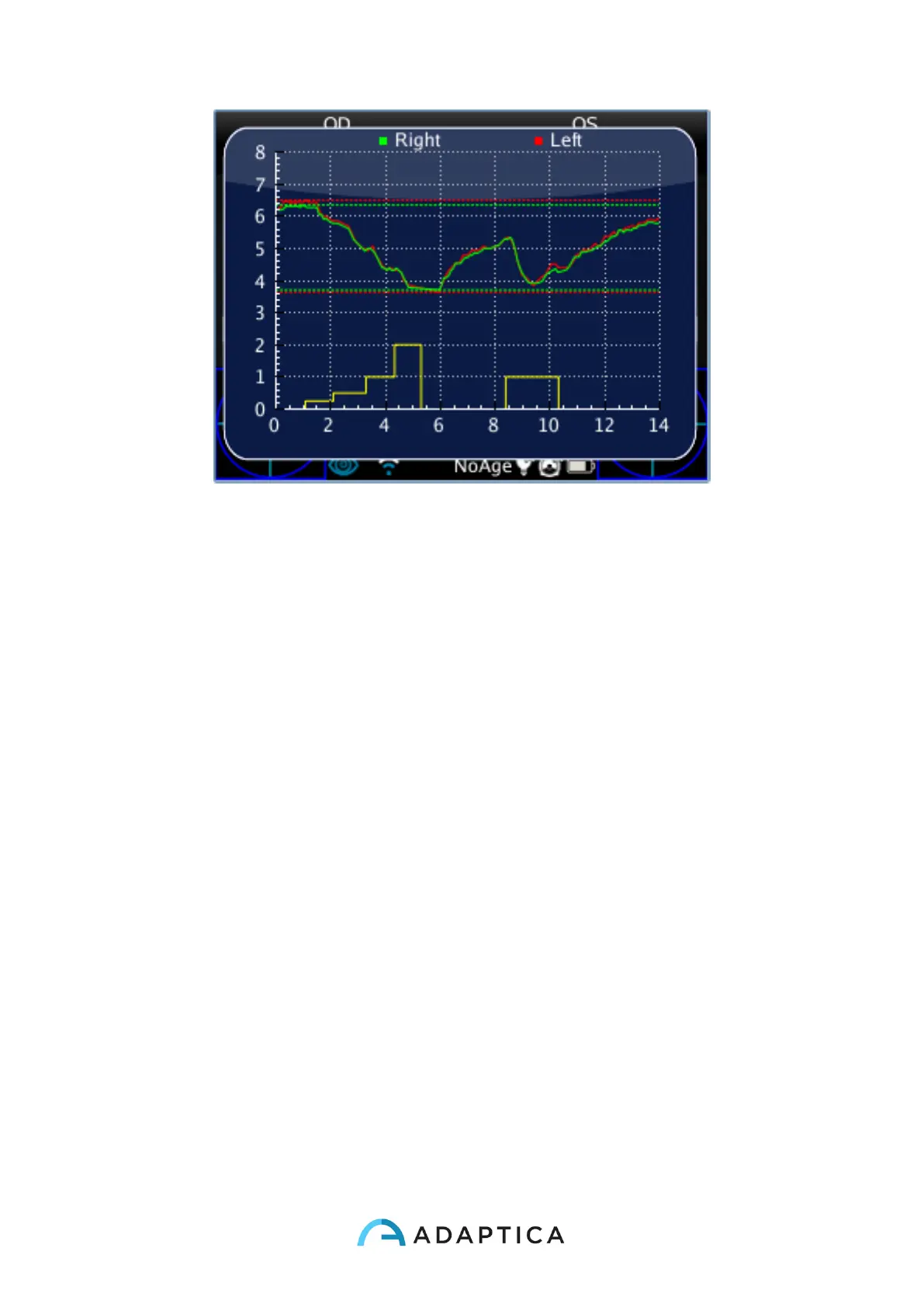
When you released the S1/S2 button till the exam automatically finish (after 14 seconds).
Standard mode
The standard mode is activated in the Dynamic Pupillometry Applications only if the right
configuration file is not present in the 2WIN SD card or if this file is corrupted. The standard
mode creates (after a dark second) a sequence of 4 bright light impulses. During these
pulses 2WIN detect the pupillary reaction. If the pupil diameter, during any of the 4 pulses,
decreases below the 10% of the initial state (when the measurement begins) or it reaches
a dimension less than 3.5mm then the initial calibration of this mode stops and then a final
bright pulse will be turned on (in this case this pulse will have double intensity compared to
the last that caused the stop of the calibration). Moreover, if the ambient light is too low all
the pulses (calibration and final one) will be reduce by half (in this case in the display of
2WIN the maximum value will be 1 instead of 2).
Manual mode
In order to activate this operating mode the operator has to write with a text editor a file
(named pupilresponse.txt) and copy it in the SD memory of the 2WIN.
The file must contain 7 rows, each row represents a 2 seconds phase of the measurement.
The numerical value to be written in the raw represents the intensity of light in a scale
spanning from 0 to 100.



 To Next Page