175
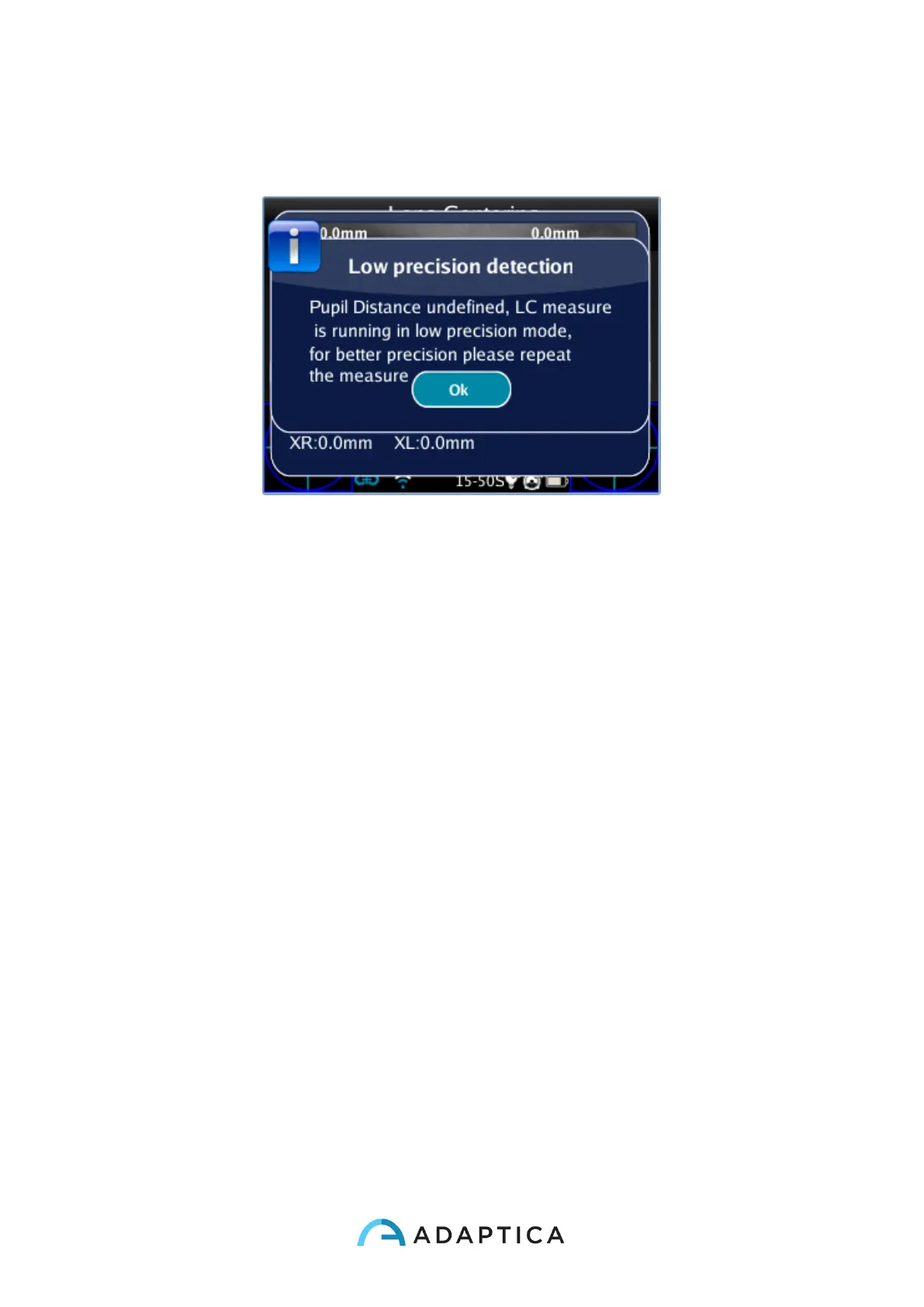
If the Pupil Distance is not valid, the LC App shows a warning message because has no
referring for high precision measure. Using the LC App in this mode, will result low precision
measure.
Navigation
You can select the axis you want to move by pressing the central button of the joystick, it
will highlight red the axis allowing the changes. At the first pressing you will see the
horizontal axis; at the second pressing you will see the vertical axis on the left; at the third
pressing you will see the vertical axis on the right; at the fourth pressing you will return at
the first step.
How to position the horizontal axis
After selecting the horizontal axis it will highlight red. This axis can be moved vertically by
holding or repeatedly pressing the down or up button of the joystick. You can change the
axis tilt by pressing the right or left button. This change implicates an equivalent rotation of
all the other axes.



 To Next Page