183
Exam Procedure
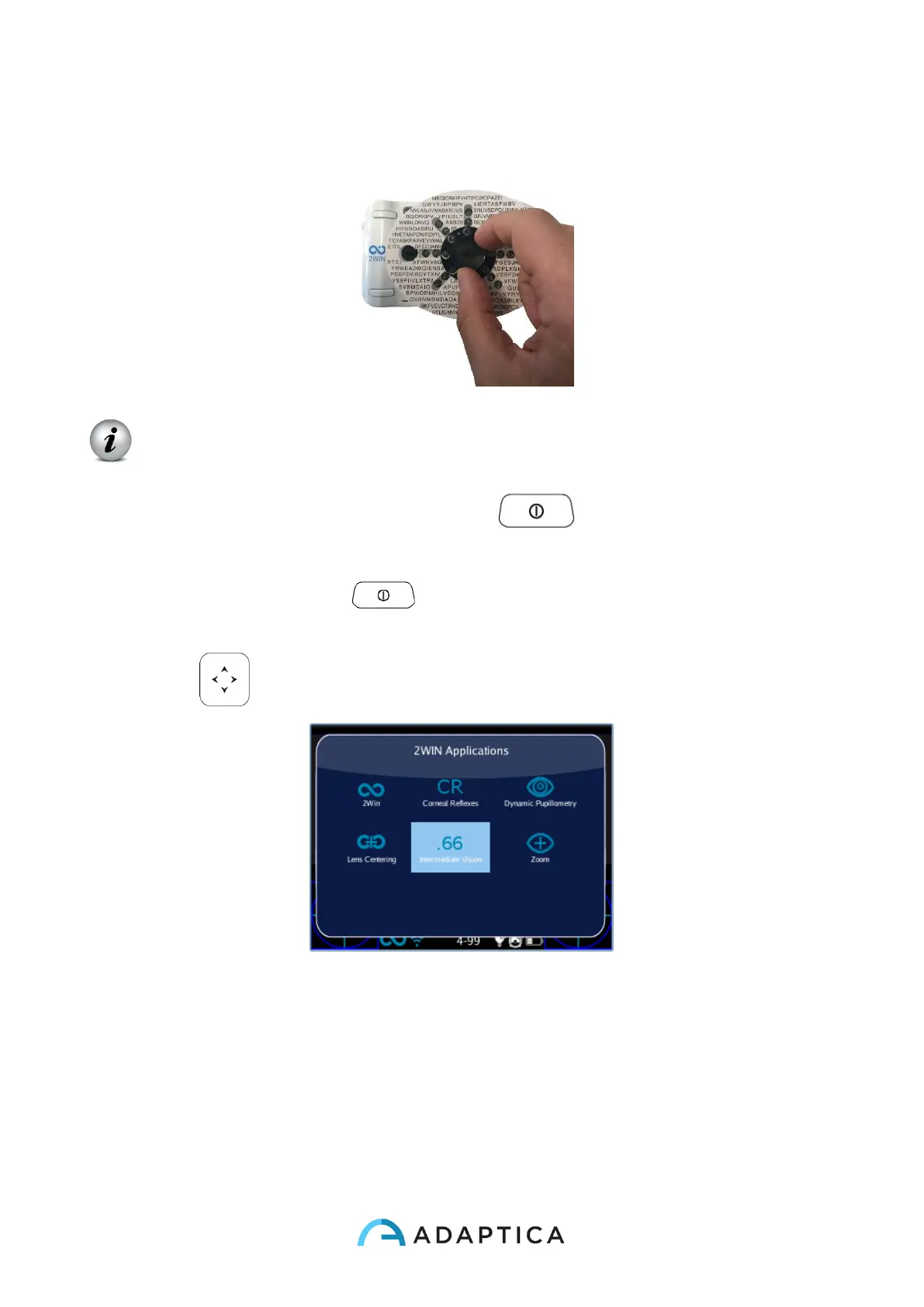
1. Apply the add-on lens and the Reading chart on the front side of the 2WIN.
Pay attention not to cover 2WIN frontal LEDs: with a wrong chart positioning
measurement may not be possible.
2. Turn the 2WIN on by pressing the BUTTON A ;
3. Set the 2WIN to operate at Intermediate Vision Distance:
a. Press BUTTON A and view 2WIN Applications Menu.
b. Select “Intermediate Vision” Application by pressing the CROSS BUTTON
.
c. After selecting “Intermediate Vision” a new symbol (.66) will be displayed. The
new Application is activated.



 To Next Page