84
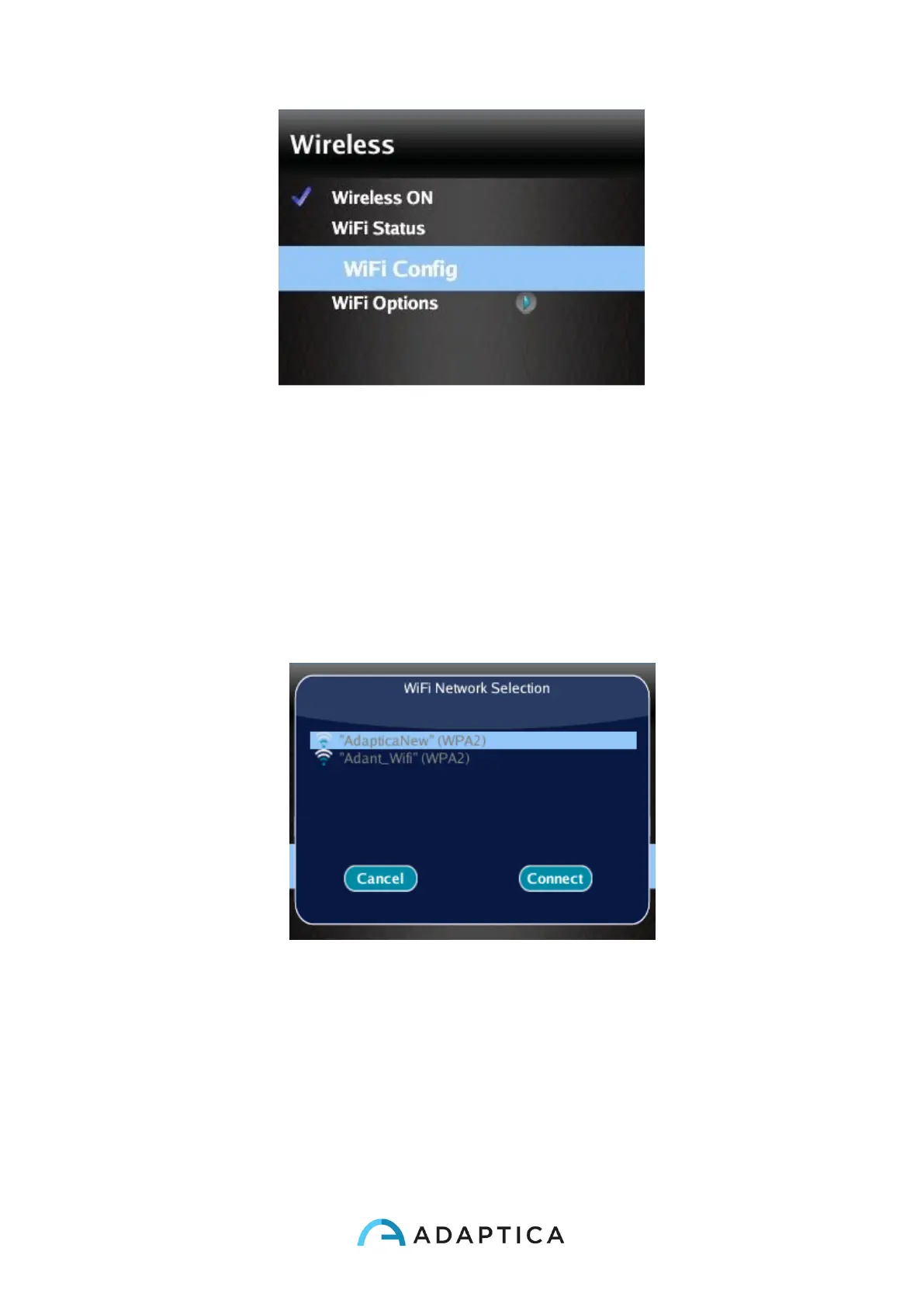
2. Select the option “WiFi Config” and push the cross button to find the available
networks.
Select your favourite Wifi network, then push the cross button to make appear the
network password insertion window. Insert the network Password, then select and
push the button “Done”. Select and push the button “Connect” to connect to the
selected network.
You can also enable Autoconnect in “WiFi Options” (Menu > Settings > Wireless
> WiFi Options). In this way, if you lose connection, 2WIN will reconnect to the
network automatically.



 To Next Page