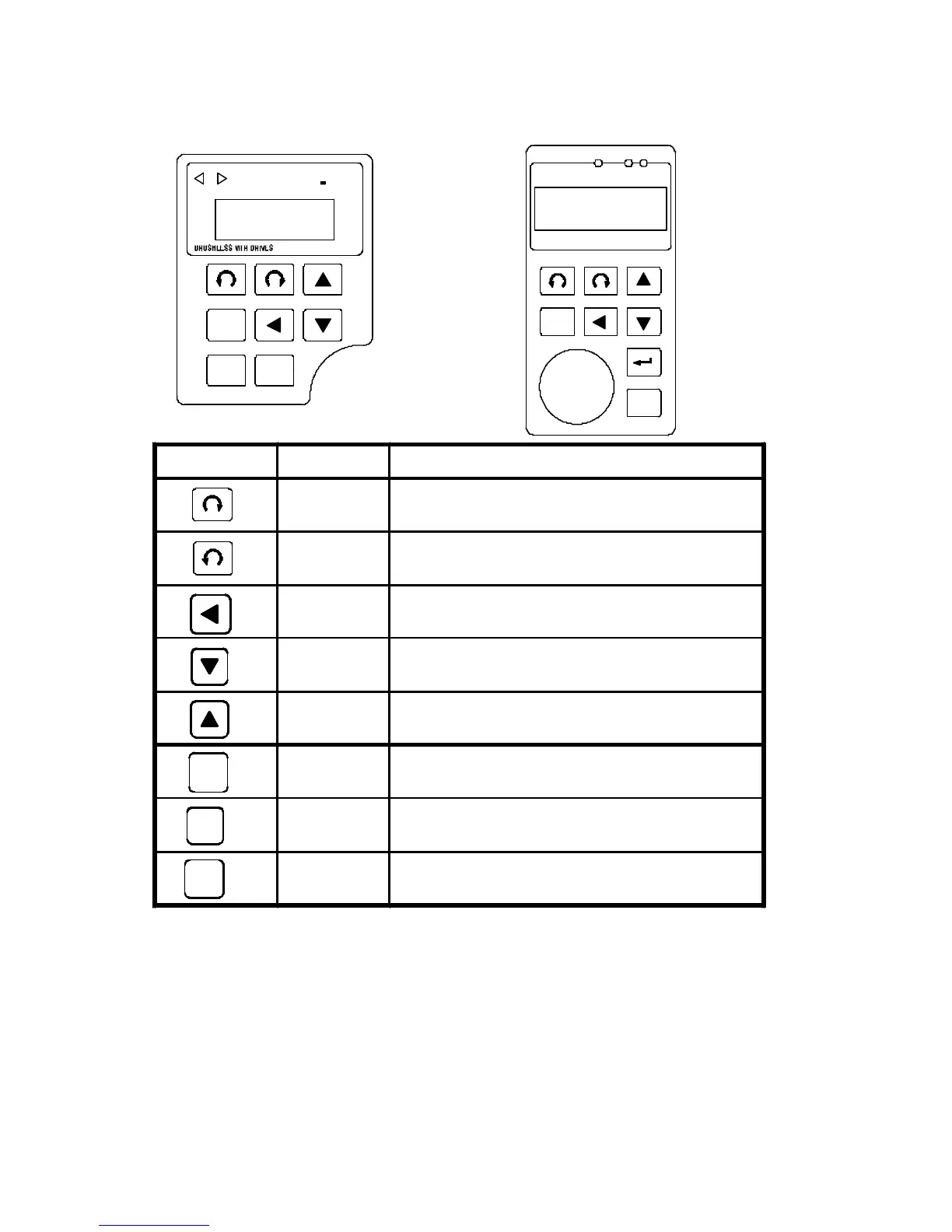
FUNC
STOP
16
Keypad Function Description
Forward
run
Commands forward run
Reverse
run
Commands reverse run
Cursor
movement
Select the digit
Down Decrease the parameter value 9~0
Up Increase the parameter value 0~9
Memory
storage
Saves the setting parameter value
Function
Press once to select function code and
press again to change its content
Stop Stop operation / Escape to standby mode



 To Next Page