8-3 Command source setting
Panel, terminal, RS485 and remote control (F306) are the command sources
for selection. Use CD02 to select it. Panel command is effective always.
A. Panel
a. Analog/digital speed input
a-1. CD19=0 analog input
Panel’s VR is 1
st
speed. Display is blinking to show the setting
speed.
Analog input on H M L terminal is 2
nd
speed. Set CF/COM close to
select 2
nd
speed. Display is blinking to show the setting speed.
a-2. CD19=1 digital input
1
st
speed is CD28/CD34 value and 2
nd
speed is CD29/CD35 value.
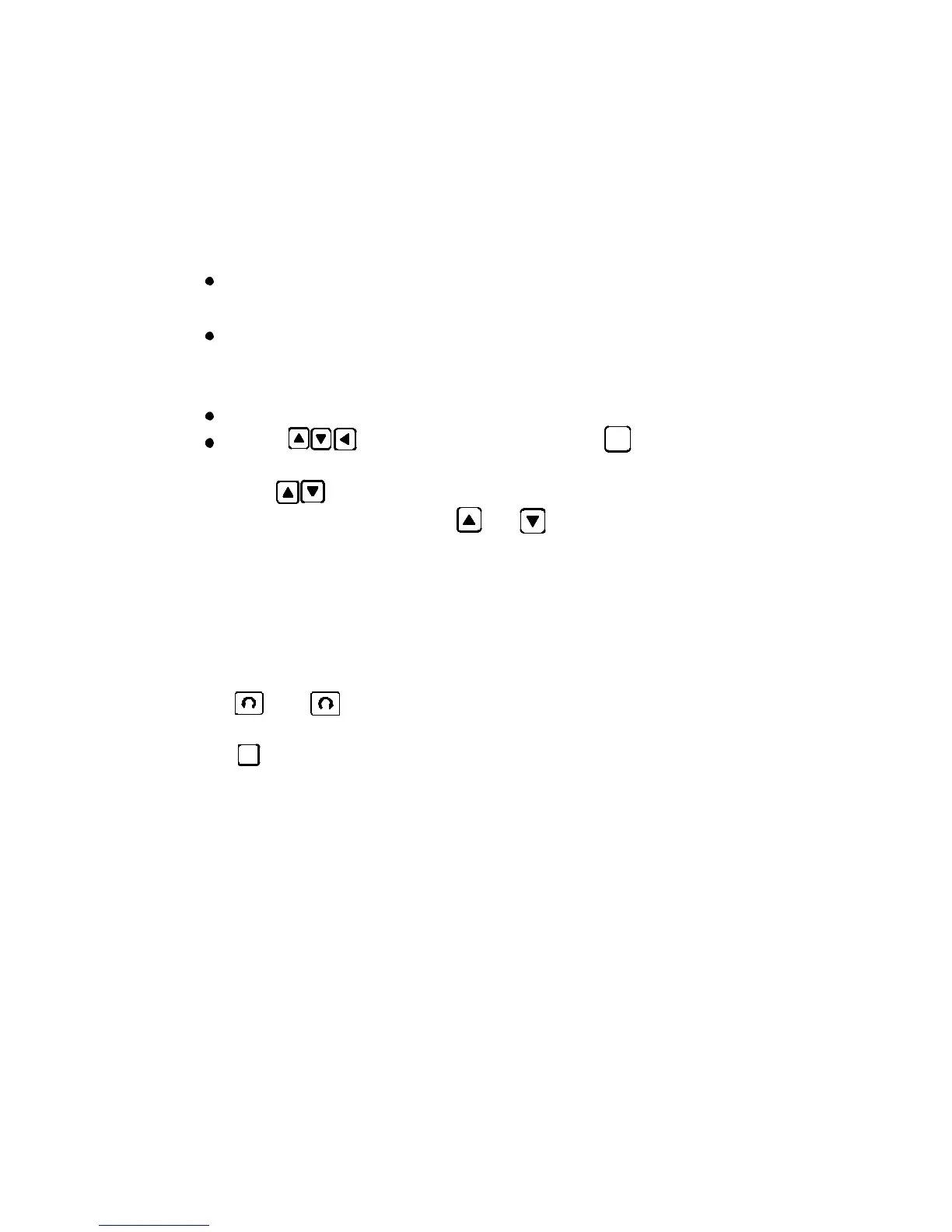
Use to set speed, then press to save setting.
Set CF/COM close to select CD29/CD34 2
nd
speed.
Use can change speed in operation condition in digital
speed input mode. Press or to change speed. In the
speed change mode:
(1) Press keypad one time, change 1RPM one by one separately.
(2) Continute to press keypad, in first 5 seconds, change 1RPM
one by one, after 5 seconds, change 10RPM ten by ten.
Note : When you stop to press keypad it will start from the
begining step.
b. Press or to operate motor. Display is not blinking during
motor running.
c. Press to stop motor.
d. Use CF terminals to do two speeds control. CF/COM open is 1
st
speed.
CF/COM close is 2
nd
speed.
B. Remote control (F306)
CD02=1(close loop) or CD02=5(open loop), the operations are same as
Panel control.
C. Communication (RS485)
CD02=2(close loop) or CD02=6(open loop), and please refer to CD21 to
address 103 for detail description.



 To Next Page