9. Trouble shooting
Motors free run to stop when protect functions are effected.
Disconnect power to reset the protect function.
For safety , make sure all problems are solved before reconnect
power.
To wait more than 5 minutes to reconnect power after disconnect
power.
63
STOP
Display
symbol
Description Check point and suggestion
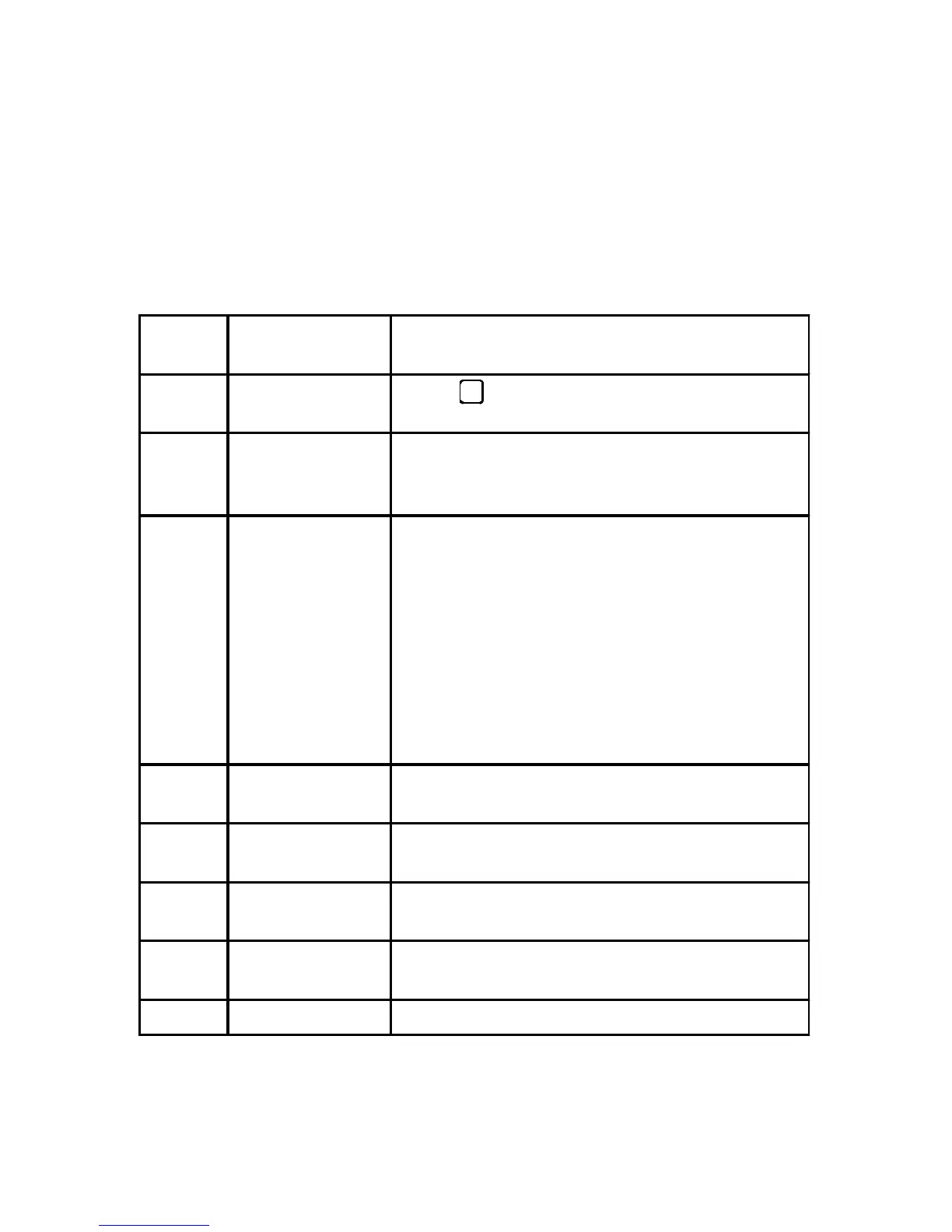
Err1 EEPROM error
Press to reset alarm and set CD30=1,
to reload default value to EEPROM.
Err2 Motor overheat
Check motors cooling condition.
Check motors loading, motors may be
overload.
Err3
Over current
Over voltage
Driver over heat
Check input voltage(over voltage).
Check drives cooling condition (overheat).
Check motors loading (overload).
Check wire & plug between motors and drives
(U,V,W shortage).
Check Acc. & Dec. time setting (over current).
Check CW, CCW, stop operation frequency
(over current).
Check inertial load, motors may get traction
from loading.
Err4 Over load
Check motor loading.
Please refer to specification table.
Err5 Over speed
Check loading variation if load reduces too
fast.
Err6 Speed to low
Check loading variation if load increases to
fast.
Err8
Motor lock
protection
Check rotor lock.
Check load condition.
Err9 Hall sensor fail Check wire & plug between motors and drives.



 To Next Page