EasyManua.ls Logo

Adobe ILLUSTRATOR 10 - Page 11

Adobe ILLUSTRATOR 10
431 pages
Print Icon
To Next Page IconTo Next Page
To Previous Page IconTo Previous Page
Loading...
Using Help | Contents | Index Back 11
Adobe Illustrator Help Looking at the Work Area
Using Help | Contents | Index Back 11
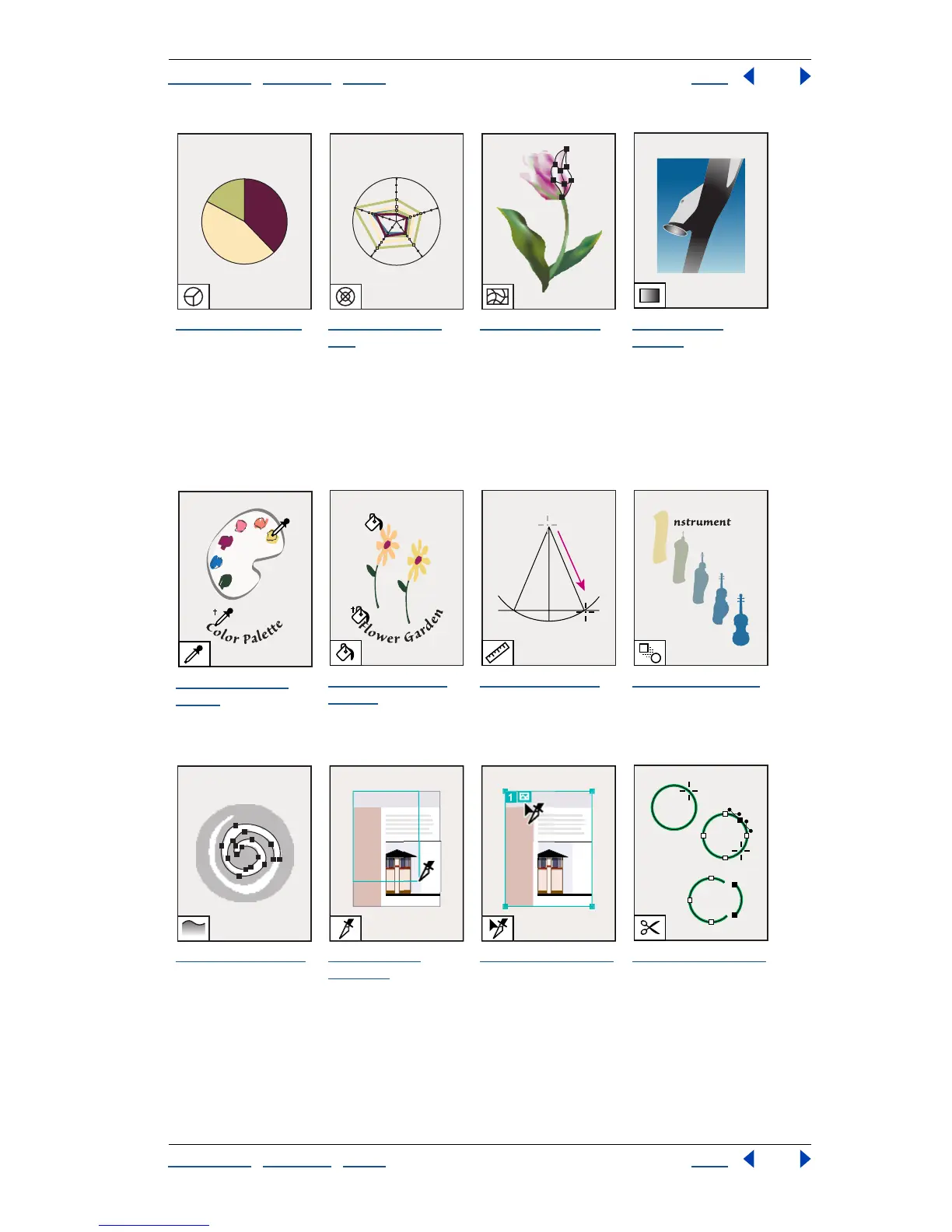
To olbox overview (5 of 5)
The pie graph tool
creates a circle graph
with wedges
showing relative
percentages of the
compared values.
The radar graph
tool uses a circle to
compare sets of
values at given
points in time or in
particular categories.
The mesh tool (U)
creates and edits
meshes and mesh
envelopes.
The gradient
tool (G) adjusts the
beginning and
ending points and
angle of gradients
within objects.
The eyedropper
tool (I) samples color
or type attributes
from objects.
The paint bucket
tool (K) fills objects
with the current
paint or type
attributes.
The measure tool
measures the
distance between
two points.
The blend tool (W)
creates a blend
between the color
and shape of
multiple objects.
The auto trace tool
traces the outlines of
objects in raster
images.
The slice tool
(Shift+K) creates
Web slices.
The slice select tool
selects Web slices.
The scissors tool (C)
cuts paths at
specified points.

Table of Contents

Related product manuals