Using Help | Contents | Index Back 400
Adobe Illustrator Help Windows Shortcuts
Using Help | Contents | Index Back 400
Shift Key
Shapes
Shift Key
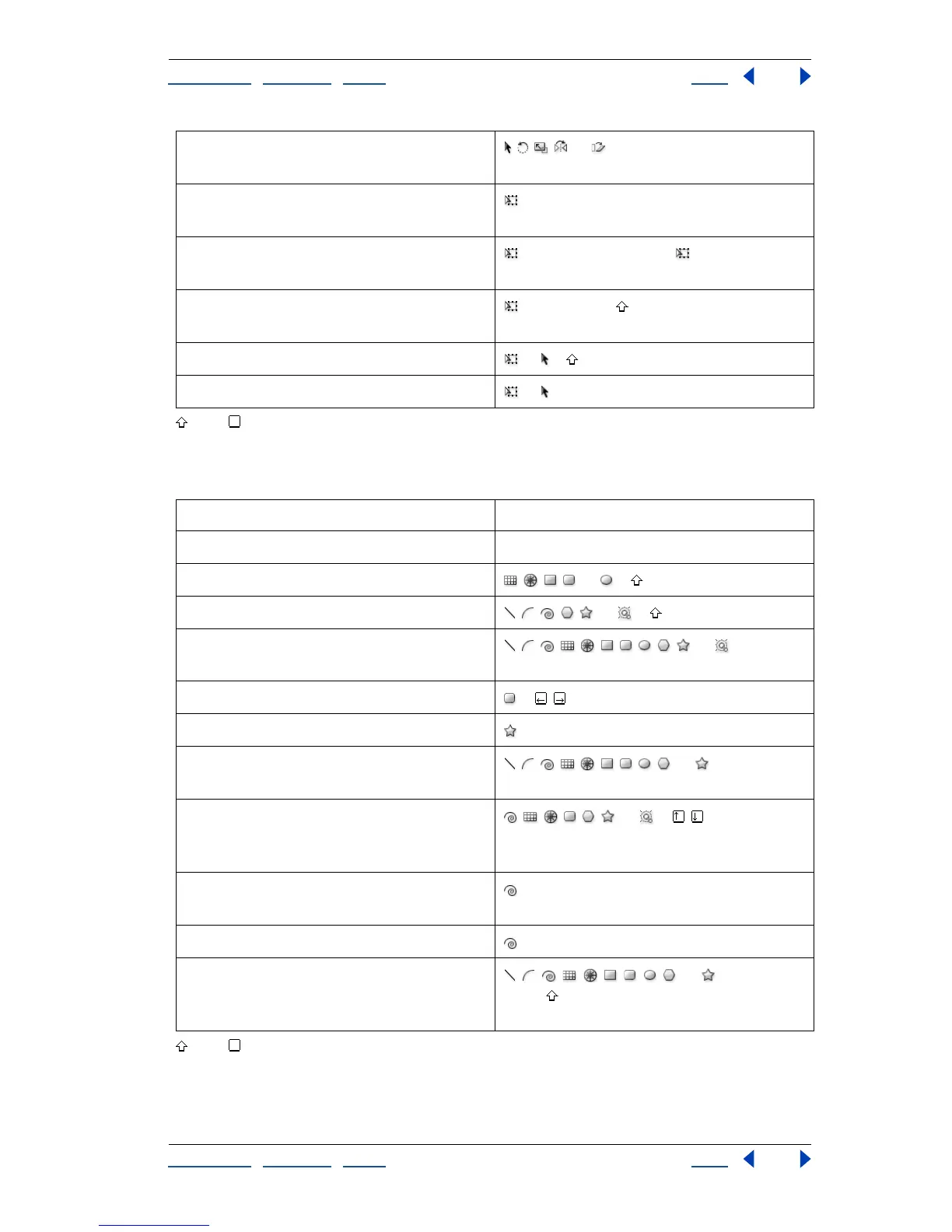
Transforms patterns (independent of
object)
, , , , or + ~ –drag
Rotates selection –click and then drag anywhere outside
of bounding box
Skews selection (after mouse down only) + Ctrl –drag handles ( + Alt + Ctrl–
drag handles to skew from center)
Changes perspective (after mouse down
only)
+ Ctrl + Alt + –drag corner handle
Resizes selection proportionately or + –drag bounding box handle
Resizes selection from center or + Alt –drag bounding box handle
Result Action
Sets starting point and opens dialog box Shape tools + click
Constrains proportion , , , , or + –drag
Constrains orientation , , , , , or + –drag
Repositions object while it is being drawn , , , , , , , , , , or +
spacebar–drag while drawing
Changes to minimum/maximum radius +
Maintains inner radius + Ctrl –drag
Creates continuous duplication with
mouse movement
, , , , , , , , , or + ~ –drag
Adds/subtracts spiral coils, horizontal grid
lines, concentric grid circles, corner radius,
sides, star points, or rays/rings
, , , , , , or +
Adds/subtracts coils while increasing
spiral length
+ Alt –drag
Changes decay + Ctrl –drag
Draws line segment, arc, spiral, grid, polar
grid, rectangle, rounded rectangle, ellipse,
polygon, or star from center
, , , , , , , , , or + Alt –drag
(Alt + –drag to constrain from center)



 To Next Page