Using Help | Contents | Index Back 55
Adobe Illustrator Help Drawing
Using Help | Contents | Index Back 55
2 Reposition the pen tool where you want the curved segment to end, drag to complete
the curve, and release the mouse button.
Drawing a curved segment
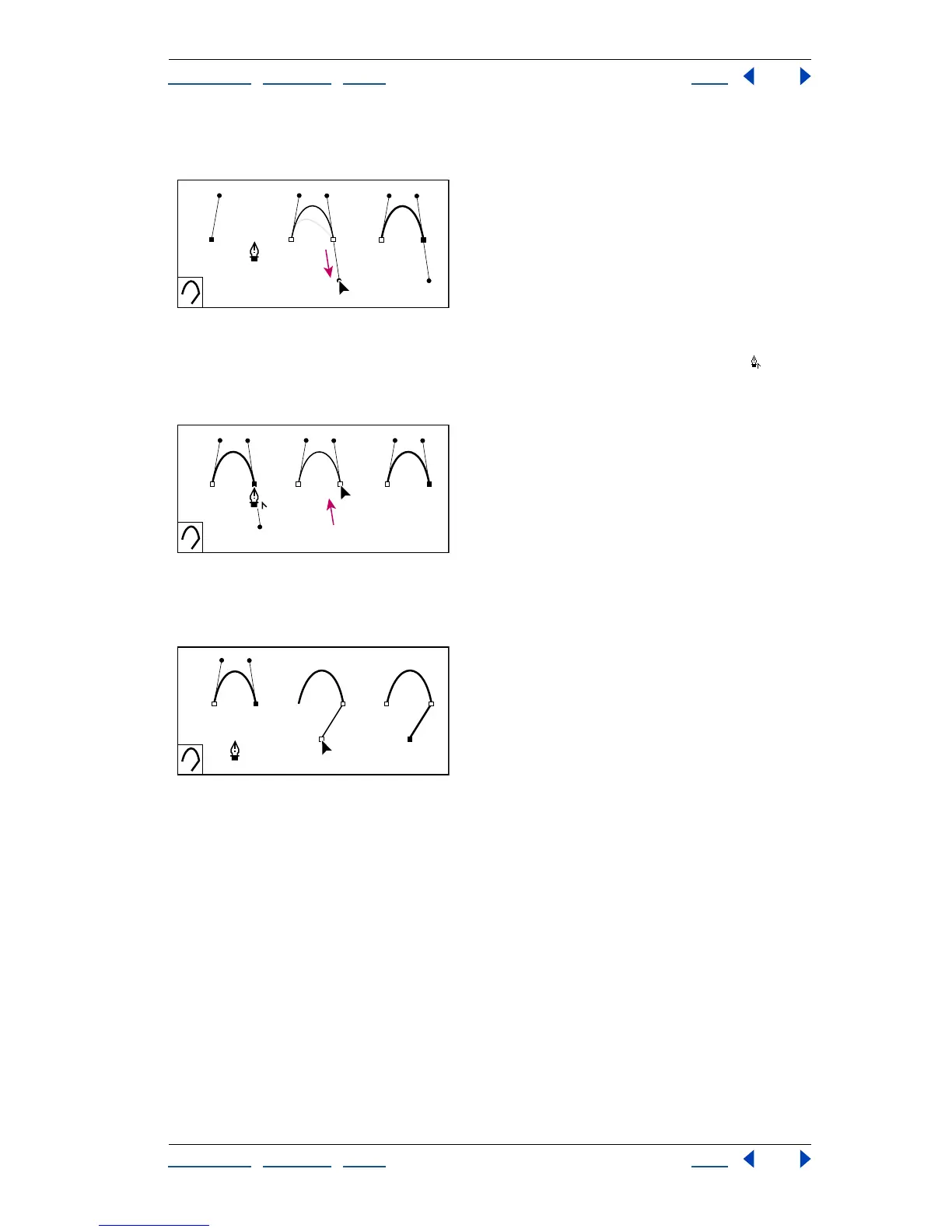
3 Position the pen tool over the selected endpoint. A convert-anchor-point icon
appears next to the pen tool when it is positioned correctly. Click the anchor point to
convert the smooth point to a corner point.
Drawing a mixed segment (part 1)
A. Positioning pen tool over existing endpoint B. Clicking endpoint C. Result after clicking
4 Click the next corner point to complete the straight segment.
Drawing a mixed segment (part 2)
To draw two curved segments connected by a corner:
1 Using the pen tool, drag to create the first smooth point of a curved segment.
A B C



 To Next Page