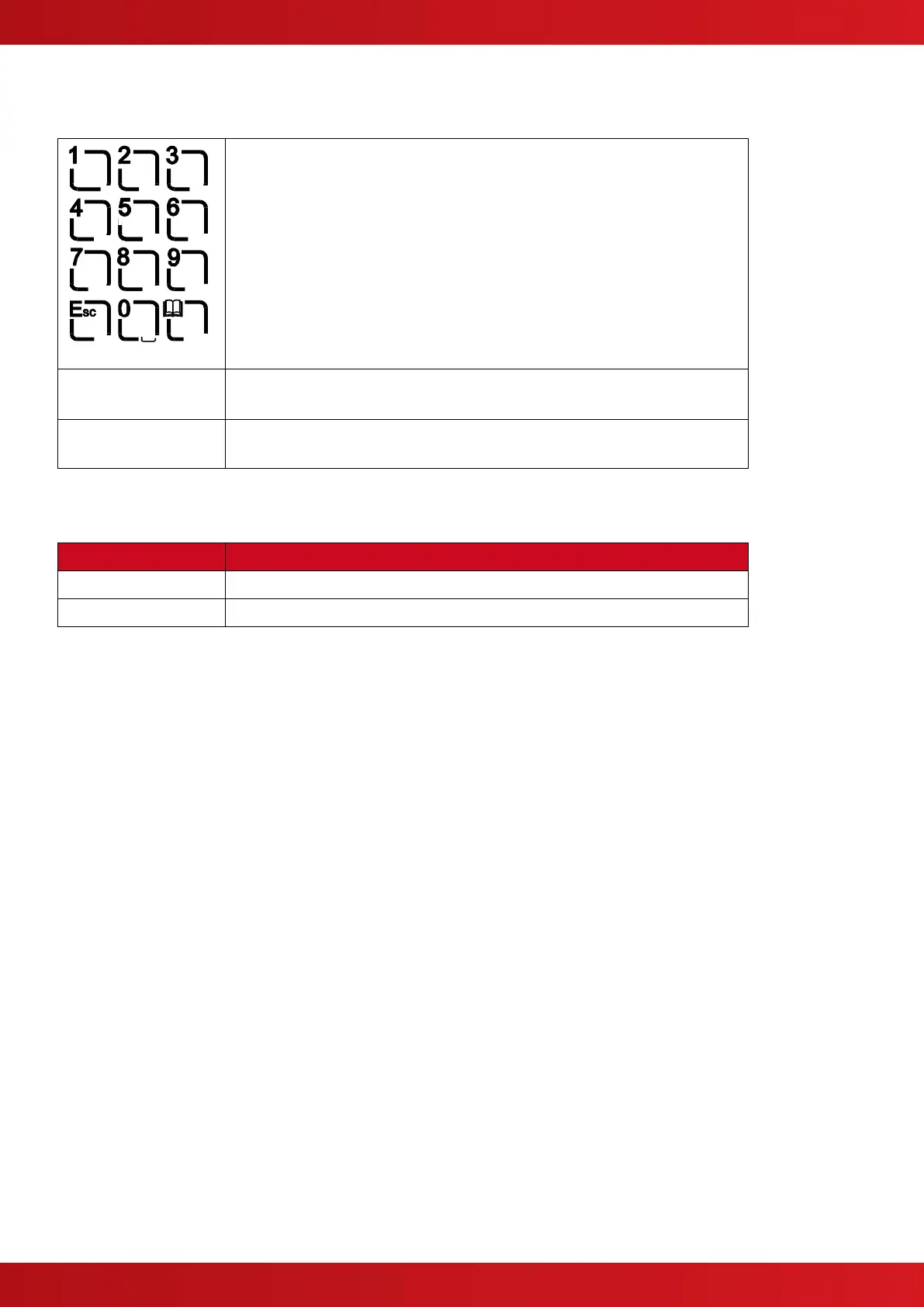
2.6 Number and Letter Buttons
Used to enter numbers or letters.
Press to return to a previous menu.
Press to exit the menu functions and return to the normal display.
Press to show or return to Menu Functions.
2.7 Buzzer
The buzzer produces two different sounds to differentiate between fire alarm conditions and fault conditions.
The buzzer operates with a continuous tone.
The buzzer operates intermittently.
3 Operation
3.1 Access Levels
The panel operation is protected from inadvertent and erroneous misuse by means of four access levels. These
levels are as follows:
Level 1 Untrained user
Level 2 Authorised User
Level 3 Service and Maintenance Engineer
Level 4 Service and Maintenance Engineer – Special Tools required
A Level 1 Untrained User can view the current operational condition of the system and may MUTE the internal buzzer.
NOTE: Depending on the configuration settings, a Level 1 user may also be permitted to EVACUATE and/or SILENCE
and/or RESET the system by pressing the appropriate button and entering a password.
A Level 2 Authorised User can view the operational condition of the system and may MUTE the internal buzzer. In
addition, the EVACUATE, SILENCE and RESET buttons are enabled and access to the Level 2 Menu functions is
available.
NOTE: There are up to 10 User ID codes available, each with its own password, which can be configured with varying
permissions to specific menu function options.
A Level 3 User has access to program and configure the operation of the panel. This is described in detail in the
Product (Installation and Commissioning) Manual (Part Number 680-165).
www.acornfiresecurity.com
www.acornfiresecurity.com


 To Next Page