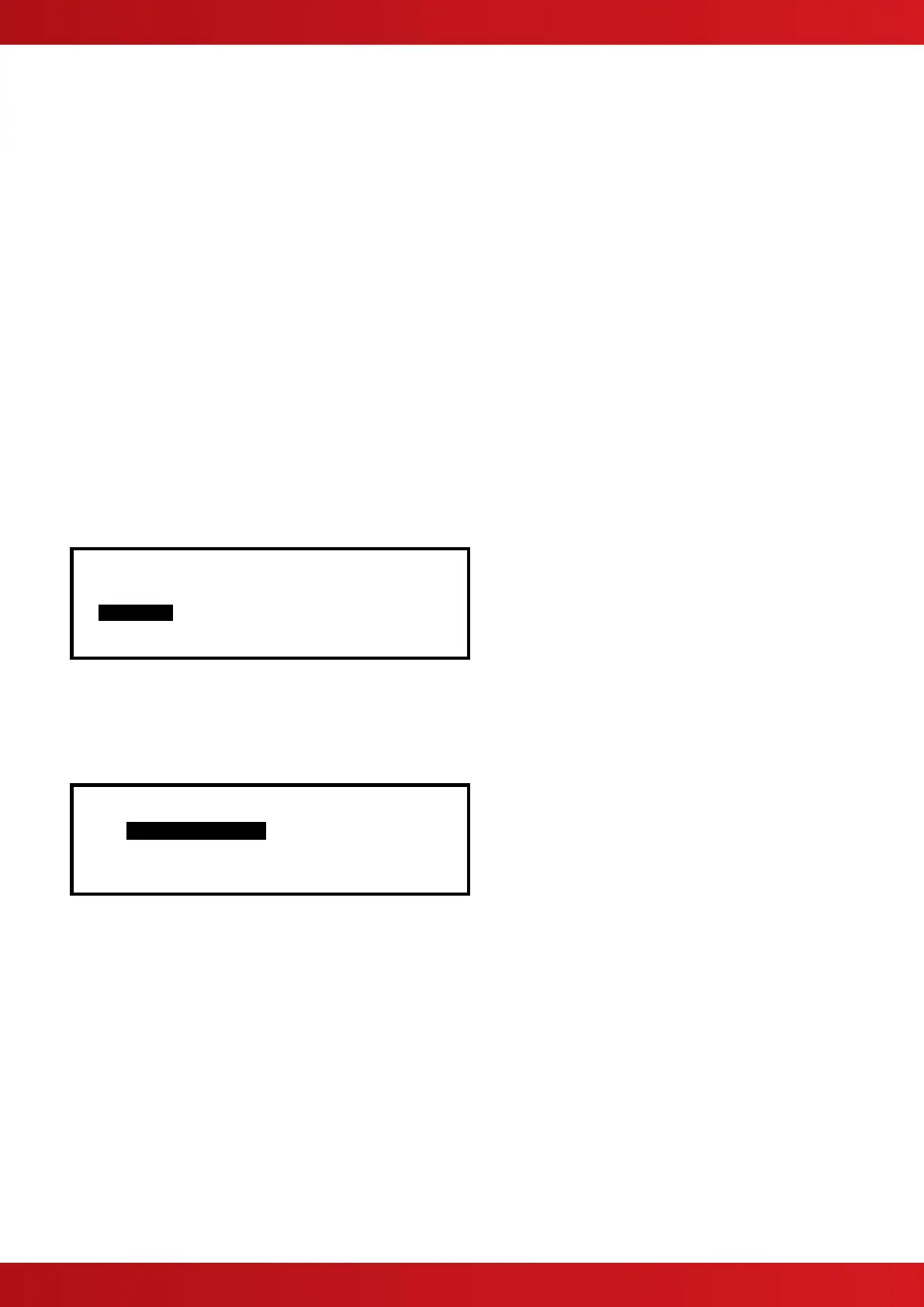
3.10.2.5 Fault Routing Outputs
Press the buttons to scroll through and highlight the FAULT ROUTING OUTPUT Option and then press the
✔ button to disable all fault routing outputs. The display automatically reverts to the Main Disable Menu.
3.10.2.6 All Other Relay Outputs
Press the buttons to scroll through and highlight the ALL OTHER RELAY OUTPUTS Option and then press
the ✔ button to disable them. The display automatically reverts to the Main Disable Menu.
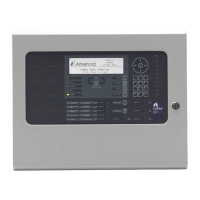
3.10.2.7 Selected Outputs
✔
✔Pager
Press the buttons to scroll through and highlight the PAGER OUTPUT Option and then press the ✔ button
to disable all pager outputs. The display automatically reverts to the Main Disable Menu.
3.10.2.9 Only Selected Outputs
Allows selection of a single output.
3.10.3 Disable - Controls
Disabling Controls will cancel Level 2 access and return the panel to Level 1 operation.
If the panel has an access key switch fitted, use the key switch in preference to the menu option shown
below.
[Disable] User 1 Node 1
ZONE/INPUTS OUTPUTS GROUPS
CONTROLS USER-ID
Press the buttons to highlight the Controls option and then press the ✔ button to select it.
The display then prompts for password entry. Enter the password as normal.
When a valid password has been entered, the control button functions and menu functions are disabled and the
level 1 menu display will be shown: -
[ CONTROLS DISABLED ]
ENABLE CONTROLS VIEW
LED-TEST STATUS
The display will automatically revert to the normal operating display after a few seconds.
www.acornfiresecurity.com
www.acornfiresecurity.com


 To Next Page