3.14 Tools
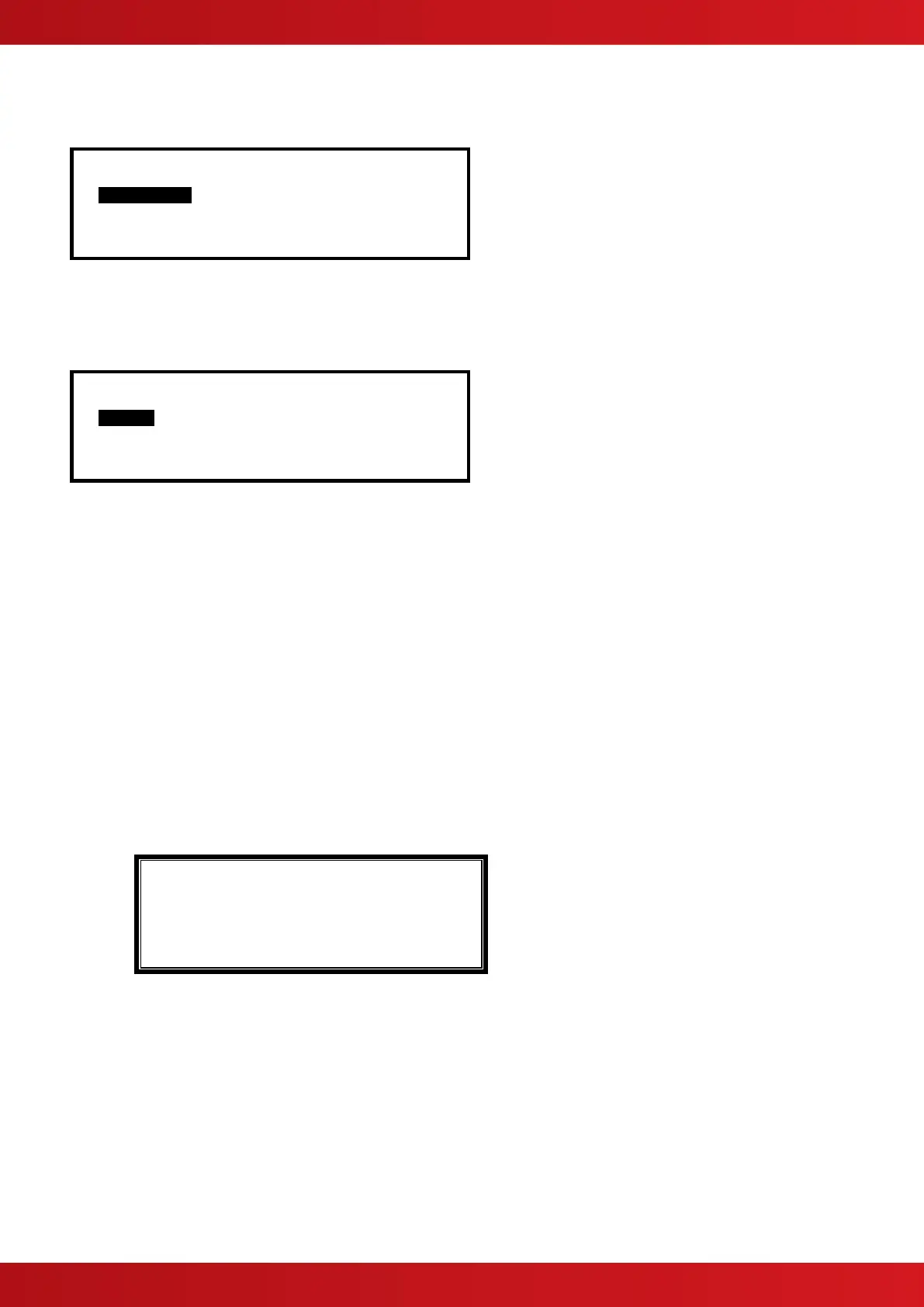
[Tools] User 1 Node 1
COMMISSION PRINT CHANGE TIME
The TOOLS menu presents three options. Press the buttons to highlight the required menu option and
then press the ✔ button to select it.
The COMMISSION Menu is only available to Level 3 Service Users.
3.14.1 Printing
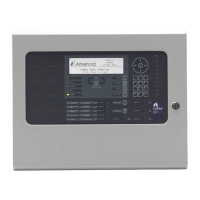
[Print Menu] User 1 Node 1
INPUTS OUTPUTS FAULTS DISABLED
LOG FEED-PAPER SETUP PRINTER
3.14.1.1 Printer Communications Settings
The information is sent to the printer in a serial form. If an external printer is used, ensure that the
communications settings in the printer are set as follows:
Interface Type: RS232
Baud Rate: 9600
Parity: None
Data Bits: 8
Stop Bits: 1
3.14.1.2 Set-up Printer
To enable or set-up the operating characteristics of the printer, highlight the Set-up Printer Option and press the
✔ button to confirm.
If the current User ID does not have the necessary permission, the display prompts for entry of a password to
guard against inadvertent changes.
Enter the password as normal. The display then shows a pop-up window giving programming options as
follows:
[FIRES] [ALARMS] [FAULTS] [TESTS]
( Printer: Internal External/Wide )
The upper line of options determines whether the panel shall automatically print specific events as they occur.
The lower line of options determines whether a printer is connected and its type.
Use the ,,, and ✔ buttons to highlight the required option and change its setting. Pressing the ✔ button
turns the option on (✔ is shown) or off (- is shown) accordingly.
In the above option, an external printer is selected, with automatic printing of fires and alarms.
Setting the wide option will change the printing from the default 40 characters per line to 80 characters per line.
Note: Only faults registered on this panel are printed.
www.acornfiresecurity.com
www.acornfiresecurity.com


 To Next Page