3.9.5 View - Inputs
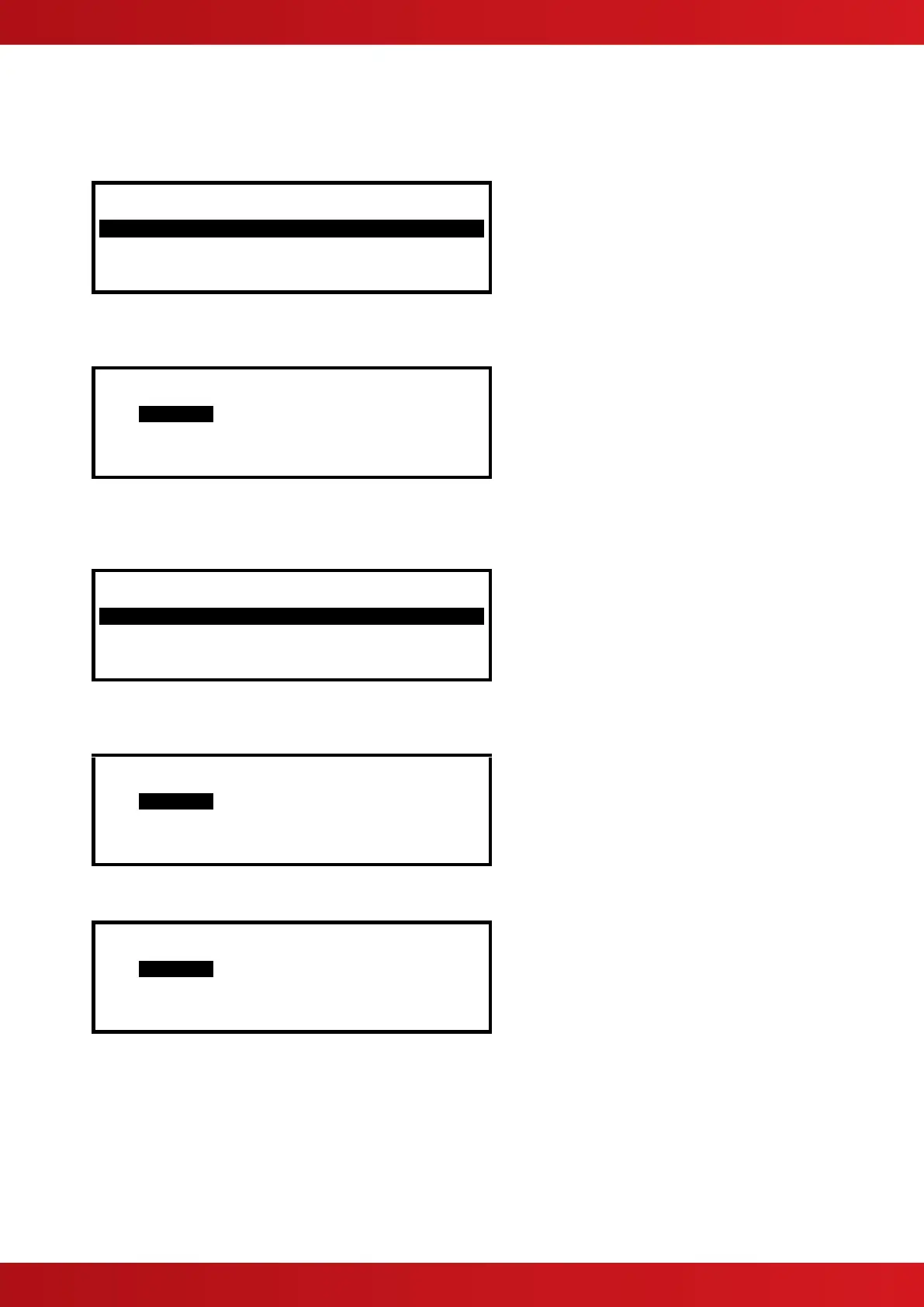
This function shows the current operational condition for all Zones and Individual Inputs. The display presents a list
of all of the zones containing input devices, with the first zone highlighted. For example:
[Inputs] More>
Zone Mode Location
0001 Enabled Kitchen
0002 Disabled Reception
0013 Enabled Lobby
0014 Enabled Corridor
Press the buttons to highlight the required zone and then press the button to view the individual inputs.
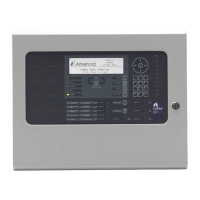
For example:
[ Inputs in Zone 0001] <More>
Mld Mode Device text
/ 1 Enabled Kitchen
/ 2 Disabled Reception
3.9.6 View - Outputs
This function shows the current operational condition for all Outputs.
[Outputs] More>
Zone Location
0002 Reception
0003 Ground Floor
0013 First Floor Corridor
0014 First Floor
Press the buttons to highlight the required zone and then press the button to view the individual outputs.
For example:
[ Outputs in Zone 0003] <More>
Mld Mode Device text
Enabled Kitchen
Disabled Reception
Press the button to view further information on each point, for example:
[ Outputs in Zone 0003] <More>
Mld Mode State Type
Enabled Off SOUNDER
Disabled RELAY
A * symbol preceding the state (e.g. *On) indicates the device has been configured as an inverted output (e.g. a
fault relay that is designed to de-energise when a fault occurs).
The state of an output that is disabled is not shown, as it will inherently be in the off condition.
www.acornfiresecurity.com
www.acornfiresecurity.com


 To Next Page