3.12.2.1 Extend Delays
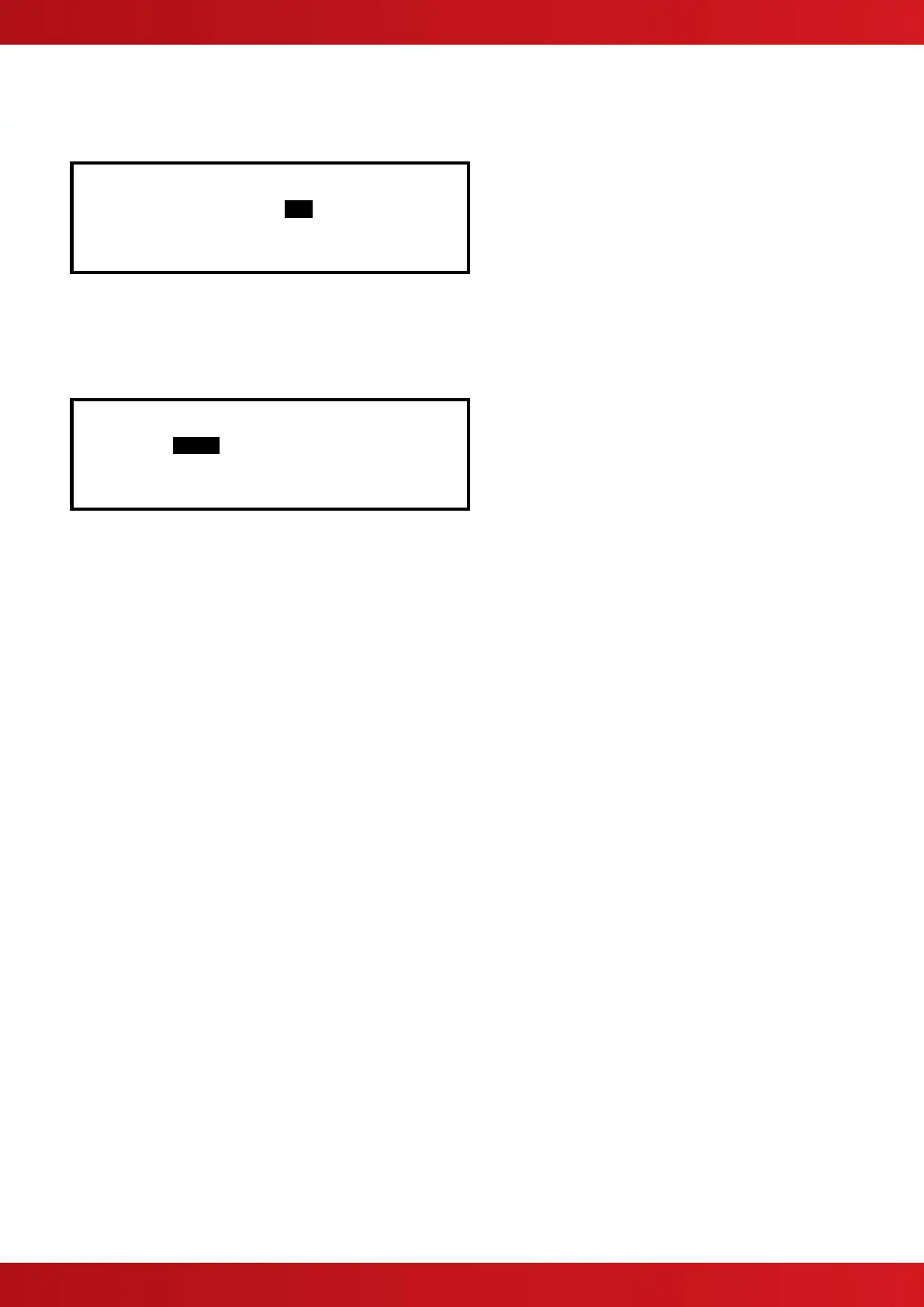
To extend any current automatic delays (for example overtime working).
Extend Delays for : ..0 hour(s)
Use the number keys to enter the required number of hours beyond the current configured end time.
3.12.2.2 Holiday / Inhibit
The panel can be enabled to prevent any pre-programmed daily automatic delays from activating during holiday
periods. On selection, the display shows:
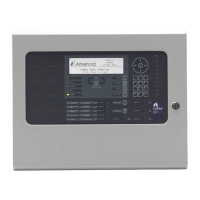
[Inhibit Delay End Date]
TIME = 15:49
DATE = 02/07/08 WED 02 JUL 2008
Press the buttons to select the time / date fields. Enter the required time and date using the number
buttons.
Any pre-configured automatic delays or manual delays will be immediately suspended and the panel will
operate without any investigation delays.
On reaching the time / date programmed, the panel will automatically revert to use any investigation delays as
programmed and configured.
www.acornfiresecurity.com
www.acornfiresecurity.com


 To Next Page