When the activating test key is removed from the call point or the smoke clears from the detector chamber, the
panel will automatically reset and clear the test condition.
As an alternative to scrolling, a specific zone number can be entered by using the button to move to the zone
number column, and then typing in the required number, followed by the ✔ button.
If several consecutive zones are to be tested, an alternative to selecting them all individually is to specify a
range of zones as follows: -
Move to the zone number column and highlighting the first zone to test, then
Press the ✔ button – the display will then ask for the last zone to be tested.
Individual zones can then be toggled in or out of test by pressing the ✔ button.
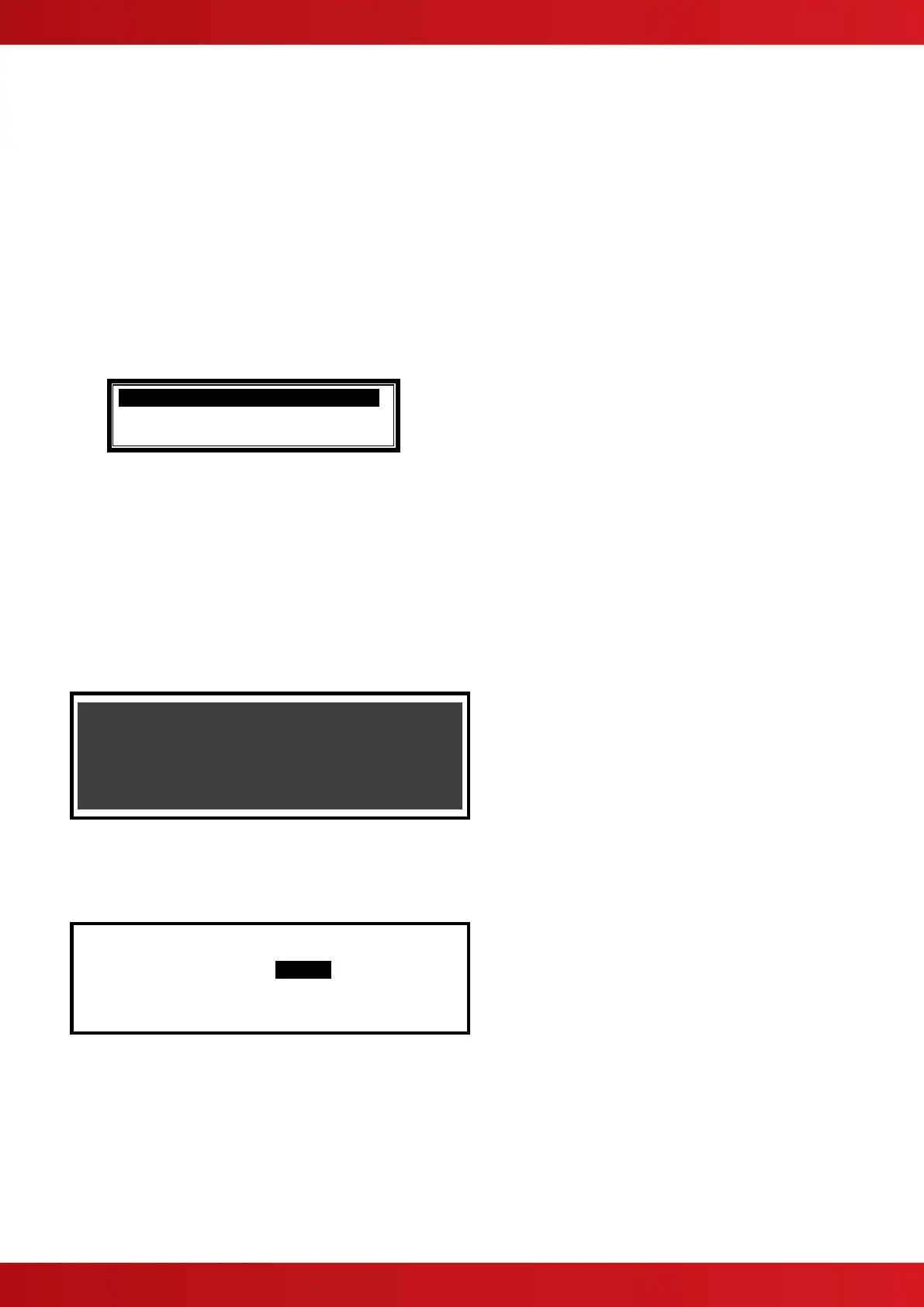
To leave the Zone Test menu, press the ‘Esc’ button. If there are still any zones in a test condition a pop-up
window with the following options: -
Selecting the FINISHED TEST option will cancel all zone tests. The Test LED will then extinguish.
Alternatively, it is possible to leave the Zone Test Function with one or more Zones still in Test by selecting the
KEEP ZONES IN TEST option. This will enable the inspection or use of other menu functions and return the
display to the normal operating mode. The Test LED will stay illuminated if this option is selected.
3.13.2 Test - Display
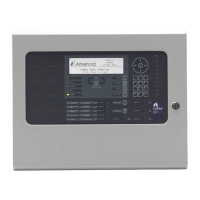
The Test Display option checks the operation of all the Indicators and the Graphic Display. All of the Indicators
are turned on and the entire display is shown in reverse.
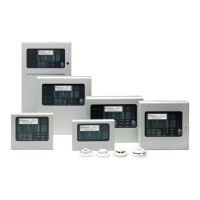
During this test, it is possible to test the operation of the ,,,,✔ and 0-9 buttons. When a button is
pressed, it is indicated on the display. For example:
Press the ‘Esc’ button to return to the Test Menu. If no button is pressed for 1-minute, the display will
automatically revert to the normal operating display.
3.13.3 Test - Buzzer
[Test Menu] User 1 Node 1
ZONES DISPLAY BUZZER PRINTER
OUTPUTS
When the Test Buzzer option is selected, the internal buzzer will sound for about five seconds.
www.acornfiresecurity.com
www.acornfiresecurity.com


 To Next Page