27
Touch Screen Operation
This section describes in detail, the identification, operation and adjustments of the Touch Screen Program.
Touch Screen Specifications / Features
English, Spanish, French, German, Italian, Japanese, Chinese, Korean
CAUTION: Do not attempt to reprogram the PLC or touch screen. Doing so may cause an unsafe operating condition.
Doing so will also void the warranty. Additionally, do not change the DIP switch settings.
Touch Screen Program, Overview
The Touch Screen Program is a "user-friendly" menu-driven setup and operation program. Pop-up windows are
incorporated for quick and easy setting adjustments. Each time a setting is changed, the settings are saved so that
if power is lost, the “job” will be recalled automatically without the need for reprogramming.
A general color scheme has been used to identify
functions:
Blue: Background color. Blue is used as a background
or text-only color, which when pressed typically does
nothing.
Yellow: Menu buttons which will take you to other
areas in the program.
Green: Setting buttons used to change settings or mode
of operation.
Red: Stop, off functions or warning messages.
Introductory Screen
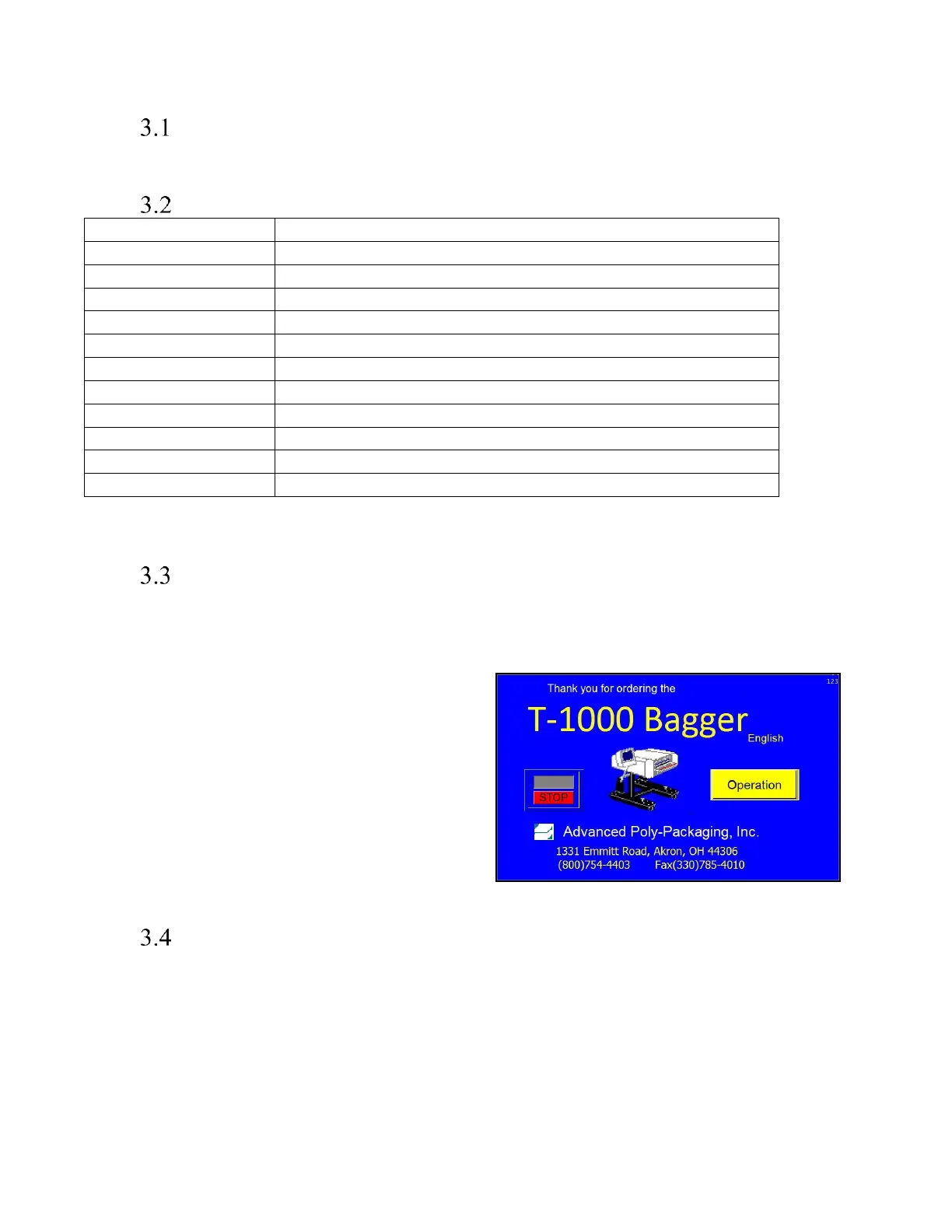
When the T-1000 is turned on, an Introductory Screen is displayed. See Figure 3 - 1. The Introduction screen is a
welcome screen, and it contains a button that will take the operator to the Operation screen. When turned on, the
machine will be in Stop mode.



 To Next Page