Chapter 6
Planning Your Application Program
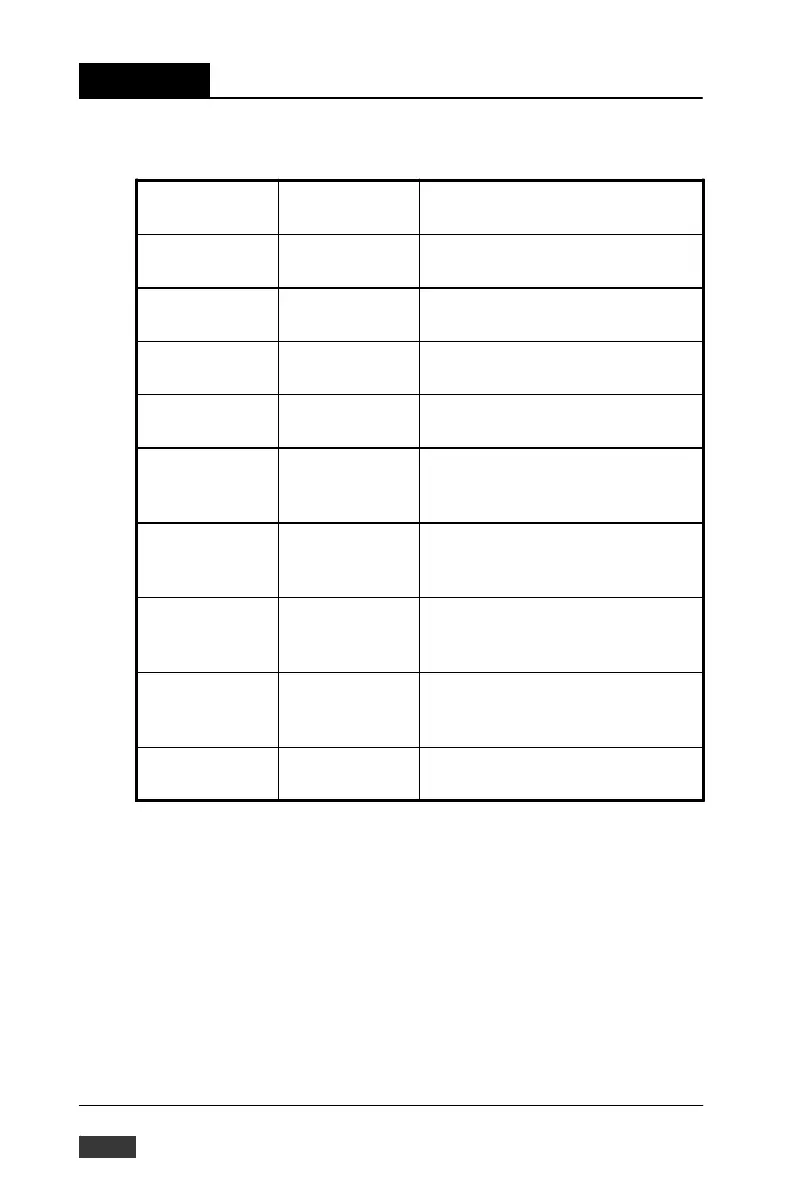
Analog Input Alarm Command Set
Command
Syntax
Command
Name
Description
$aaSiCjAhs Set Alarm Mode Sets the High/Low alarm in either
Momentary or Latching mode
$aaSiCjAh Read Alarm
Mode
$aaSiCjAhEs Enable/Disable
Alarm
$aaSiCjCh Clear Latch
Alarm
Returns the alarm mode for the
specified channel.
Enables or Disables the High/Low
alarm of the specified channel
Resets a latched alarm
$aaSiCjAhCSk-
Cn
Set Alarm
Connection
Connects the High/Low alarm of a
specified input channel to a
specified digital output channel
$aaSiCjRhC Read Alarm
Connection
Returns the alarm limit output
connection of a specified input
channel
$aaSiCjAhU(da-
ta)
Set Alarm Limit Sets the High/Low alarm limit
value for the specified input
channel
$aaSiCjRhU Read Alarm
Limit
$aaSiCjS Read Alarm
Status
Returns the High/Low alarm limit
value for the specified input
channel
Reads whether an alarm occurred
for a specified input channel
Table 6-8 Analog Input alarm command set table
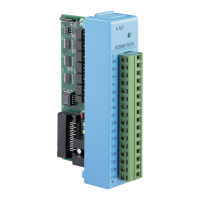
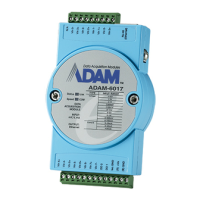
Note: This command set applies to the ADAM-5013,
ADAM-5017, ADAM-5017H/5017UH and the ADAM-5018 .
6-108 ADAM-5000/TCP User’s Manual


 To Next Page
 Loading...