AIMB-781 User Manual 42
3.3.7 USB Configuration
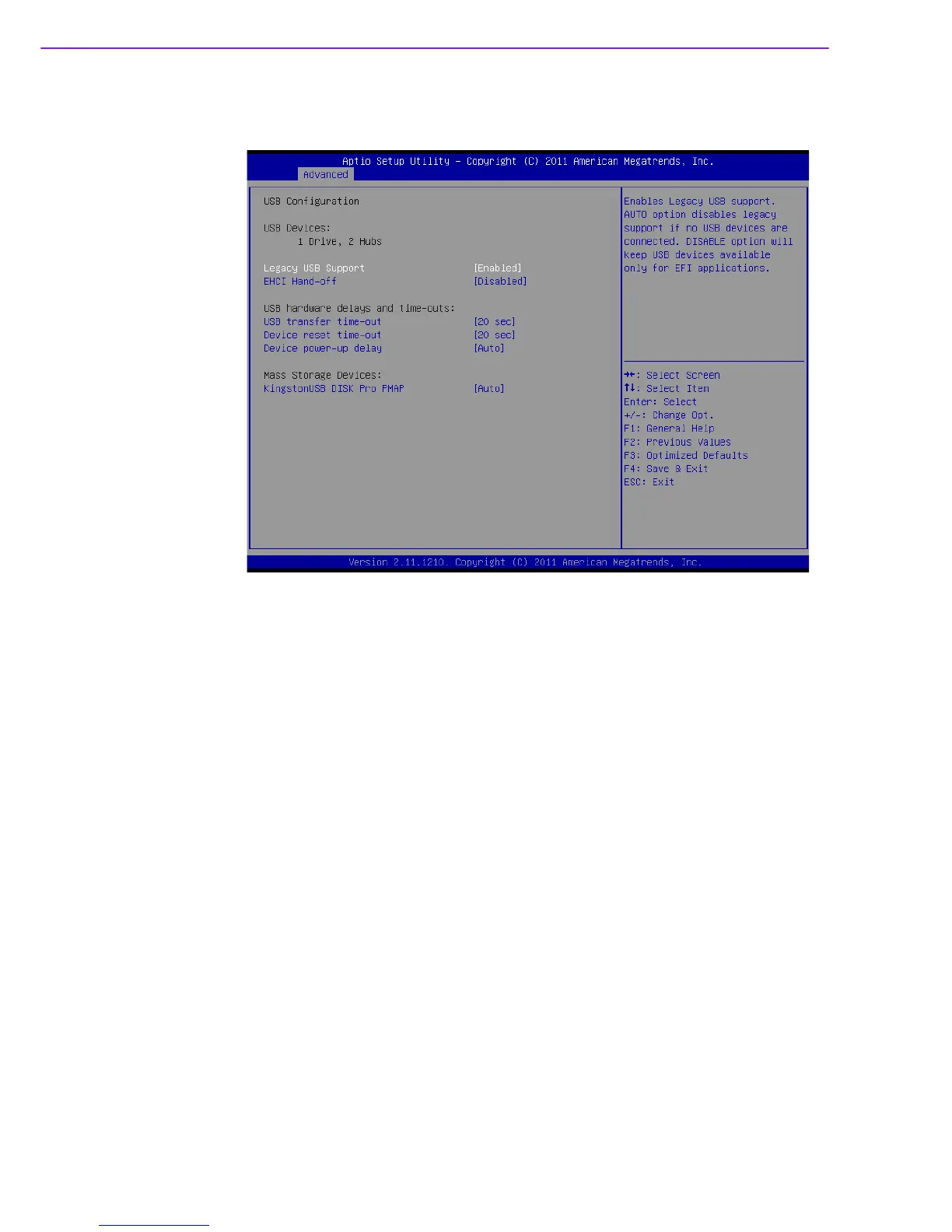
Figure 3.11 USB Configuration
Legacy USB Support
This is for supporting USB device under a legacy OS such as DOS. When choosing
"AUTO", the system will automatically detect if any USB device is plugged into the
computer and enable USB legacy mode when a USB device is plugged and disable
USB legacy mode when no USB device is plugged.
EHCI Hand-off
This enables or disables supporting an OS without EHCI hand-off feature.
USB transfer time-out
Allows you to select the USB transfer time-out value. [1,5,10,20sec]
Device reset time-out
Allows you to select the USB device reset time-out value. [10,20,30,40 sec]
Device power-up delay
This item appears only when you set the Device power-up delay item to [manual].
Mass Storage Devices
This item only shows when plugging a USB flash device. User can choose “Auto”,
“Floppy”, “Forced FDD”, “Hard Disk” and “CD-ROM” to simulate USB flash device.














 To Next Page