63 AIMB-781 User Manual
Chapter 4 Chipset Software Installation Utility
4.3 Windows XP / Windows 7 Driver Setup
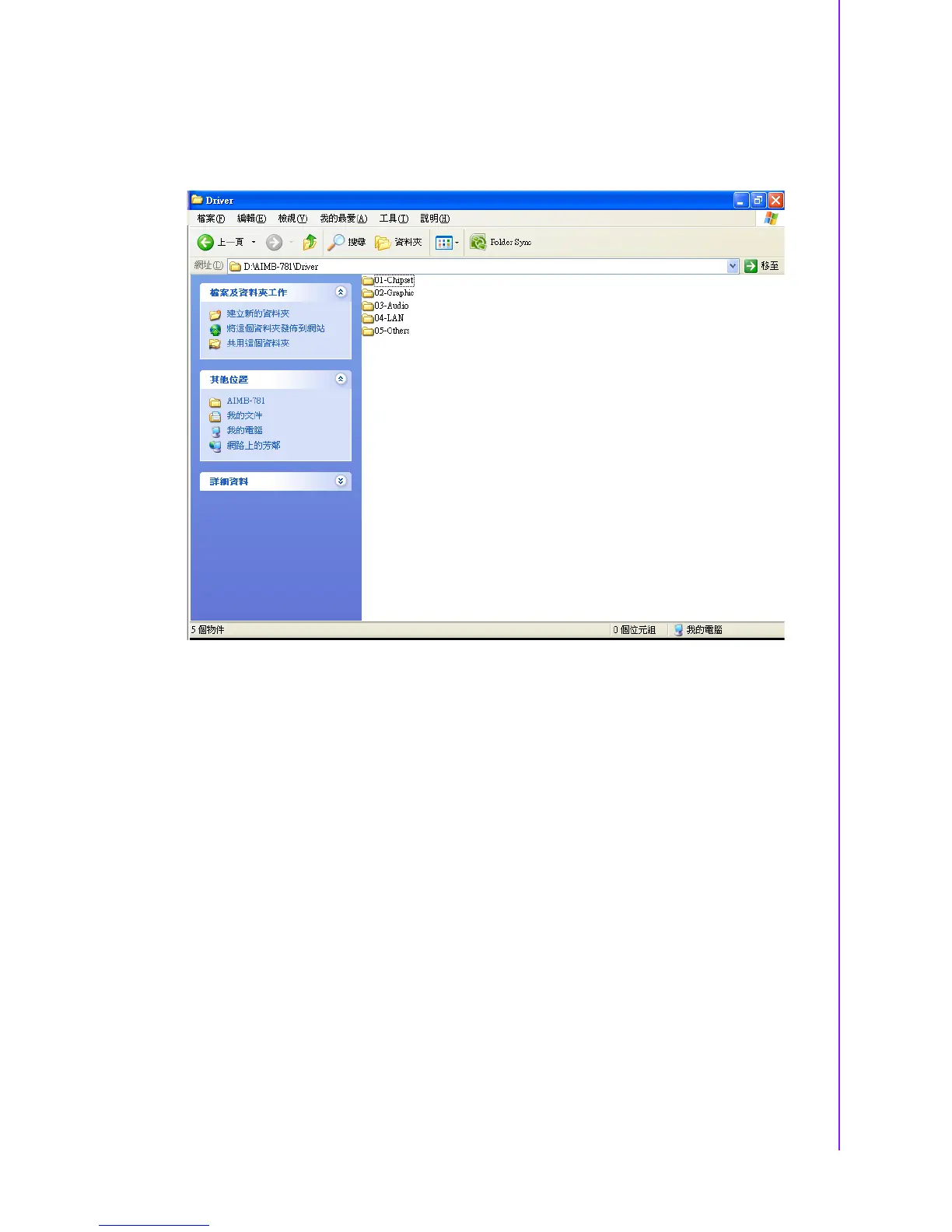
1. Insert the driver CD into your system's CD-ROM drive. You can see the driver
folders items. Move the mouse cursor over the folder "01-Chipset". In CSI folder,
you can click find an executable file to complete the implement of the driver
2. Click setup to execute program.














 To Next Page