AIMB-781 User Manual 54
3.4.1 North Bridge
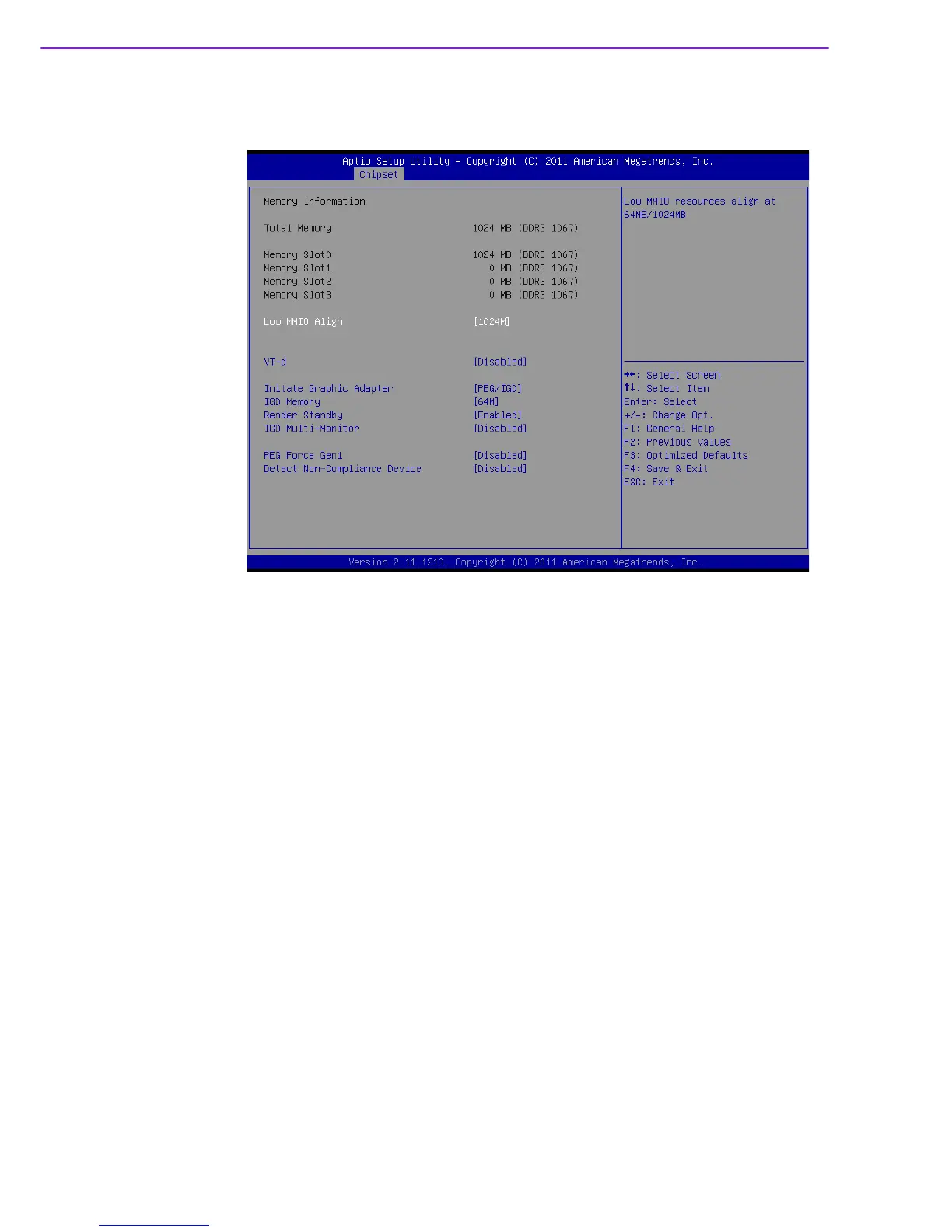
Figure 3.25 North Bridge
Low MMIO Align
Low MMIO resources align at 64MB/1024MB.
VT-d
To support Intel chipset virtualization technology for directed I/O.
Initiate Graphic Adapter
This setting allows user to select which graphics controller to be the primary graphic
device when booting up.
IGD Memory
Allows user to select integrate graphic memory.
Render Standby
“Enable, Disable” Render Standby by Internal Graphics Device
IGD Multi-Monitor
“Enable, Disable” IGD Multi-monitor by Internal Graphics Internal Device
PEG Force Gen1
Allows user to force PEG port downgrade to Gen1.
Detect Non-Compliance Device
“Enable, Disable” Detect Non-Compliance Device














 To Next Page