45 AIMB-781 User Manual
Chapter 3 BIOS Operation
Serial Port 1 Configuration
Serial Port
To “enable” or “disable” Serial Port 1.
Change Settings
To select an optimal setting for serial port 1.
Serial Port 2 Configuration
Serial Port
To “enable” or “disable” Serial Port 2.
Change Settings
To select an optimal setting for serial port 2.
Device Mode
Serial port 2 could be selected as "Standard serial port mode", "IrDA 1.0 (HP SIR)
mode", or "ASKIR mode".
Parallel Port
To enable or disable Parallel Port.
Change Settings
To select an optimal setting for parallel port.
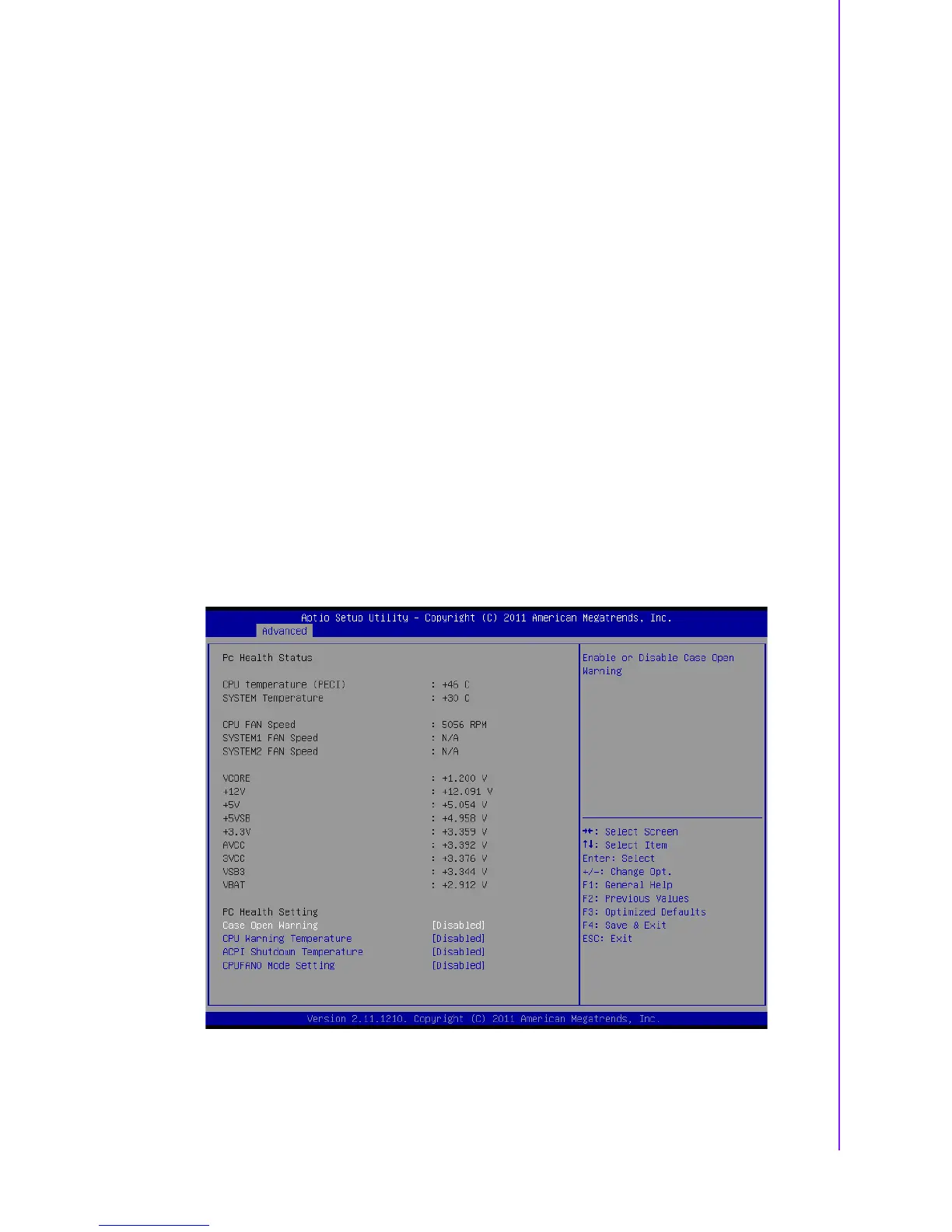
3.3.9 H/W Monitor
Figure 3.16 PC Health Status
CPU temperature (PECI)
CPU Temperature showed here is CPU T-junction temperature via PECI.














 To Next Page